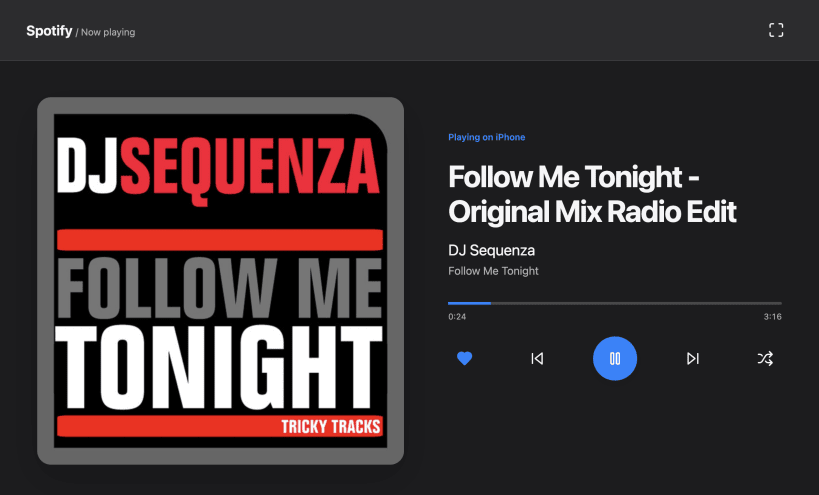
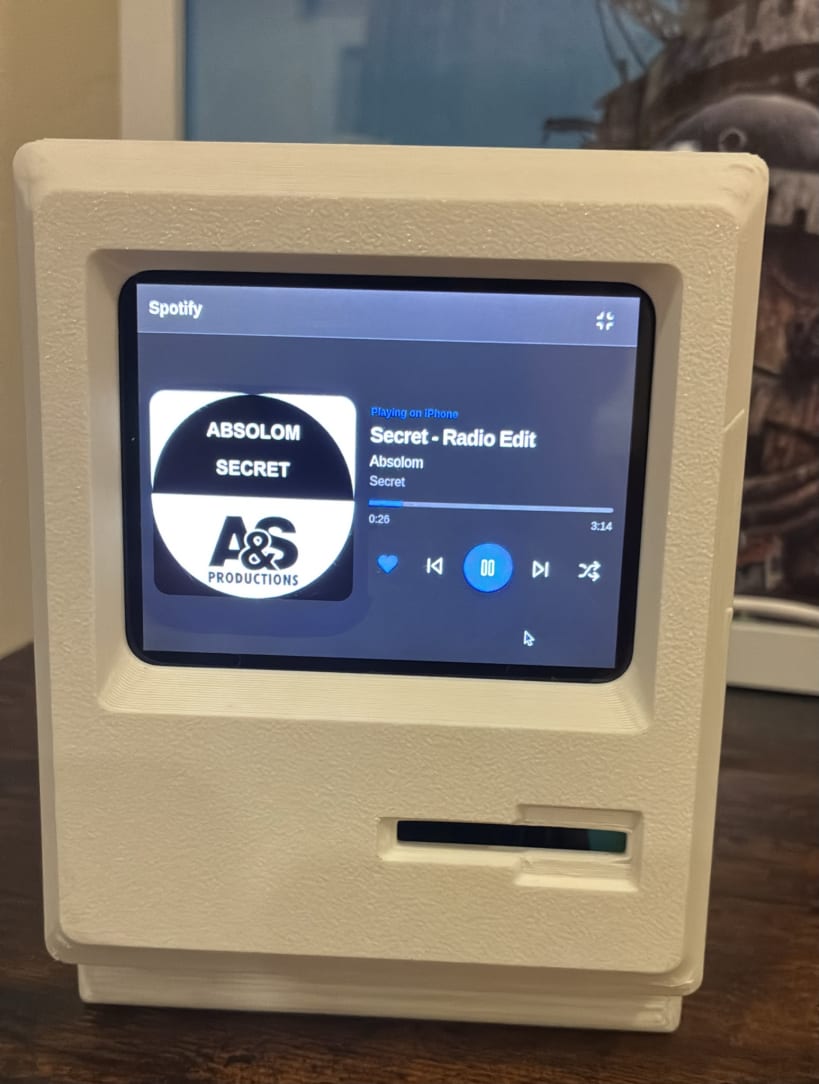
Fullscreen Spotify album art and playback controls
Display your current Spotify album artwork, song and artist in a fullscreen
browser view. Like songs and control playback on your active Spotify device.
Touch-friendly controls suit small displays, tablets, and fullscreen kiosks.
View the current album, artist, song, and playback progress at a glance.
Configure Spotify developer credentials in $SNAP_COMMON/Flask/spotify.ini, then open
http://127.0.0.1:60123 and connect your Spotify account.
Configuration and authorization persist across snap refreshes.
Requires a Spotify developer app and a Spotify Premium account. Controls an
active Spotify device; this app does not stream audio itself.
This is an independent project, not affiliated with Spotify.
(Ownership verified)
The publisher has verified that they own this domain.
It does not guarantee the Snap is an official upload
from the upstream project.
Enable snaps on KDE Neon and install Spotipy Visualizer
Snaps are applications packaged with all their dependencies to run on all popular Linux distributions from a single build. They update automatically and roll back gracefully.
Snaps are discoverable and installable from the Snap Store, an app store with an audience of millions.
Enable snapd
Snap can be installed from the command line. Open the Konsole terminal and enter the following:
sudo apt update
sudo apt install snapd
Install Spotipy Visualizer
To install Spotipy Visualizer, simply use the following command: