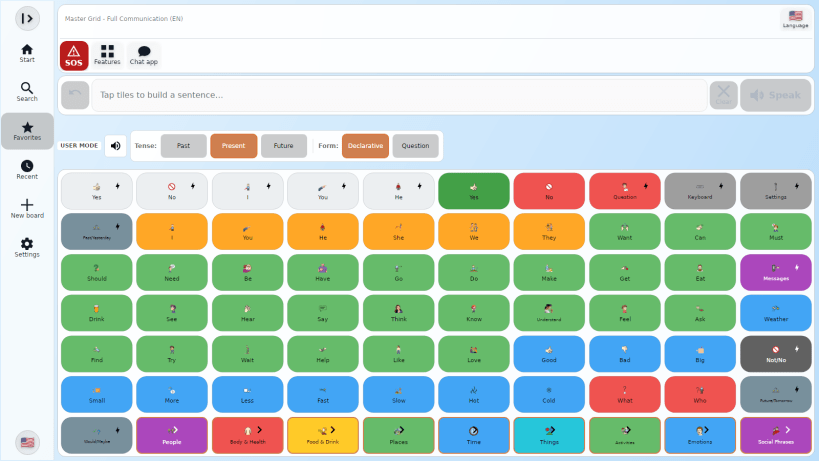
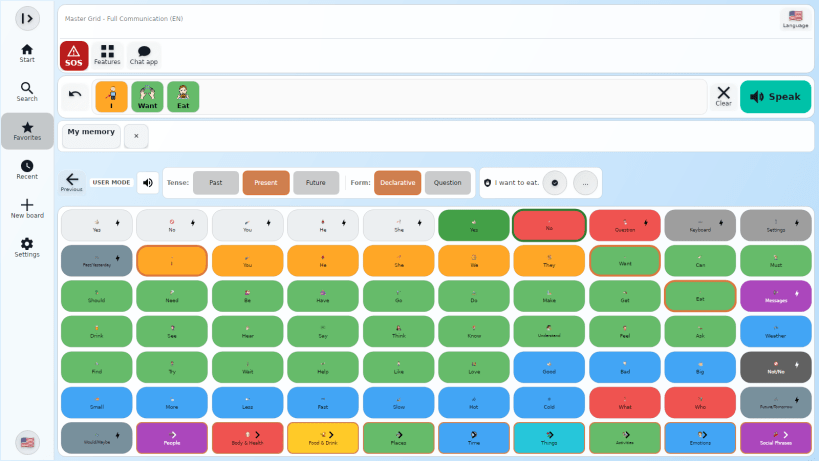
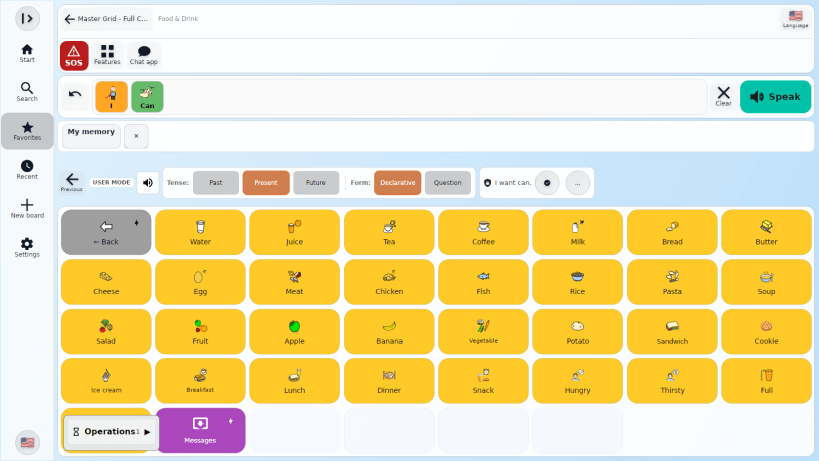
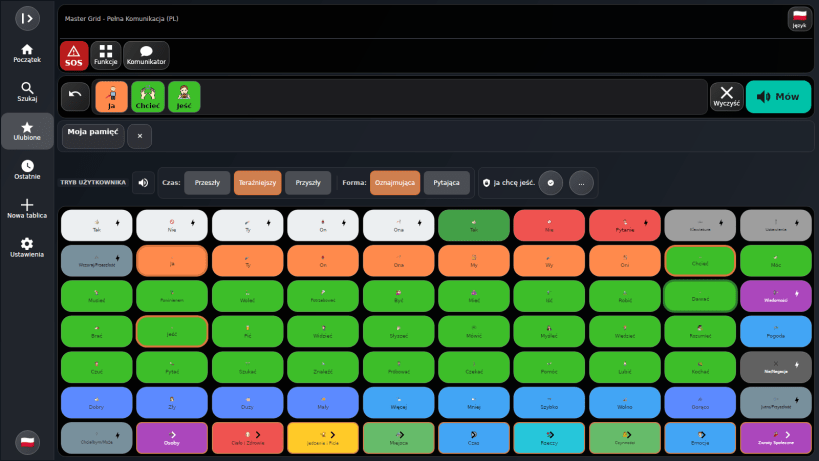
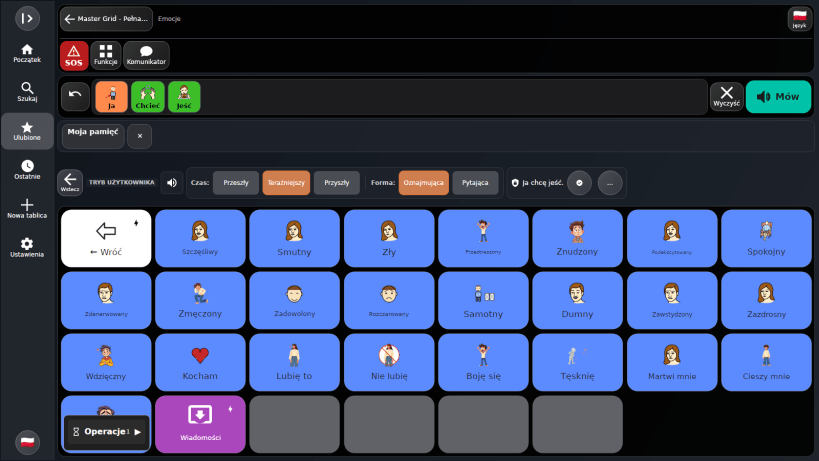
AbilityMic helps non-speaking people and people with communication difficulties express their thoughts, ask for help and take part in everyday conversations. Build a message with symbols or text, then speak it aloud — at home, at school or on the go.
Core augmentative and alternative communication (AAC) works offline, so an internet connection is not needed for everyday communication.
Build communication around the person
Turn selections into spoken messages
Optional AI support AI can help turn selected words into more natural sentences and assist with creating symbols and boards. The person communicating stays in control of the message and can review, change or reject suggestions. Core AAC does not require AI. Online AI requires an internet connection and consent; some optional services require a subscription.
Designed for accessible everyday use Large buttons, high contrast, adjustable text and keyboard navigation help adapt the experience to different access needs. Boards and vocabulary can be personalised with family members, communication partners and AAC professionals.
Privacy and control AbilityMic follows an offline-first approach, with local communication data stored on the device. There are no ads or tracking. Online services are optional.
AbilityMic is a communication and accessibility tool, not a medical device.
Learn more: https://www.abilitymic.com Support: https://www.abilitymic.com/support.php Privacy: https://www.abilitymic.com/privacy.php
You are about to open
Do you wish to proceed?
Thank you for your report. Information you provided will help us investigate further.
There was an error while sending your report. Please try again later.
Snaps are applications packaged with all their dependencies to run on all popular Linux distributions from a single build. They update automatically and roll back gracefully.
Snaps are discoverable and installable from the Snap Store, an app store with an audience of millions.
Snap is available for Red Hat Enterprise Linux (RHEL) 8 and RHEL 7, from the 7.6 release onward.
The packages for RHEL 7, RHEL 8, and RHEL 9 are in each distribution’s respective Extra Packages for Enterprise Linux (EPEL) repository. The instructions for adding this repository diverge slightly between RHEL 7, RHEL 8 and RHEL 9, which is why they’re listed separately below.
The EPEL repository can be added to RHEL 9 with the following command:
sudo dnf install https://dl.fedoraproject.org/pub/epel/epel-release-latest-9.noarch.rpm
sudo dnf upgrade
The EPEL repository can be added to RHEL 8 with the following command:
sudo dnf install https://dl.fedoraproject.org/pub/epel/epel-release-latest-8.noarch.rpm
sudo dnf upgrade
The EPEL repository can be added to RHEL 7 with the following command:
sudo rpm -ivh https://dl.fedoraproject.org/pub/epel/epel-release-latest-7.noarch.rpm
Adding the optional and extras repositories is also recommended:
sudo subscription-manager repos --enable "rhel-*-optional-rpms" --enable "rhel-*-extras-rpms"
sudo yum update
Snap can now be installed as follows:
sudo yum install snapd
Once installed, the systemd unit that manages the main snap communication socket needs to be enabled:
sudo systemctl enable --now snapd.socket
To enable classic snap support, enter the following to create a symbolic link between /var/lib/snapd/snap and /snap:
sudo ln -s /var/lib/snapd/snap /snap
Either log out and back in again or restart your system to ensure snap’s paths are updated correctly.
To install AbilityMic, simply use the following command:
sudo snap install abilitymic
Browse and find snaps from the convenience of your desktop using the snap store snap.

Interested to find out more about snaps? Want to publish your own application? Visit snapcraft.io now.