
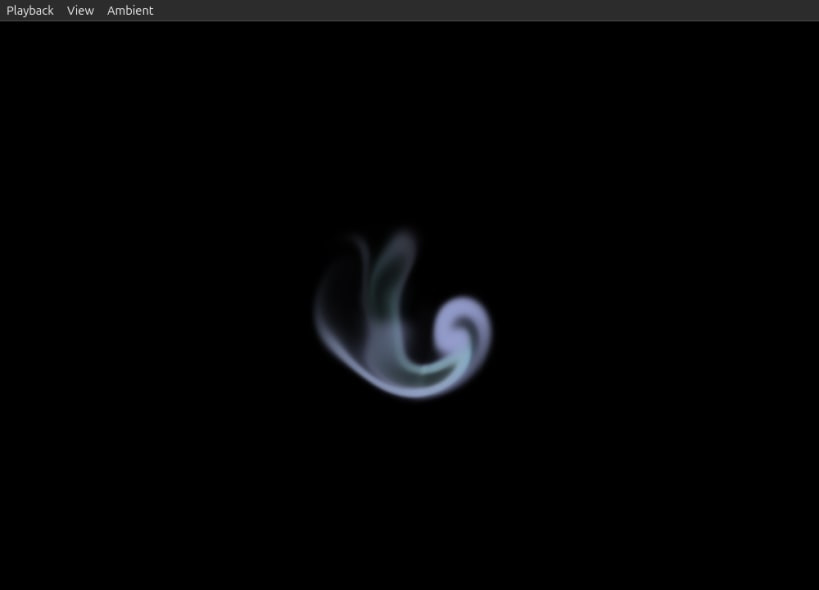
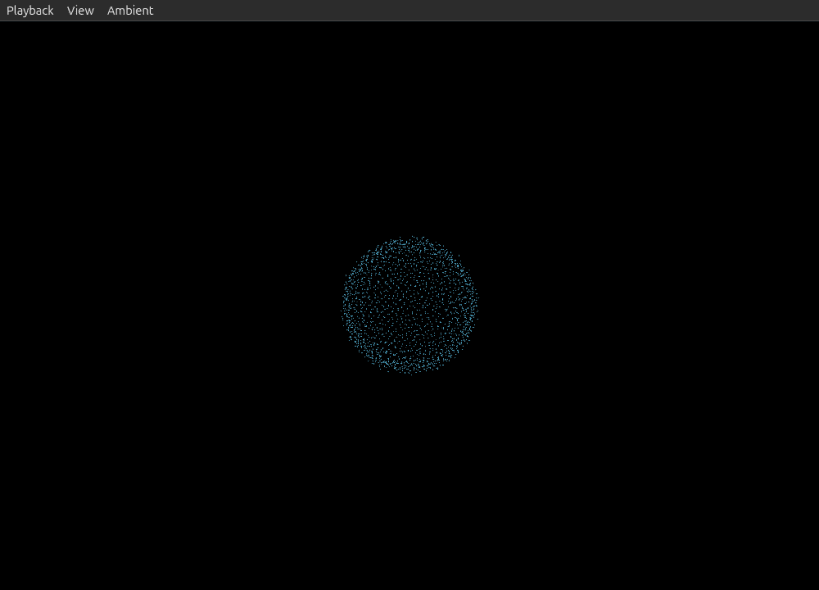
Rain, wind, waves and fire. Ambient generates gently changing soundscapes on your computer, without looping downloaded recordings. Choose a scene for work, reading or a quiet break, and watch water or sound-reactive particles move with it.
Free playback is limited to 60 minutes. To unlock unlimited playback, scan this computer's device-authentication QR code with a purchased Ambient iOS or Android app and approve the request. Each purchase can authenticate up to three Windows or Linux computers in total. Device authentication requires an internet connection. The desktop interface is currently in English.
Requires an x86-64 computer with a Vulkan-capable graphics driver, X11 or XWayland, and PulseAudio or PipeWire with a PulseAudio-compatible service.
You are about to open
Do you wish to proceed?
Thank you for your report. Information you provided will help us investigate further.
There was an error while sending your report. Please try again later.
Snaps are applications packaged with all their dependencies to run on all popular Linux distributions from a single build. They update automatically and roll back gracefully.
Snaps are discoverable and installable from the Snap Store, an app store with an audience of millions.
Snap can be installed on Fedora from the command line:
sudo dnf install snapd
Either log out and back in again, or restart your system, to ensure snap’s paths are updated correctly.
To enable classic snap support, enter the following to create a symbolic link between /var/lib/snapd/snap and /snap:
sudo ln -s /var/lib/snapd/snap /snap
To install Ambient, simply use the following command:
sudo snap install ambient-dotpx --edge

Browse and find snaps from the convenience of your desktop using the snap store snap.

Interested to find out more about snaps? Want to publish your own application? Visit snapcraft.io now.