
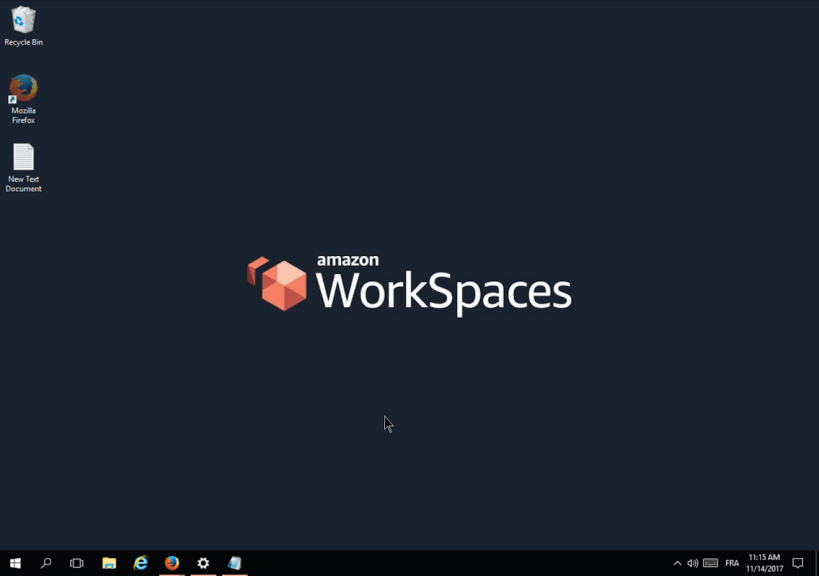
Access your desktop anywhere, anytime, from any device
Client for Amazon WorkSpaces - a managed, secure Desktop-as-a-Service (DaaS) solution.
This snap makes use of the audio-record interface to pass through a microphone into the workspace. This can be disconnected by toggling the permission off in the Snap store desktop application, or by running snap disconnect amz-workspaces:audio-record .
NOTE: This wrapper is not verified by, affiliated with, or supported by Amazon.com, Inc.
This snap will be de-listed if/when Amazon decide to distribute an official Workspaces client snap.
Details for Amazon Workspaces
Package name
amz-workspaces
License
Proprietary
Last updated
18 February 2023 - latest/stable
18 February 2023 - latest/edge
This snap hasn't been updated in a while. It might be unmaintained and have stability or security issues.
(Ownership verified)
The publisher has verified that they own this domain.
It does not guarantee the Snap is an official upload
from the upstream project.
Enable snaps on Debian and install Amazon Workspaces
Snaps are applications packaged with all their dependencies to run on all popular Linux distributions from a single build. They update automatically and roll back gracefully.
Snaps are discoverable and installable from the Snap Store, an app store with an audience of millions.
Enable snapd
On Debian 9 (Stretch) and newer, snap can be installed directly from the command line:
sudo apt update
sudo apt install snapd
After this, install the snapd snap in order to get the latest snapd:
sudo snap install snapd
Install Amazon Workspaces
To install Amazon Workspaces, simply use the following command: