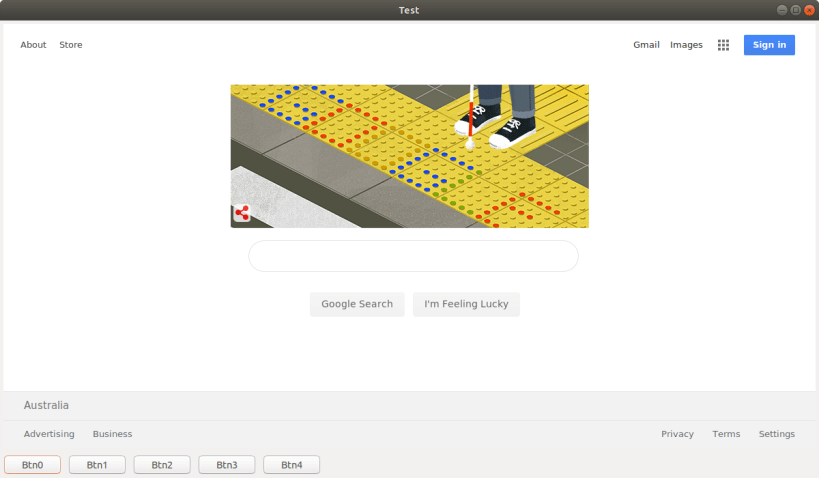


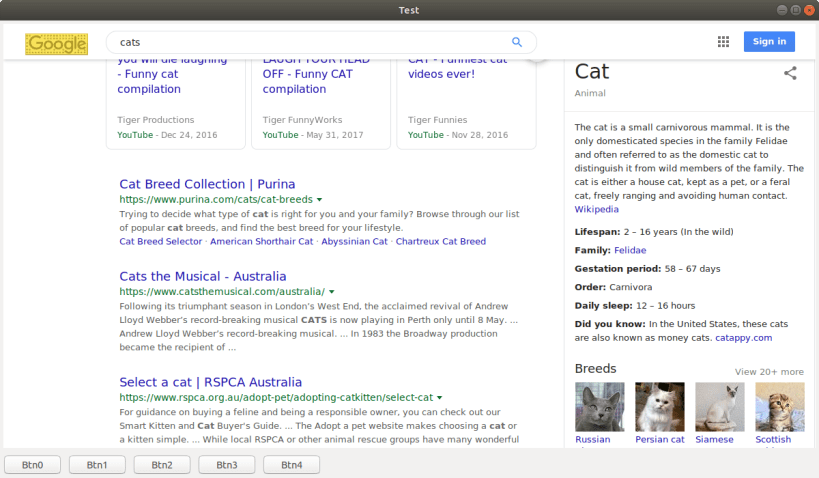
Example of a Python 3.6 snap using wxPython 4.0.4 built using the 'core18' technique, which builds via a multipass virtual machine and core18 image.
This example is different to v_0.5.1 in that the #after: [desktop-gtk3] line has been commented out and replaced with the entire desktop-gtk3: part. This is because snaps built with core18 cannot refer to remote parts thus parts must be explicitly listed.
To build this snap: snapcraft If you get trouble snapcraft clean
Tip: since specifying parts or a step name is not yet supported (as of March 2019) these won't work: snapcraft clean andy-testsnap-py -s pull snapcraft clean andy-testsnap-py
Install the snap locally sudo snap install --devmode --dangerous *.snap snap list
Run andy-testsnap-py -h
Ignore the warnings Gtk-Message: Failed to load module "canberra-gtk-module" as these seem to happen to all snaps?
Publish snapcraft login (use ubuntu one auth) snapcraft register andy-testsnap-py snapcraft push --release=edge *.snap
Thank you for your report. Information you provided will help us investigate further.
There was an error while sending your report. Please try again later.
Snaps are applications packaged with all their dependencies to run on all popular Linux distributions from a single build. They update automatically and roll back gracefully.
Snaps are discoverable and installable from the Snap Store, an app store with an audience of millions.
Snap can be installed on Fedora from the command line:
sudo dnf install snapd
Either log out and back in again, or restart your system, to ensure snap’s paths are updated correctly.
To enable classic snap support, enter the following to create a symbolic link between /var/lib/snapd/snap and /snap:
sudo ln -s /var/lib/snapd/snap /snap
To install andy-testsnap-py, simply use the following command:
sudo snap install andy-testsnap-py --edge
Browse and find snaps from the convenience of your desktop using the snap store snap.

Interested to find out more about snaps? Want to publish your own application? Visit snapcraft.io now.