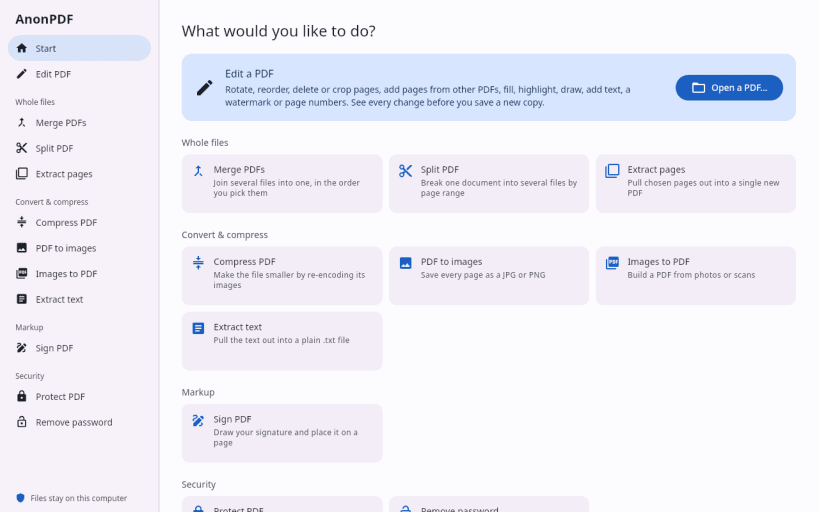
A PDF editor that does its work on your computer and nowhere else. No ads, no
accounts, no tracking, no paid tier, and no network access: the snap is given
none, so it cannot upload your files.
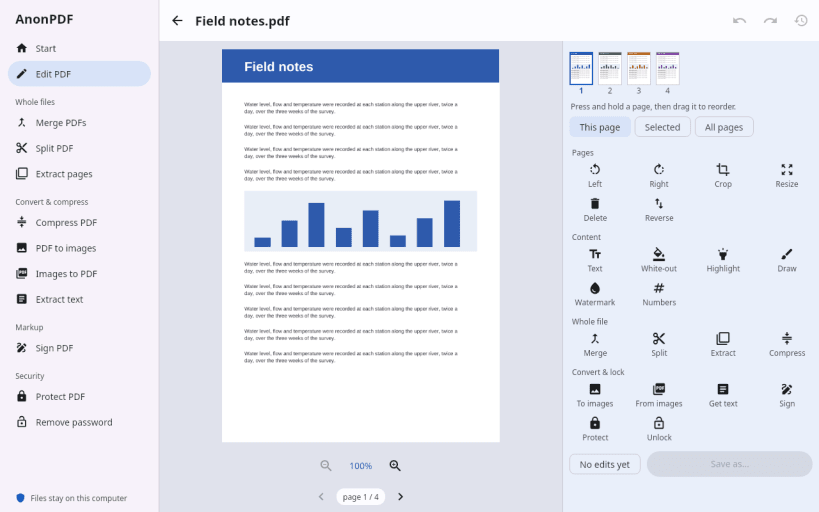
Stack up as many changes as you like, watch the real output update as you go,
and write a new file once at the end. The original is never modified.
Rotate, reorder, delete, crop and resize pages
Add pages from other PDFs, then keep editing them like any other page
Fill, highlight, draw, add text, a watermark or page numbers
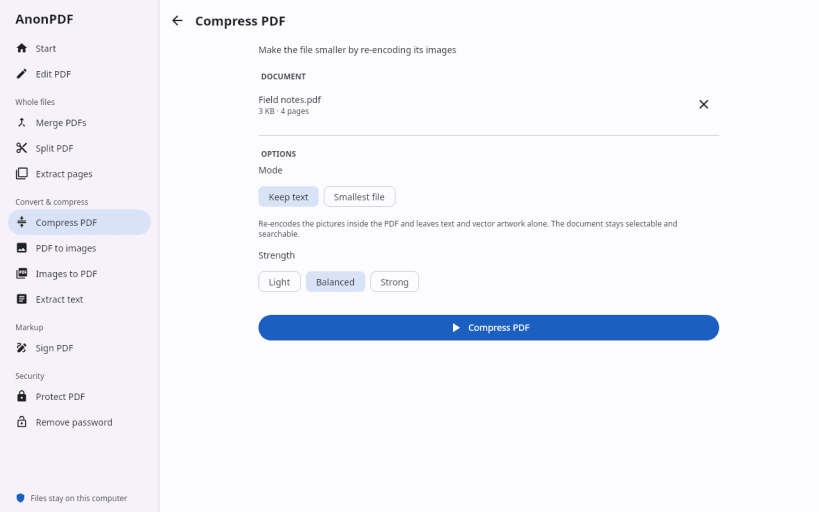
Merge, split, extract pages and compress
Turn pages into pictures, or pictures into a PDF
Pull out the text, sign a page, add or remove a password
Every change can be undone until you save. Files you open are copied into a
private scratch folder that is deleted when the app closes.
(Ownership verified)
The publisher has verified that they own this domain.
It does not guarantee the Snap is an official upload
from the upstream project.
Snaps are applications packaged with all their dependencies to run on all popular Linux distributions from a single build. They update automatically and roll back gracefully.
Snaps are discoverable and installable from the Snap Store, an app store with an audience of millions.
Enable snapd
Snap can be installed from the command line. Open the Konsole terminal and enter the following:
sudo apt update
sudo apt install snapd
Install AnonPDF
To install AnonPDF, simply use the following command: