
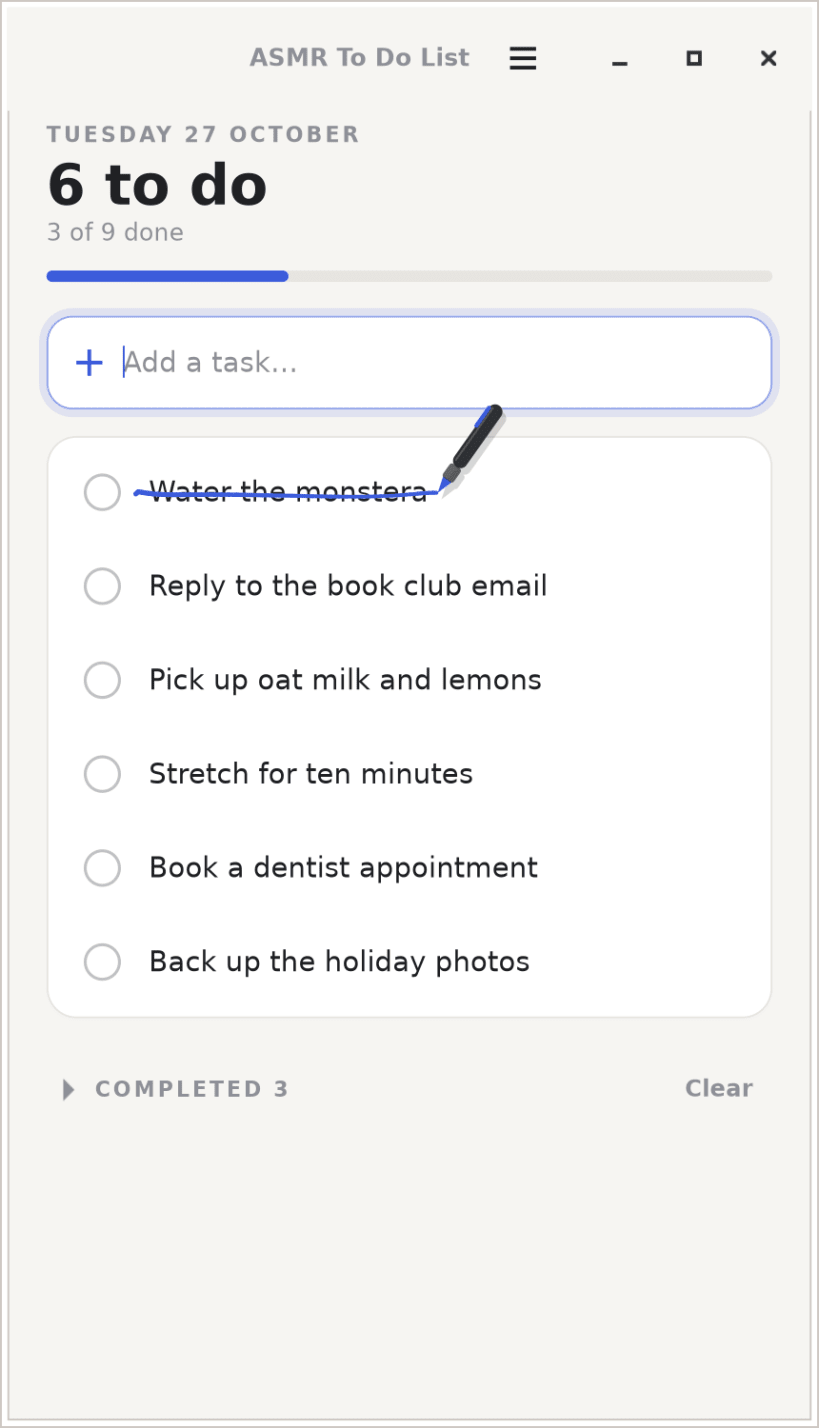
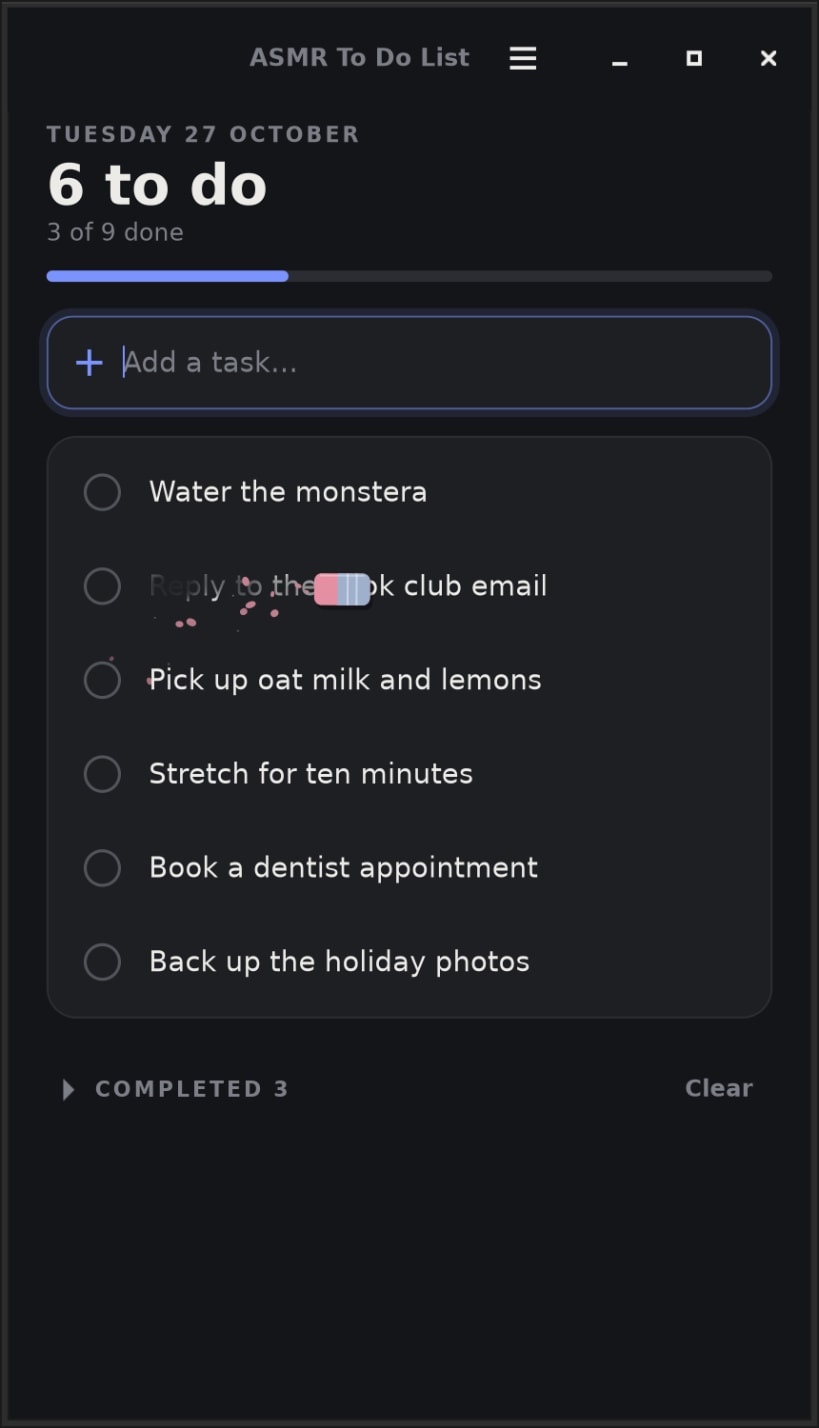
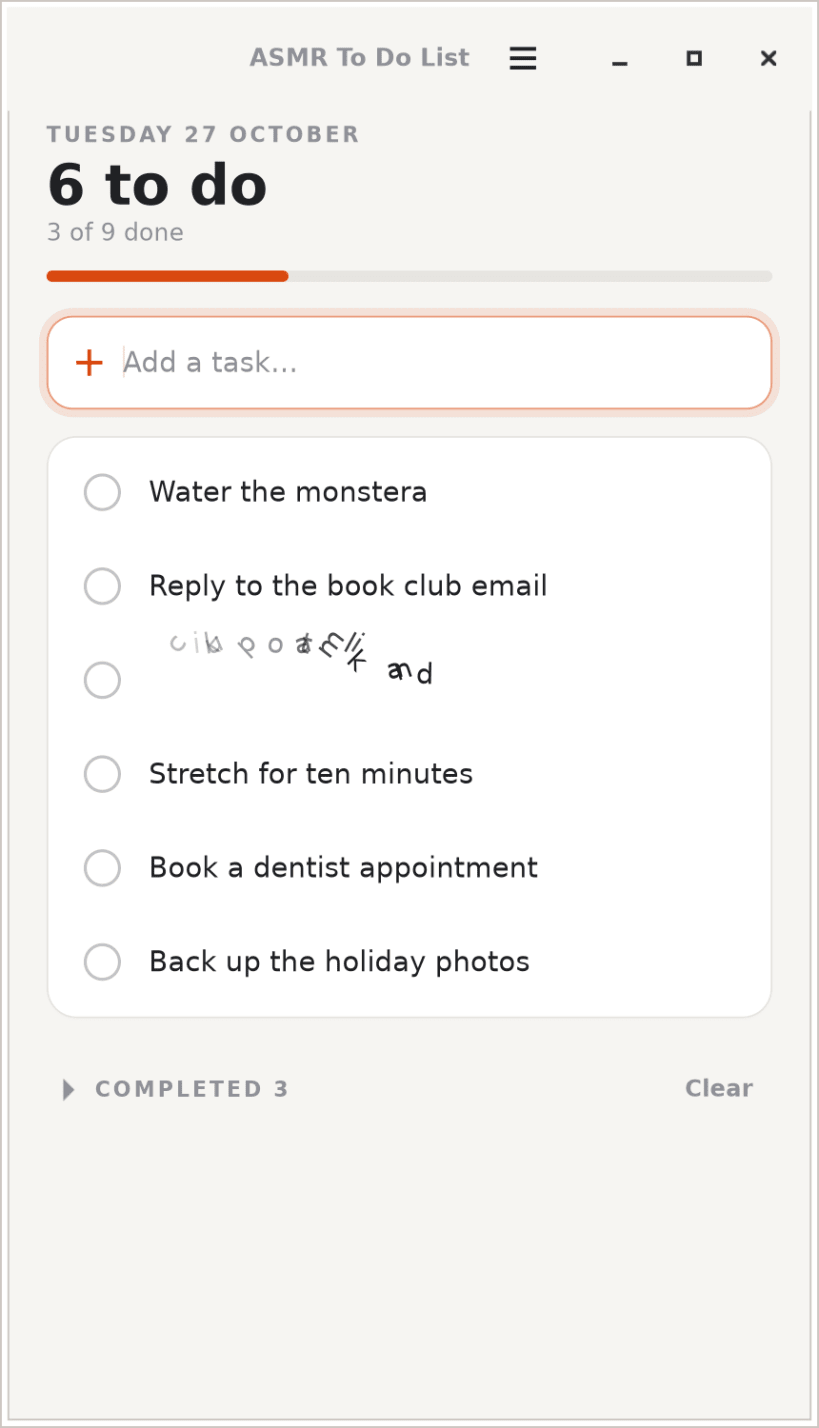
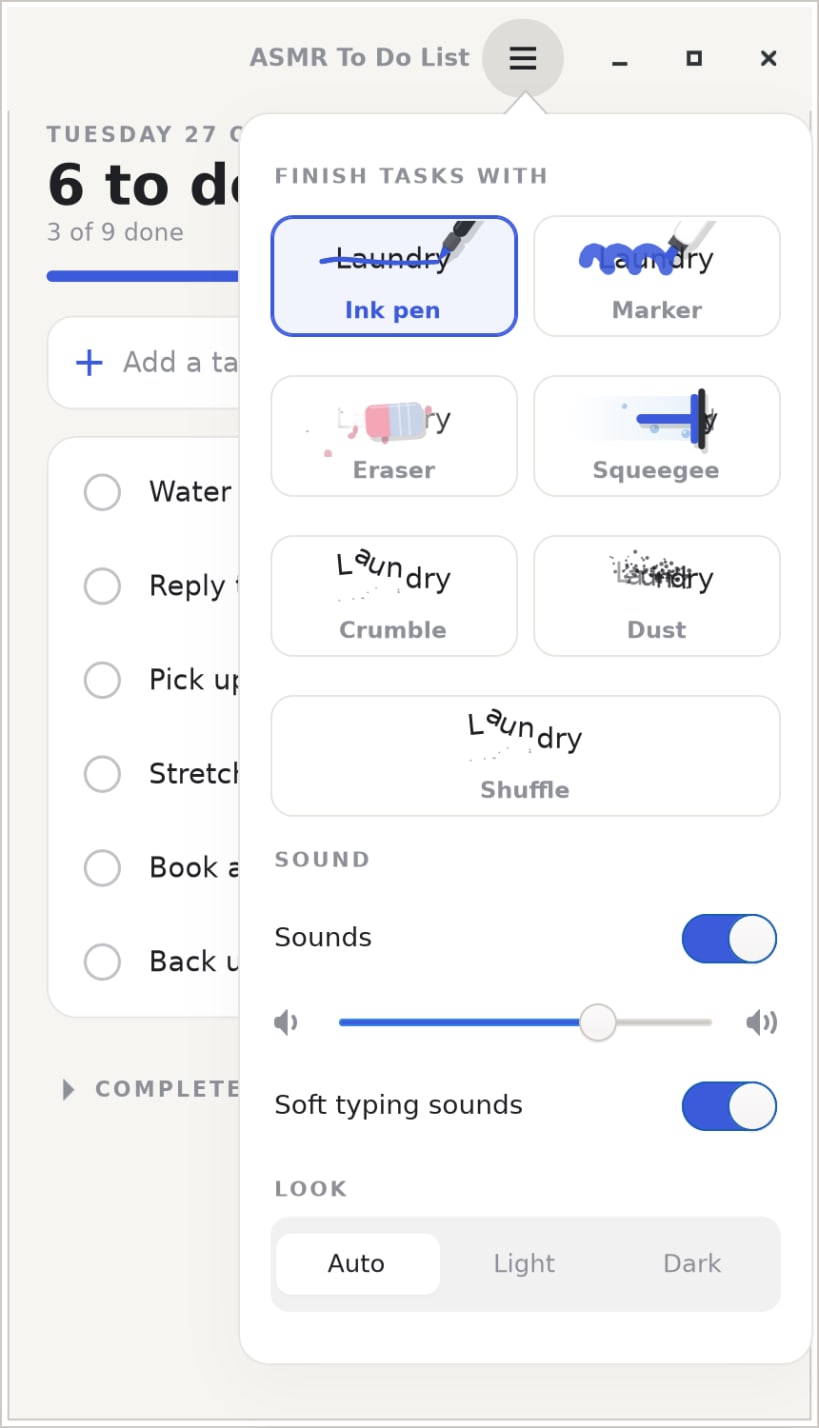
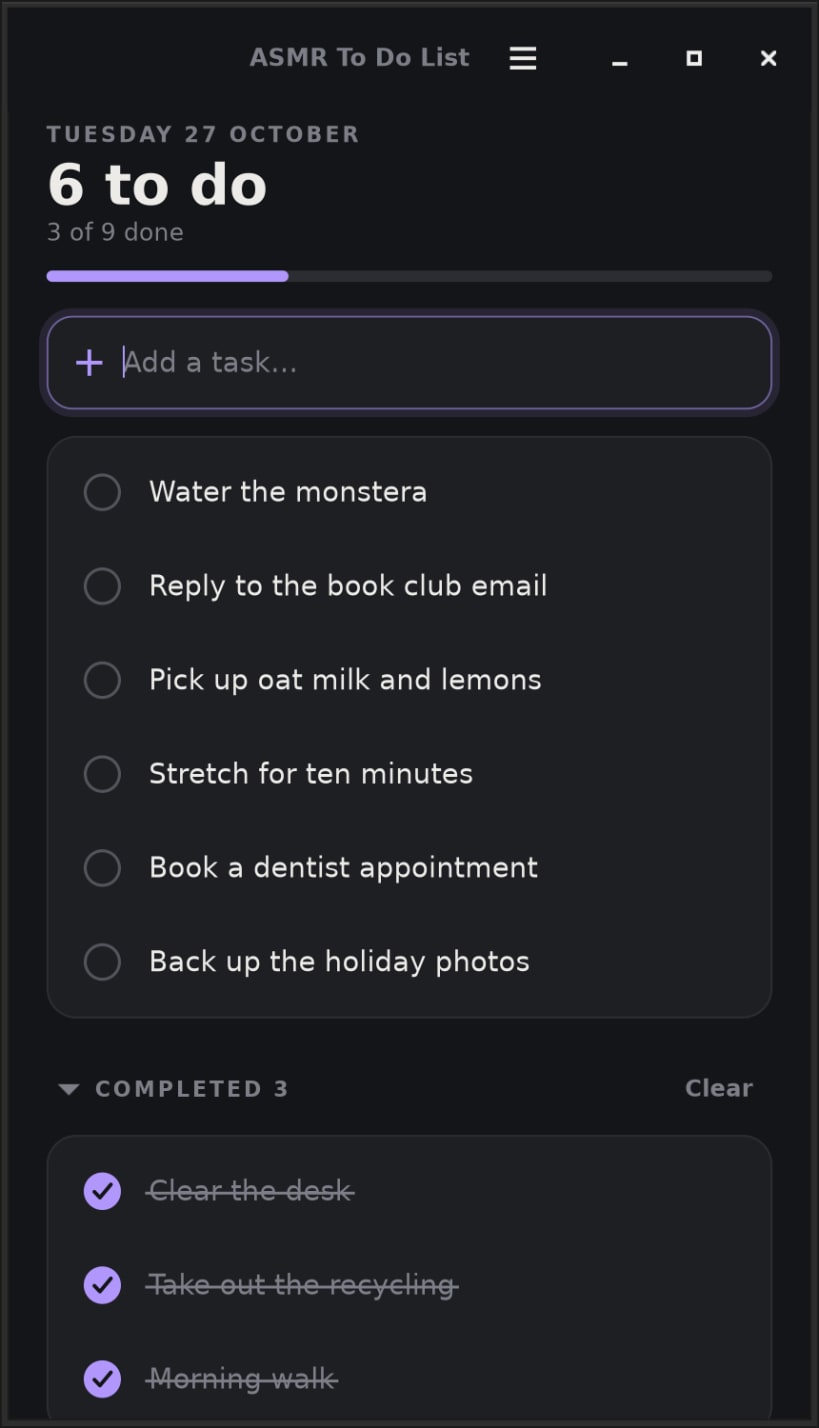
ASMR To Do List by Team of Monkeys .com is a clean, quiet to-do list that makes finishing things feel good. Tap a task's circle and it finishes itself in the style you like, or drag across it and do the crossing out yourself.
★ Six ways to finish a task, each with its own soft sound
The sounds are made live and follow your hand: the faster you strike a task through, the brighter the scratch.
★ A clean, simple list
★ Private by design
No network access at all, no telemetry, no accounts, no ads. Your list never leaves your computer.
★ Light on your machine
Native C and GTK 4, strictly confined, and it needs no extra permissions: everything it uses is connected automatically.
Keys: Enter adds a task, Space finishes the selected one, F2 edits it, Delete removes it, Alt+Up/Down moves it, Ctrl+Z undoes, Ctrl+1 to Ctrl+6 pick a finishing style and Ctrl+0 shuffles them.
You are about to open
Do you wish to proceed?
Thank you for your report. Information you provided will help us investigate further.
There was an error while sending your report. Please try again later.
Snaps are applications packaged with all their dependencies to run on all popular Linux distributions from a single build. They update automatically and roll back gracefully.
Snaps are discoverable and installable from the Snap Store, an app store with an audience of millions.
Snap can be installed on elementary OS from the command line. Open Terminal from the Applications launcher and type the following:
sudo apt update
sudo apt install snapd
Either log out and back in again, or restart your system, to ensure snap’s paths are updated correctly.
To install ASMR To Do List, simply use the following command:
sudo snap install asmr-to-do-list
Browse and find snaps from the convenience of your desktop using the snap store snap.

Interested to find out more about snaps? Want to publish your own application? Visit snapcraft.io now.


