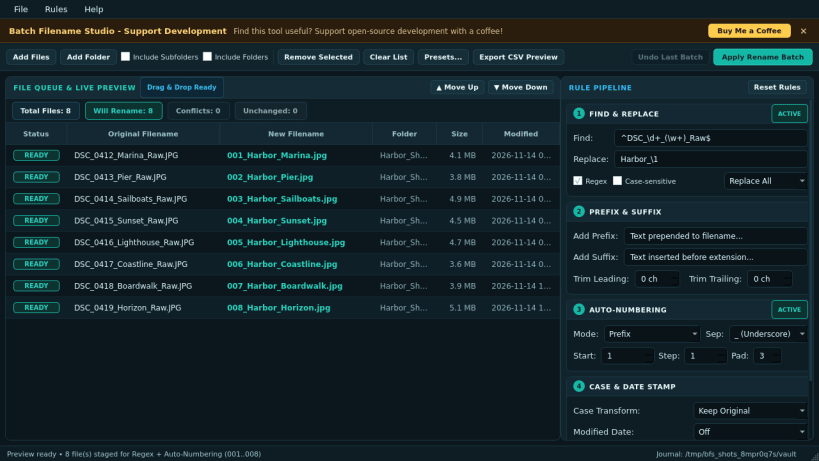
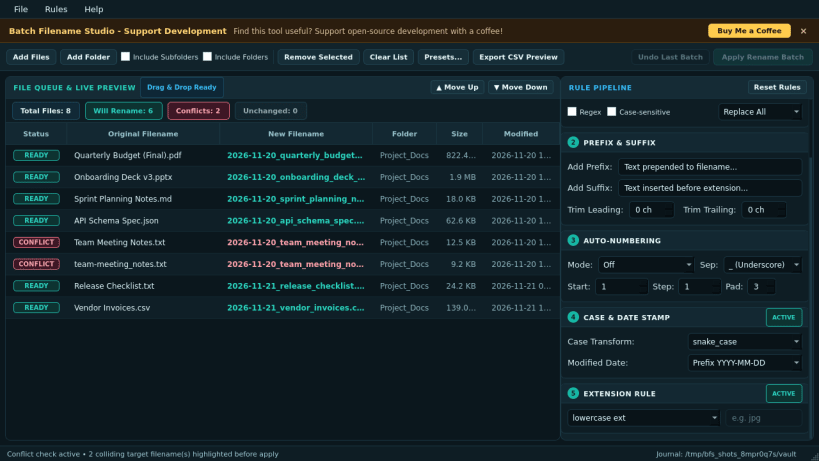
Batch Filename Studio is a fast, local-first desktop file naming utility designed for photographers, developers, and content organizers. Drag and drop files or entire folder trees into the queue and inspect every proposed name change side-by-side before touching a single file on disk.
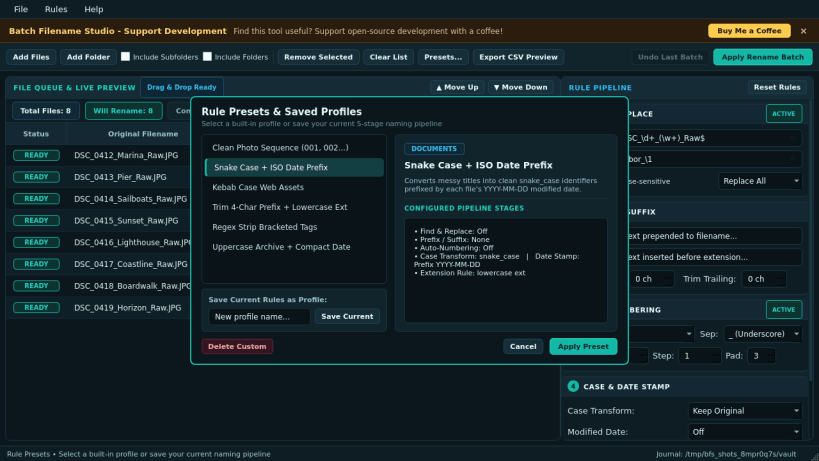
Build flexible multi-stage naming pipelines combining Find & Replace with regular expressions, Prefix & Suffix insertion, character trimming, zero-padded auto-numbering, case transforms (lowercase, UPPERCASE, Title Case, snake_case, kebab-case), modified date stamps, and extension rules. Automatic conflict and invalid-character detection highlights duplicate or unsafe targets in real time, while two-phase atomic file operations and a persistent batch journal provide one-click undo even across restarts.
You are about to open
Do you wish to proceed?
Thank you for your report. Information you provided will help us investigate further.
There was an error while sending your report. Please try again later.
Snaps are applications packaged with all their dependencies to run on all popular Linux distributions from a single build. They update automatically and roll back gracefully.
Snaps are discoverable and installable from the Snap Store, an app store with an audience of millions.
Snap can be installed on Fedora from the command line:
sudo dnf install snapd
Either log out and back in again, or restart your system, to ensure snap’s paths are updated correctly.
To enable classic snap support, enter the following to create a symbolic link between /var/lib/snapd/snap and /snap:
sudo ln -s /var/lib/snapd/snap /snap
To install Batch Filename Studio, simply use the following command:
sudo snap install batch-filename-studio

Browse and find snaps from the convenience of your desktop using the snap store snap.

Interested to find out more about snaps? Want to publish your own application? Visit snapcraft.io now.