
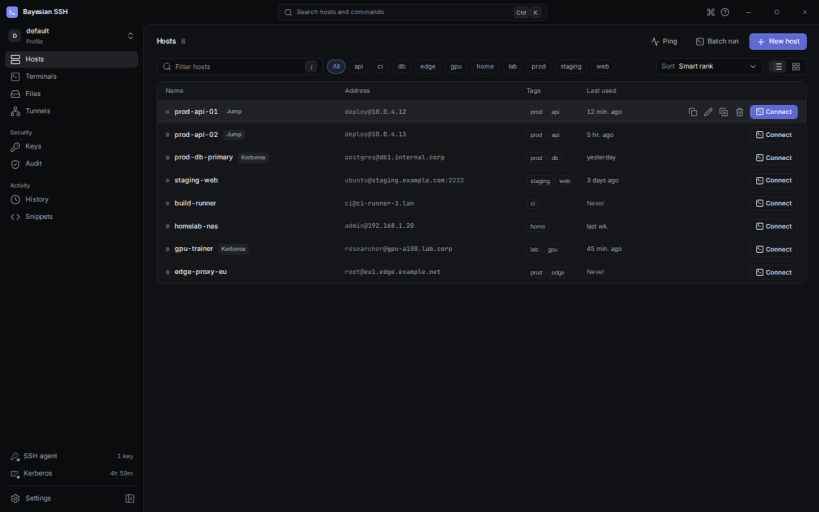
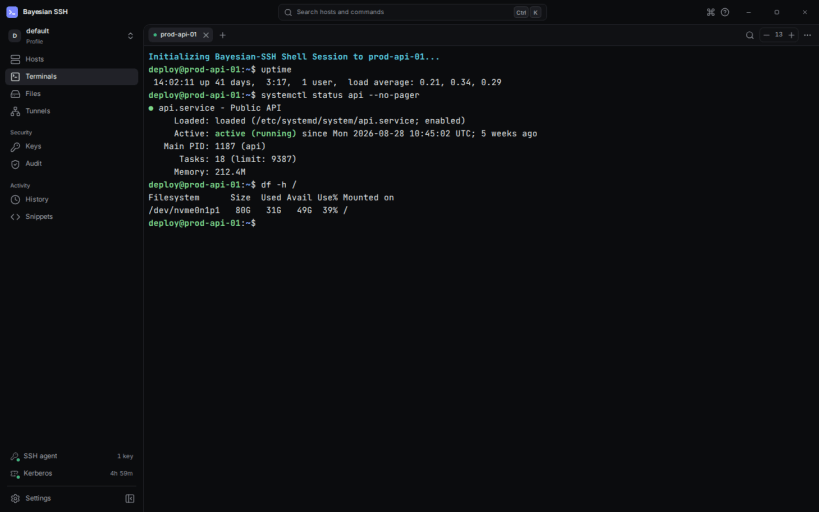
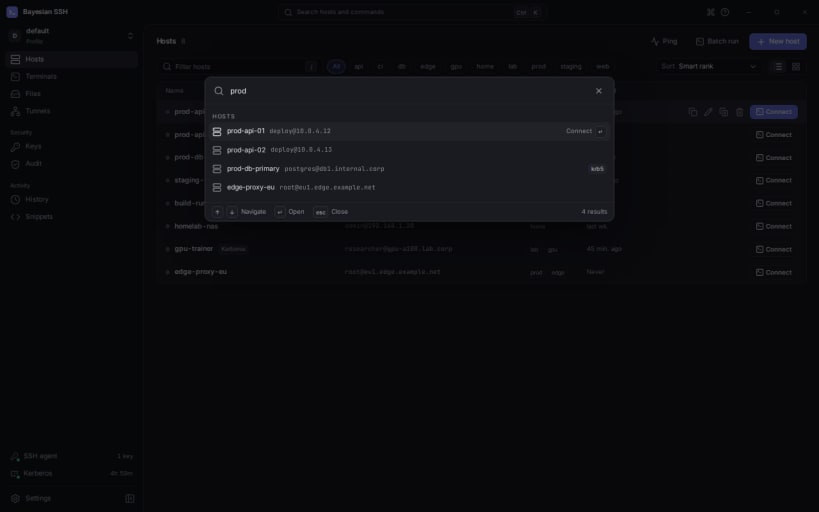
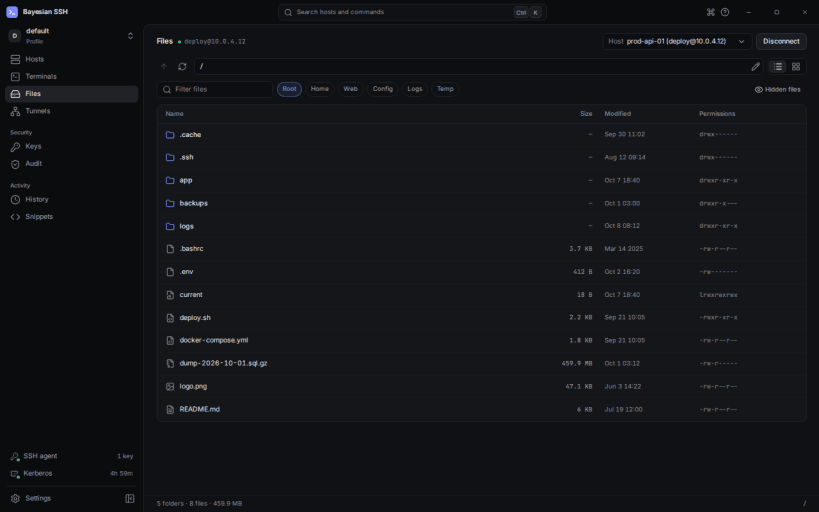
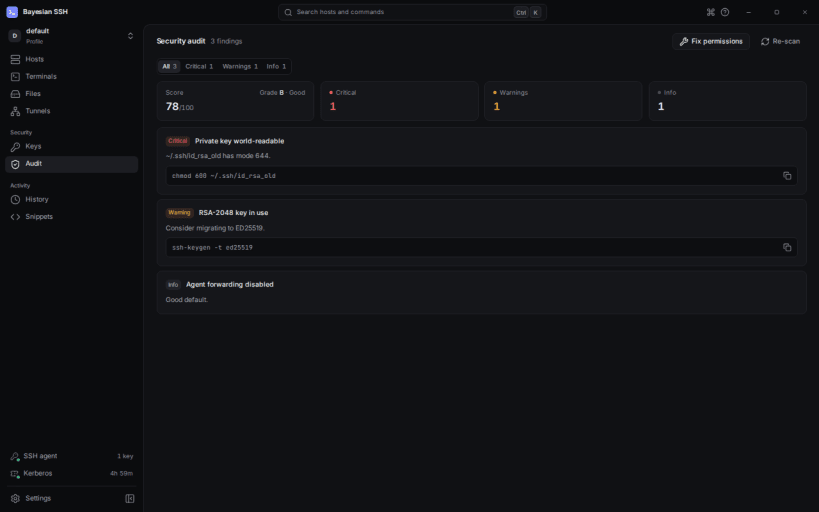
Bayesian SSH is a smart, high-performance SSH session manager featuring Bayesian-ranked search, bastion jump-host chaining, a CLI and a desktop application.
Kerberos is optional. Tickets obtained from inside the app work out of the box. To reuse tickets created on the host (KRB5CCNAME=FILE:/tmp/krb5cc_*), also run:
sudo snap connect bayesian-ssh:kerberos-tickets
After installing, grant read access to your SSH configuration and keys:
sudo snap connect bayesian-ssh:ssh-keys
and optionally restore the short command name:
sudo snap alias bayesian-ssh bssh
You are about to open
Do you wish to proceed?
Thank you for your report. Information you provided will help us investigate further.
There was an error while sending your report. Please try again later.
Snaps are applications packaged with all their dependencies to run on all popular Linux distributions from a single build. They update automatically and roll back gracefully.
Snaps are discoverable and installable from the Snap Store, an app store with an audience of millions.
Snap can be installed on Fedora from the command line:
sudo dnf install snapd
Either log out and back in again, or restart your system, to ensure snap’s paths are updated correctly.
To enable classic snap support, enter the following to create a symbolic link between /var/lib/snapd/snap and /snap:
sudo ln -s /var/lib/snapd/snap /snap
To install Bayesian SSH, simply use the following command:
sudo snap install bayesian-ssh
Browse and find snaps from the convenience of your desktop using the snap store snap.

Interested to find out more about snaps? Want to publish your own application? Visit snapcraft.io now.