
Bernie prepares and runs your laser engraving and cutting jobs, from the first line to the last pass. Free, with no account, no subscription and no ads.
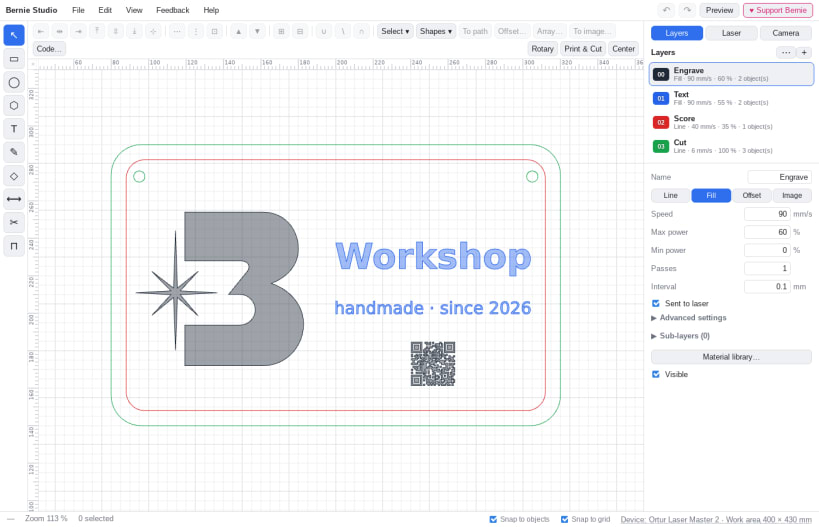
DRAW FOR THE LASER • A complete vector editor: shapes, nodes, booleans, offsets, arrays, nesting • Text in your own fonts, text on a path, variable text (serial numbers, dates, CSV files) • QR codes and barcodes • Art libraries: your own drawings, plus free libraries to download
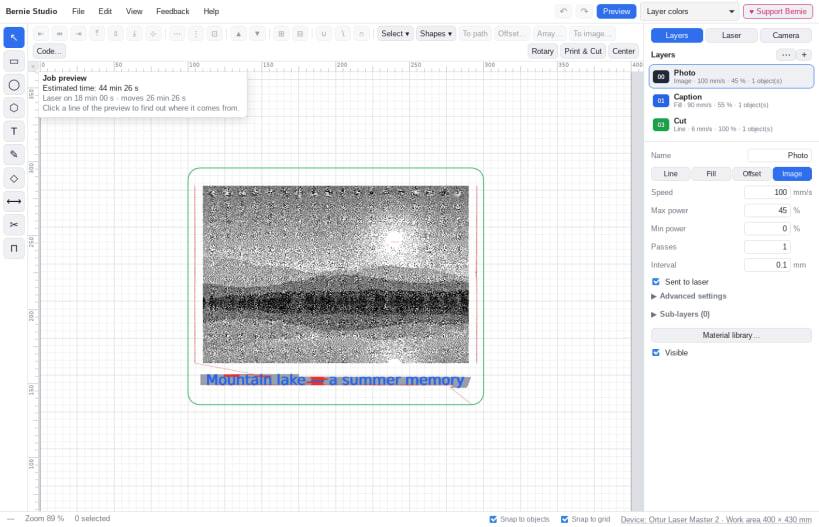
ENGRAVE PHOTOS • Proven dithering (Stucki, Floyd-Steinberg, Atkinson, halftone…) or grayscale • Brightness, contrast, gamma and sharpening, with a preview of the engraving • Trace an image into outlines
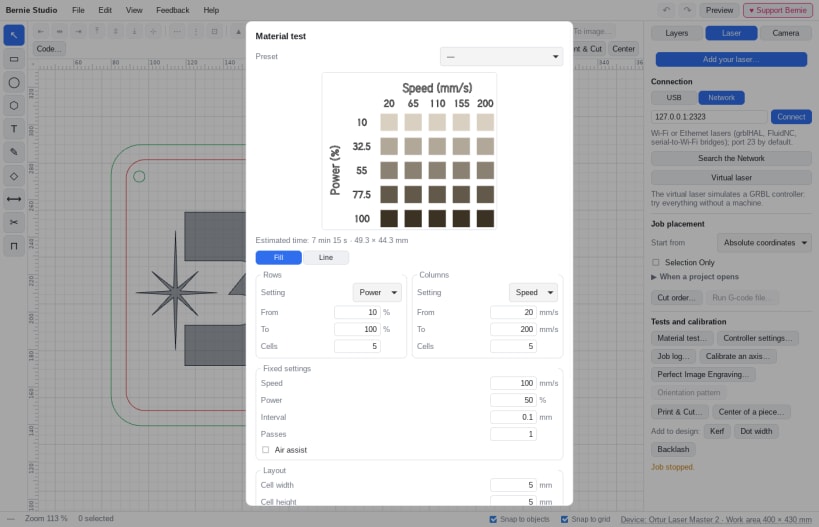
SET UP EVERY MATERIAL • 30 color layers: line, fill, image; speed, power, passes, lead-ins and tabs • More than 1,800 ready-to-use material settings, grid material tests and calibration patterns
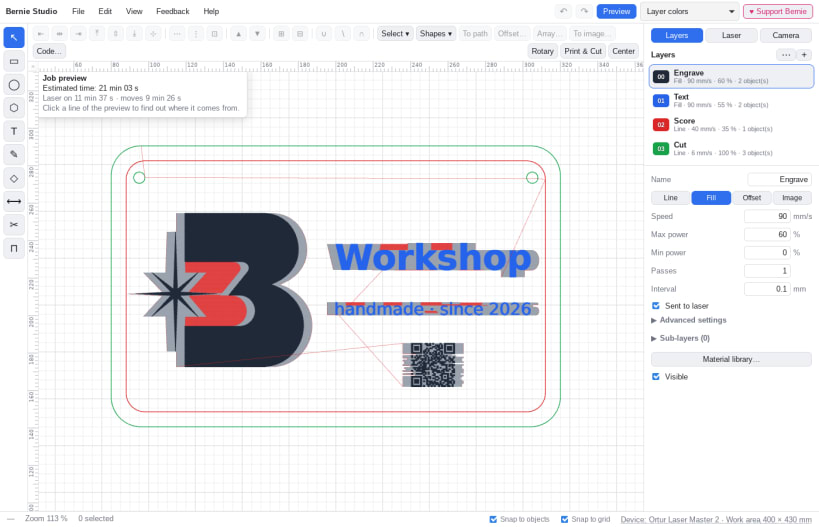
CHECK BEFORE YOU SEND • Path preview and estimated time, accelerations included • Pre-flight check: job outside the work area, power, machine settings • Cut order optimization
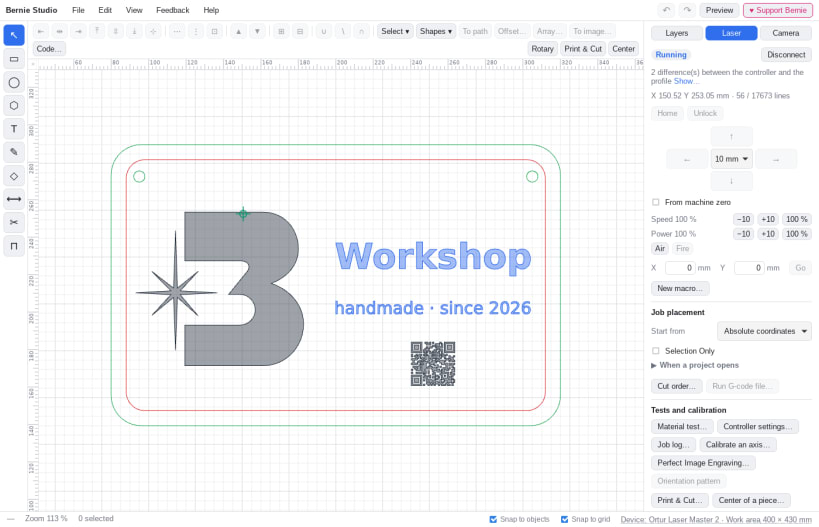
RUN YOUR LASER • Over USB or the network (Wi-Fi, Ethernet): Bernie finds the machine and reads its settings • GRBL, grblHAL, FluidNC, Marlin, Smoothieware; Ruida over the network; galvo through EZCad export • Framing, jogging, macros, pause, and STOP always within reach • Built-in virtual laser: try everything without a machine
AND ALSO • Camera: the work area under your design, Print & Cut • Rotary for tumblers and round objects, center finding • Opens SVG, DXF, PDF, AI, EPS, images and your existing projects; exports G-code • Built-in user guide in English and French
SAFETY Confirmation before every job, manual firing off by default, and nothing starts remotely without your approval.
Bernie is free. If you like it, an optional tip helps it grow; it unlocks nothing: everyone gets everything.
USB lasers on Linux: connect the USB access once with sudo snap connect bernie:raw-usb, and make sure your account is a member of the dialout group.
You are about to open
Do you wish to proceed?
Thank you for your report. Information you provided will help us investigate further.
There was an error while sending your report. Please try again later.
Snaps are applications packaged with all their dependencies to run on all popular Linux distributions from a single build. They update automatically and roll back gracefully.
Snaps are discoverable and installable from the Snap Store, an app store with an audience of millions.
On Arch Linux, snap can be installed from the Arch User Repository (AUR). The manual build process is the Arch-supported install method for AUR packages, and you’ll need the prerequisites installed before you can install any AUR package. You can then install snap with the following:
git clone https://aur.archlinux.org/snapd.git
cd snapd
makepkg -si
Once installed, the systemd unit that manages the main snap communication socket needs to be enabled:
sudo systemctl enable --now snapd.socket
If AppArmor is enabled in your system, enable the service which loads AppArmor profiles for snaps:
sudo systemctl enable --now snapd.apparmor.service
To enable classic snap support, enter the following to create a symbolic link between /var/lib/snapd/snap and /snap:
sudo ln -s /var/lib/snapd/snap /snap
Either log out and back in again, or restart your system, to ensure snap’s paths are updated correctly.
To install Bernie – Laser Engraving, simply use the following command:
sudo snap install bernie
Browse and find snaps from the convenience of your desktop using the snap store snap.

Interested to find out more about snaps? Want to publish your own application? Visit snapcraft.io now.


