
Beta Calendars Studio
Offline-first calendar layout and civil-date tools for Linux. Browse month and year grids, compare Monday-first and Sunday-first layouts, inspect ISO week boundaries, design printable blank calendars, and export SVG layouts without uploading personal calendar data.
Calendar views
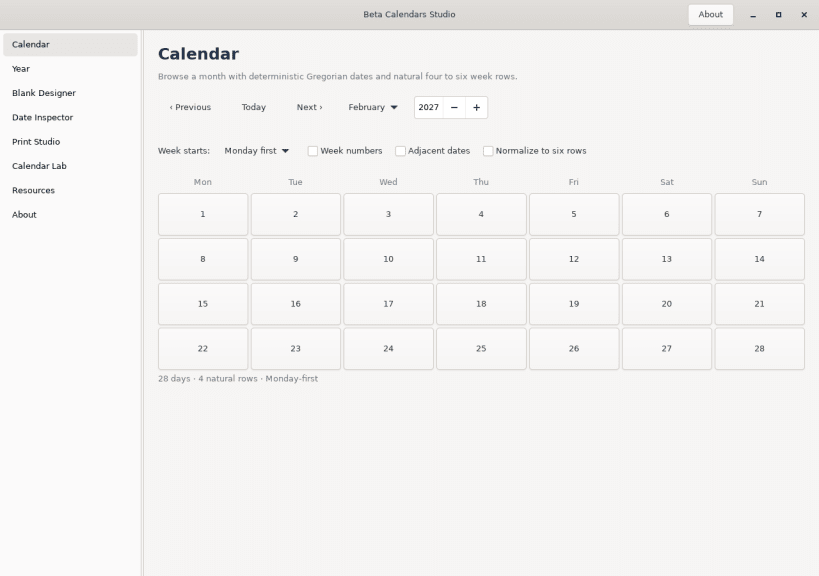
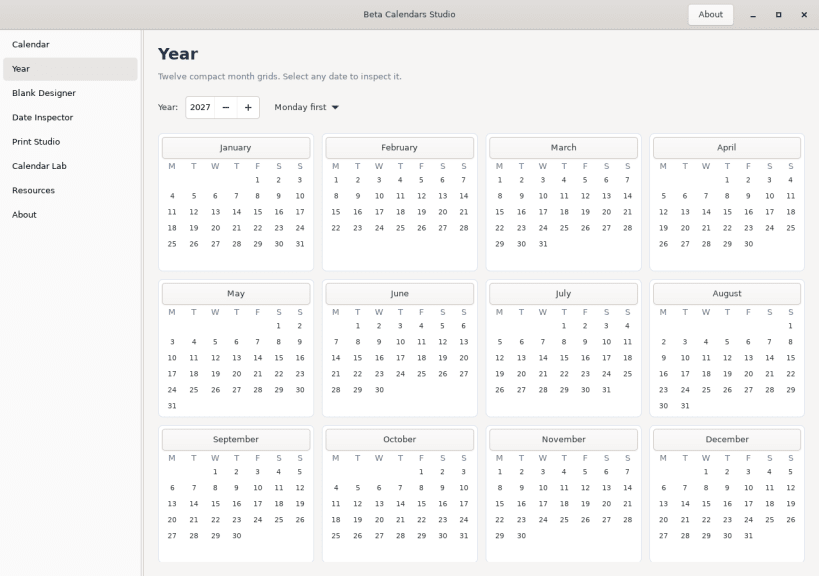
Browse individual months or a full year with Gregorian calendar calculations. Switch between Monday-first and Sunday-first layouts, show week numbers or adjacent dates, and inspect each month’s natural four-, five-, or six-row grid.
Blank Calendar Designer
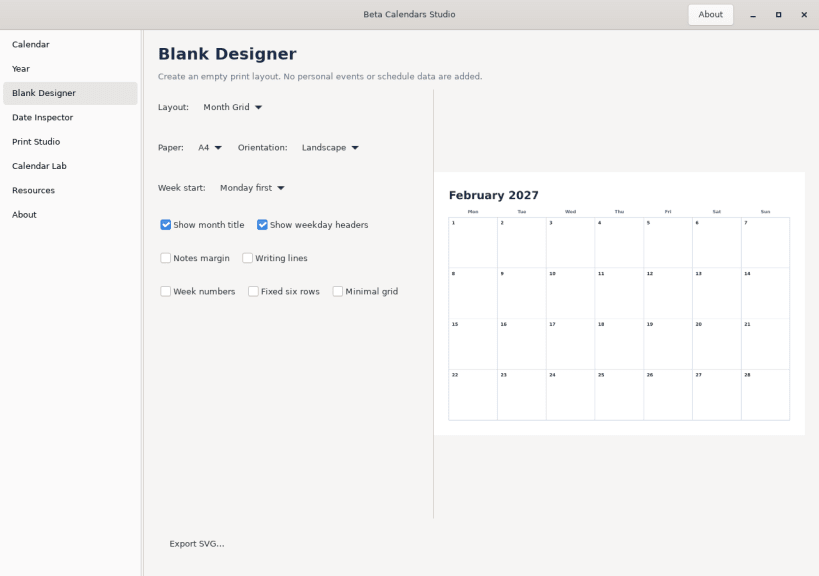
Create printable blank calendar layouts with A4 or US Letter paper, portrait or landscape orientation, Monday or Sunday week starts, notes margins, writing lines, week numbers, and optional fixed six-row layouts. Export layouts as SVG.
Date Inspector
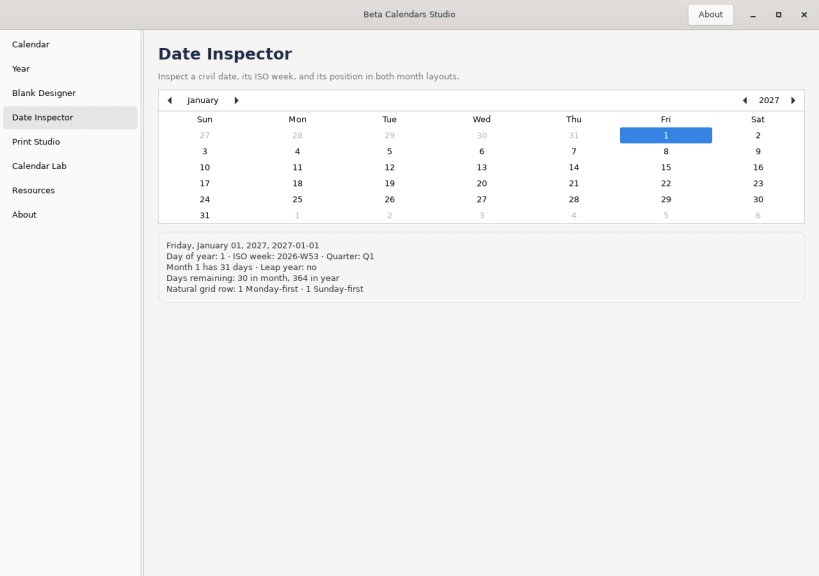
Inspect a civil date, including its weekday, day of year, ISO week and week-based year, month length, quarter, leap-year status, days remaining, and Monday-first or Sunday-first grid geometry.
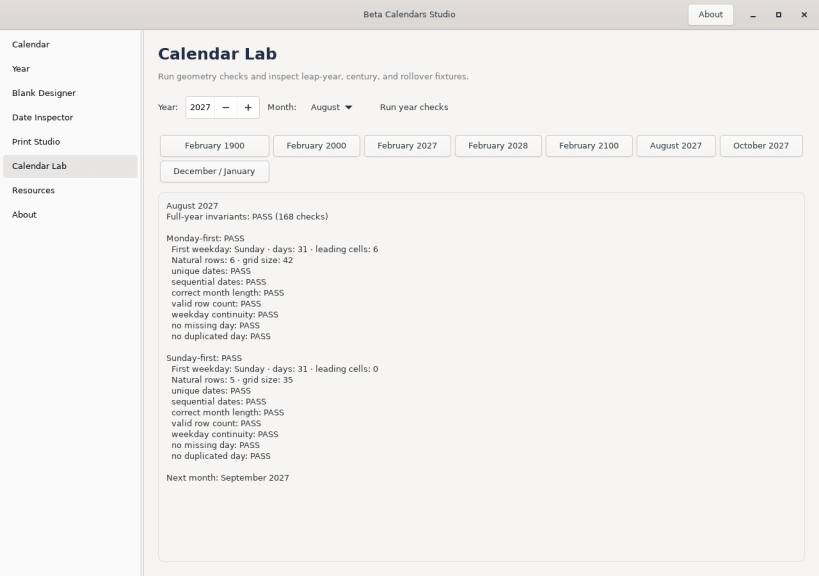
Calendar Lab
Review month geometry and run calendar checks for leap years, century rules, year boundaries, and weekday continuity.
Command line
Use the same calendar engine from the terminal:
 betacalendars month 2027 2 --week-start monday
 betacalendars year 2027 --week-start sunday
 betacalendars inspect 2027-01-01
 betacalendars grid 2027 8
 betacalendars validate 2027
 betacalendars blank --month 2027-02 --paper a4 --orientation landscape --output february.svg
Privacy
Core calendar calculations run locally. The app does not require an account or transmit personal calendar data.
Online calendar resources
Beta Calendars Studio works independently of the website. These optional links provide human-readable and printable calendar references; the app opens them only when you choose a link.
Month references
Planning template
Source code and support
You are about to open
Do you wish to proceed?
Thank you for your report. Information you provided will help us investigate further.
There was an error while sending your report. Please try again later.
Snaps are applications packaged with all their dependencies to run on all popular Linux distributions from a single build. They update automatically and roll back gracefully.
Snaps are discoverable and installable from the Snap Store, an app store with an audience of millions.
On Debian 9 (Stretch) and newer, snap can be installed directly from the command line:
sudo apt update
sudo apt install snapd
After this, install the snapd snap in order to get the latest snapd:
sudo snap install snapd
To install Beta Calendars Studio, simply use the following command:
sudo snap install betacalendars
Browse and find snaps from the convenience of your desktop using the snap store snap.

Interested to find out more about snaps? Want to publish your own application? Visit snapcraft.io now.