
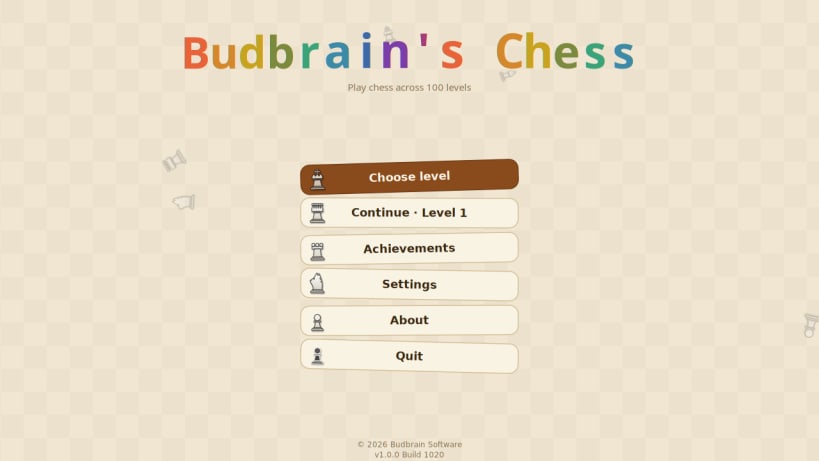
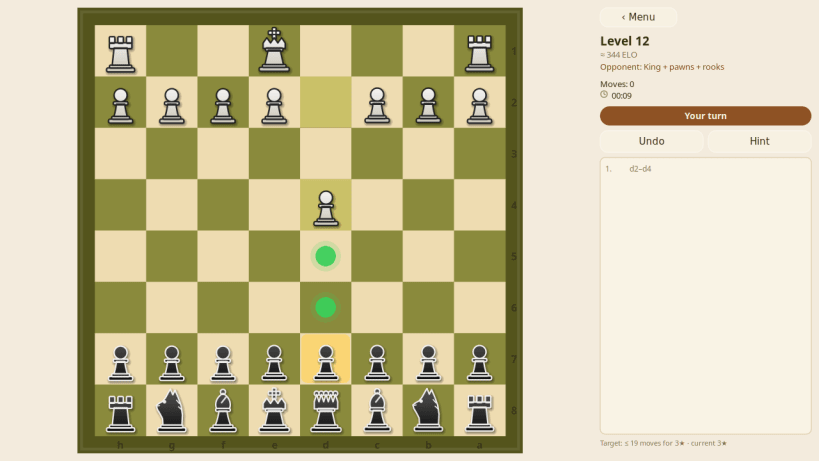
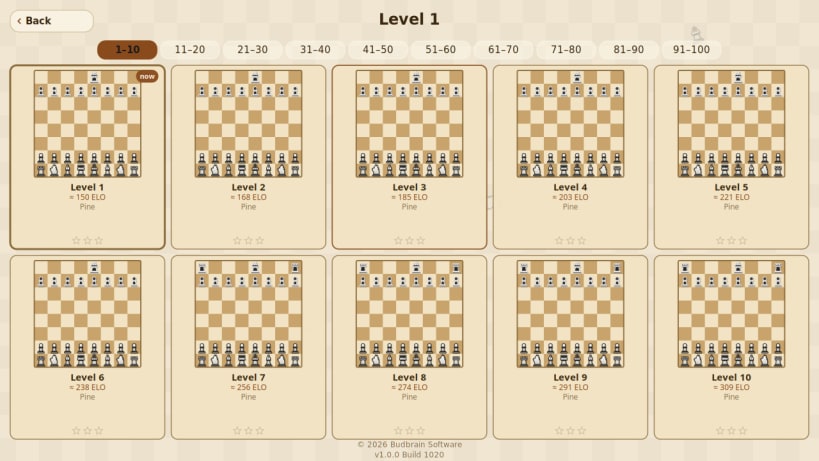
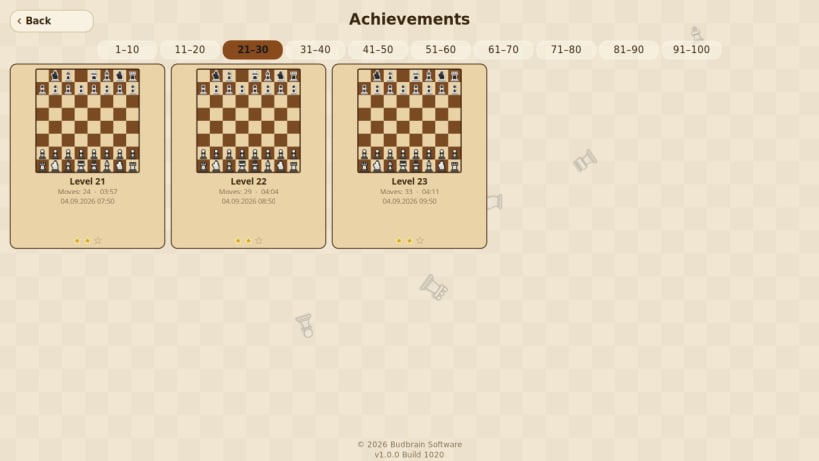
A hundred chess levels, and the opponent gets stronger with every one of them. Click a piece and every move it may make lights up; click a lit square and the piece goes there.
It starts gently. On the first levels the opponent plays with a handicap — without a queen, without knights, or with nothing but a king and pawns — so a first game is winnable. From there the strength climbs level by level, from around 150 ELO to 1900, and every stage of ten levels brings a board of its own: pine, olive, walnut, marble, ink, emerald, plum, graphite, glass and obsidian.
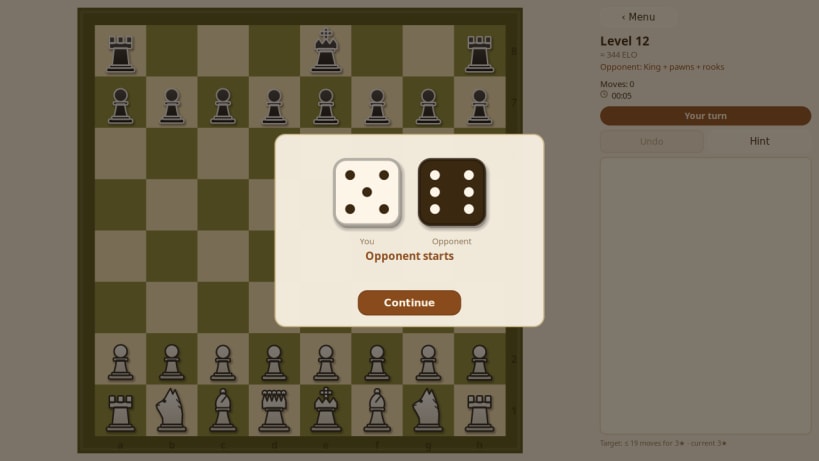
There is help for every skill level. A hint button suggests a good move, your own pieces blink red when they are under attack, and any move can be taken back. Two dice decide who opens the game. Every game you win is kept as a board you can look at again, with your time and your stars.
Available in 22 languages.
Chess engine: js-chess-engine by Josef Jadrny, MIT licence.
Music: "Only silence remains" by zero-project (https://zero-project.gr), licensed CC BY 4.0.
Also available as .deb, RPM, Flatpak, AppImage and for Arch at www.budbrain.de
Developed by Vera and Josef Sejrek / Budbrain Software Contact: chess@budbrain.de
Keywords: chess, board game, strategy, levels, single player, offline, beginner, club player, classic, relaxing
You are about to open
Do you wish to proceed?
Thank you for your report. Information you provided will help us investigate further.
There was an error while sending your report. Please try again later.
Snaps are applications packaged with all their dependencies to run on all popular Linux distributions from a single build. They update automatically and roll back gracefully.
Snaps are discoverable and installable from the Snap Store, an app store with an audience of millions.
Snap can be installed on Fedora from the command line:
sudo dnf install snapd
Either log out and back in again, or restart your system, to ensure snap’s paths are updated correctly.
To enable classic snap support, enter the following to create a symbolic link between /var/lib/snapd/snap and /snap:
sudo ln -s /var/lib/snapd/snap /snap
To install Budbrain's Chess, simply use the following command:
sudo snap install budbrainschess
Browse and find snaps from the convenience of your desktop using the snap store snap.

Interested to find out more about snaps? Want to publish your own application? Visit snapcraft.io now.