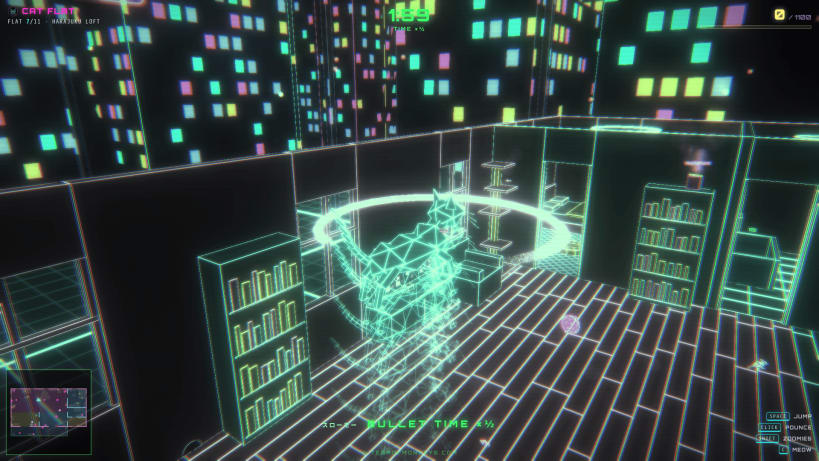
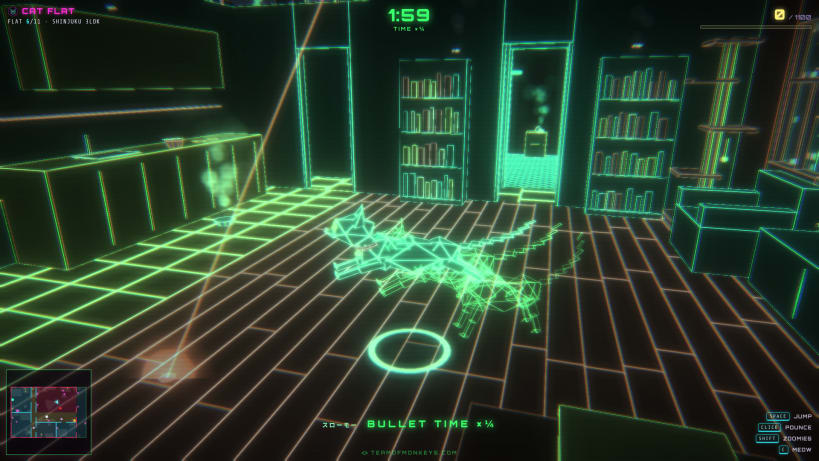
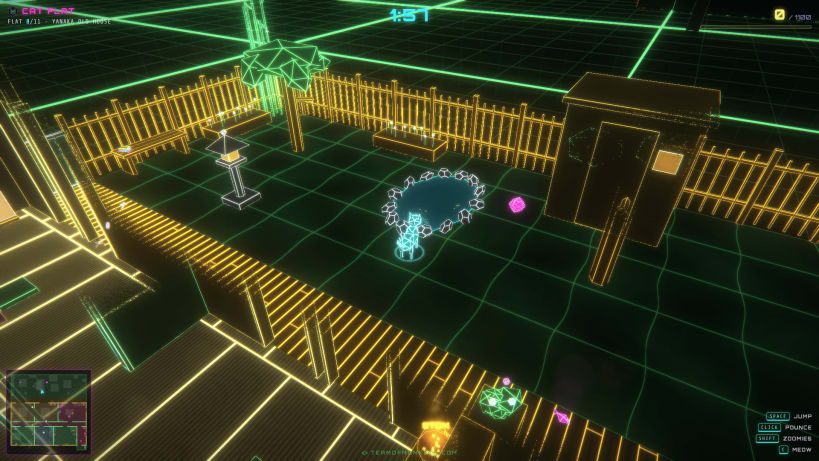
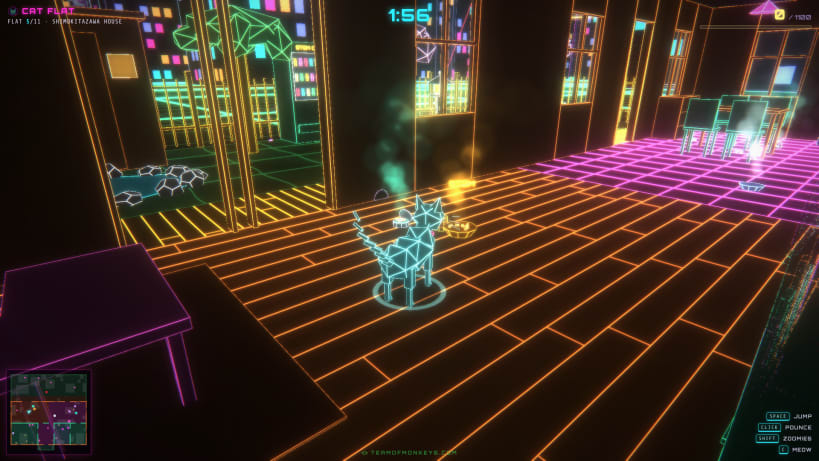
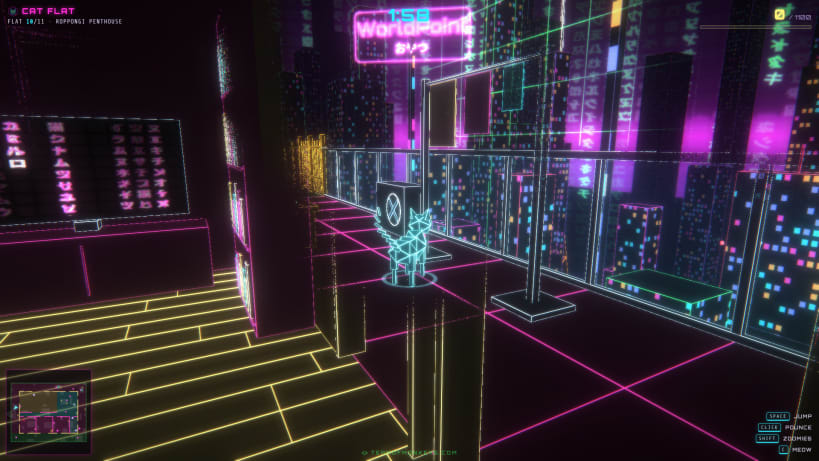
Cat Flat by Team of Monkeys .com is a low-poly 3-D game with a neon wireframe look, a cyberpunk Tokyo vibe and a Matrix motif. You are a wireframe cat. Score 1100 points in each flat before two minutes run out, and clear all eleven: small flats with balconies, flats with three and four bedrooms, a penthouse, and houses with gardens and koi ponds.
★ Bullet time
The cat jumps really high, and while it does the whole world slows to half speed. Pounce, and it slows to a quarter: mice, smoke and even the clock. Afterimages trail the cat in Matrix green.
★ Everything a cat could want
Mice to chase, the red dot to attack (a little laser drone keeps it moving), balls of yarn, milk, open tuna cans, delicious STOM brand catfood and WorldPoint brand cat treats, often somewhere high. And of course: things to knock off tables.
★ Follow your nose
Everything that smells gives off smoke in the colour of its smell: white milk, aqua tuna, orange STOM, pink WorldPoint, violet mice. Watch it rise over the walls.
Clear the eleventh flat and the game says it: Yo Cat, You Won! Game Done!!!
No network access, no accounts and no telemetry. Your settings and progress are kept in one small file on this computer.
Keys: W A S D run, Shift zoomies, mouse or Q E turn the camera, Space jump, left click or F pounce, right click or C meow, Esc pause, M mute, F11 full screen, Ctrl+Q quit.
You are about to open
Do you wish to proceed?
Thank you for your report. Information you provided will help us investigate further.
There was an error while sending your report. Please try again later.
Snaps are applications packaged with all their dependencies to run on all popular Linux distributions from a single build. They update automatically and roll back gracefully.
Snaps are discoverable and installable from the Snap Store, an app store with an audience of millions.
On Arch Linux, snap can be installed from the Arch User Repository (AUR). The manual build process is the Arch-supported install method for AUR packages, and you’ll need the prerequisites installed before you can install any AUR package. You can then install snap with the following:
git clone https://aur.archlinux.org/snapd.git
cd snapd
makepkg -si
Once installed, the systemd unit that manages the main snap communication socket needs to be enabled:
sudo systemctl enable --now snapd.socket
If AppArmor is enabled in your system, enable the service which loads AppArmor profiles for snaps:
sudo systemctl enable --now snapd.apparmor.service
To enable classic snap support, enter the following to create a symbolic link between /var/lib/snapd/snap and /snap:
sudo ln -s /var/lib/snapd/snap /snap
Either log out and back in again, or restart your system, to ensure snap’s paths are updated correctly.
To install Cat Flat, simply use the following command:
sudo snap install cat-flat-monkeys
Browse and find snaps from the convenience of your desktop using the snap store snap.

Interested to find out more about snaps? Want to publish your own application? Visit snapcraft.io now.