ChakataStat is a desktop application for statistical data analysis, built for researchers, students, and analysts who want serious statistical tools without a subscription or a steep learning curve.
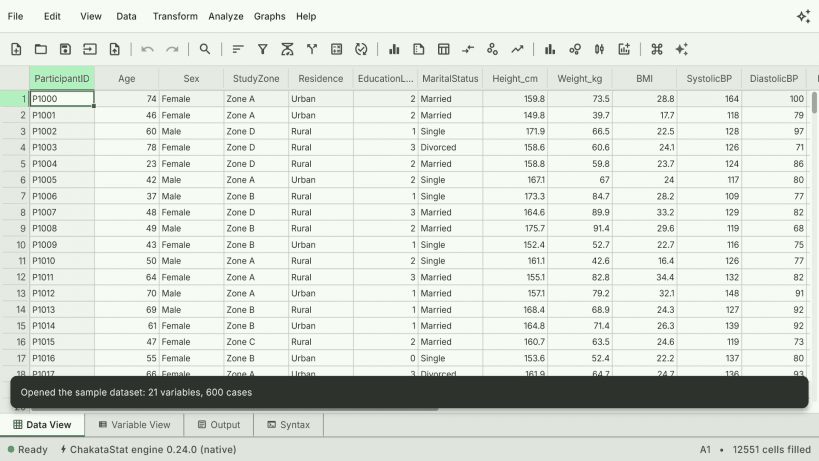
At its core is a fast, spreadsheet-style data editor with a Variable View for metadata, value labels, and missing-value handling, so you always know what your columns mean, not just what they contain.
It opens the files you already have. SPSS (.sav), Stata (.dta, long strings included) and SAS transport (.xpt) files import directly, bringing their metadata with them — variable labels, value labels, measures and missing-value rules, where the format carries them — instead of losing it all to a CSV export. CSV and TSV (plain or gzipped), Excel (.xlsx, plus legacy .xls and .ods), Parquet, Arrow/Feather, JSON/NDJSON and fixed-width text open too; text encodings (UTF-8, UTF-16, Windows-1252) and delimiters (comma, semicolon, tab, pipe) are detected from the file's content, so files that other tools garble open as the columns they are. Data exports back out to CSV, Excel, Parquet and JSON.
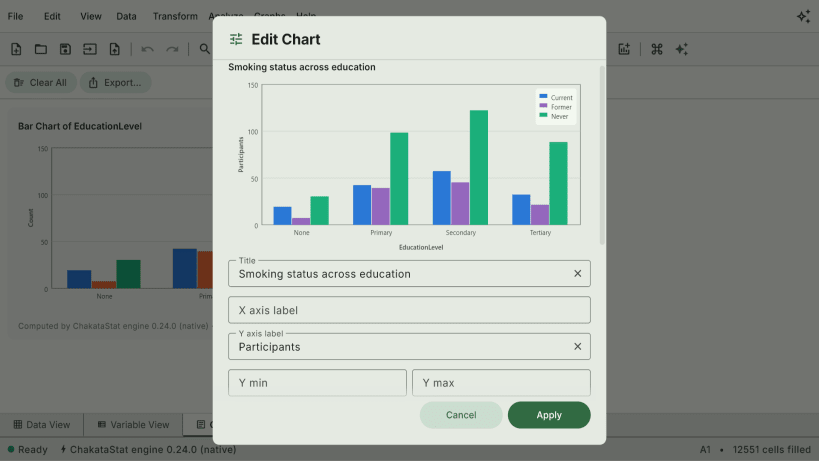
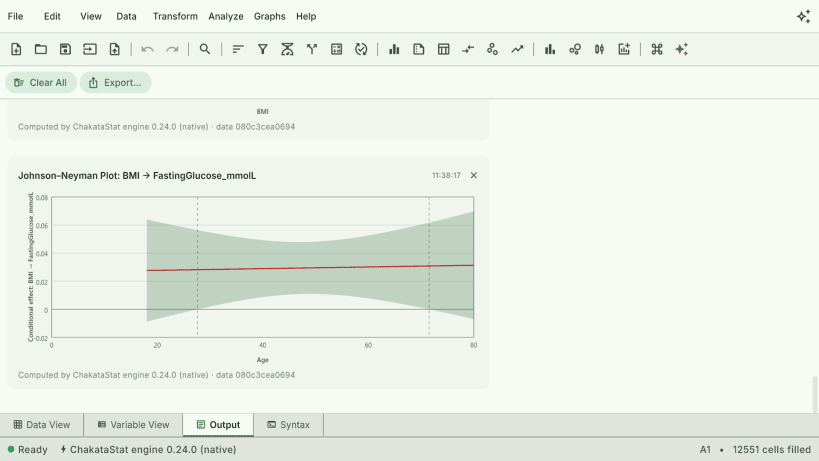
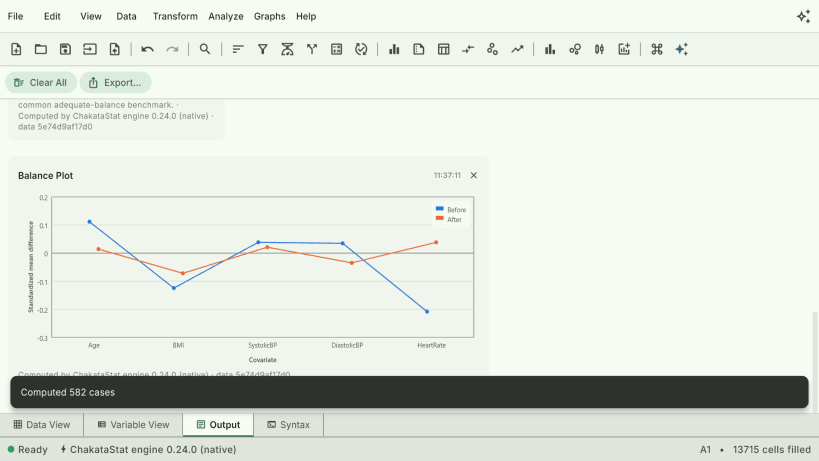
The Analyze catalog goes deep: descriptive statistics, regression (linear, logistic, Poisson, regularized, robust, nonlinear, instrumental variables, mediation with moderated mediation), panel regression (fixed and random effects with the Hausman test), General Linear Model, Linear Mixed Models and GLMM, equivalence tests (TOST), factor analysis (exploratory and confirmatory), latent class analysis and item response theory, cluster analysis, survival analysis (Kaplan-Meier, Cox, parametric), time series (ARIMA, seasonal decomposition, vector autoregression with Granger causality), complex survey designs (declare strata, clusters and sampling weights; the everyday procedures estimate design-based), Bayesian tests, permutation tests, meta-analysis with forest and funnel plots, propensity-score matching and weighting with balance diagnostics, Bland-Altman method comparison, and nonparametric methods — 108 tools in one catalog. Results render straight into an output log alongside histograms, scatterplots and scatterplot matrices, boxplots, violin plots, ECDF and dot plots, correlation heatmaps and regression diagnostics for linear and GLM models alike, every multi-series chart on a colour-vision-validated palette with a colour-blind-safe alternative, with a unified Chart Builder. A finished chart can be restyled in place — title, legend, colours, line width, bar stacking — and every edit is written back into the chart's own syntax command, so a styled chart re-runs styled.
Every action in the GUI generates an editable, re-runnable syntax command, so your analysis stays fully reproducible. Export output to HTML, Markdown, LaTeX, or a Python script.
An optional AI assistant lets you run analyses in plain language and see the results inline. It's provider-neutral: connect your own Anthropic or OpenAI-compatible API key, or point it at a local Ollama instance so nothing leaves your machine. There's no ChakataStat-hosted service in the loop, no account, and no telemetry — your datasets stay on your device unless you explicitly choose to send a prompt to the AI provider you configured.
Under the hood, a native Rust engine — an in-house columnar store with Parquet I/O over Apache Arrow — handles the heavy lifting off the UI thread, so large datasets stay responsive.