
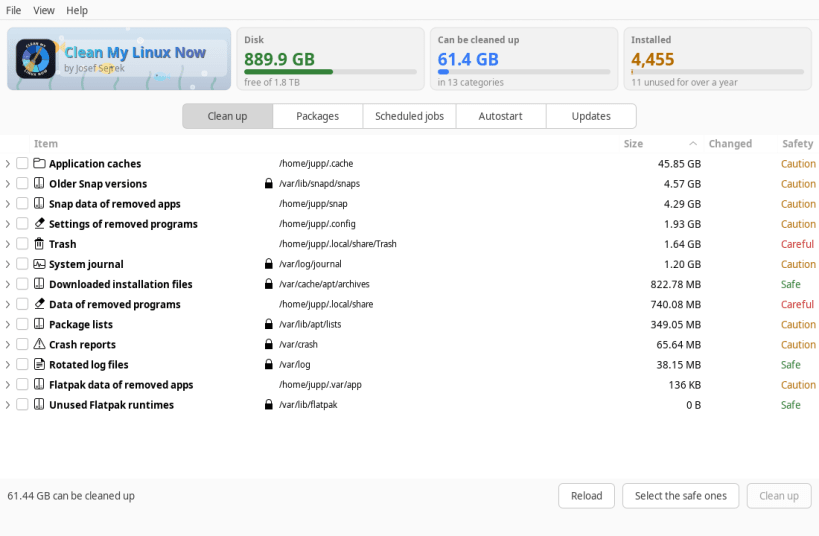
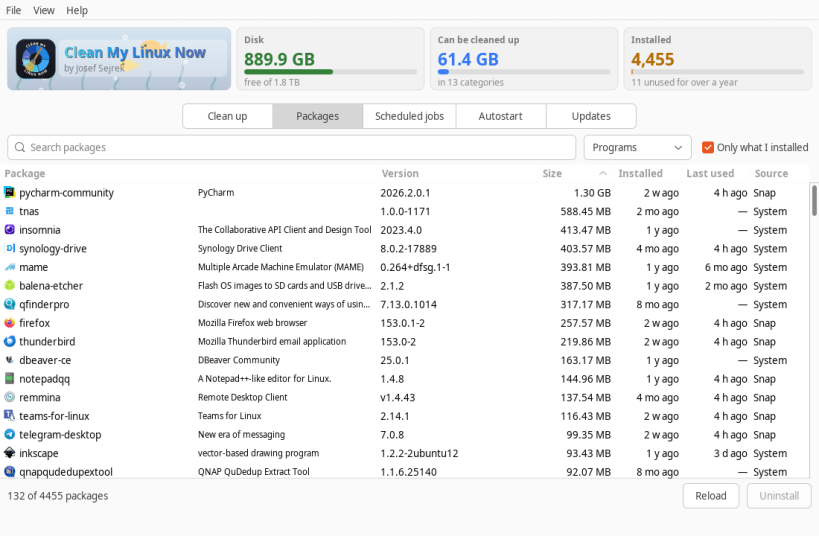
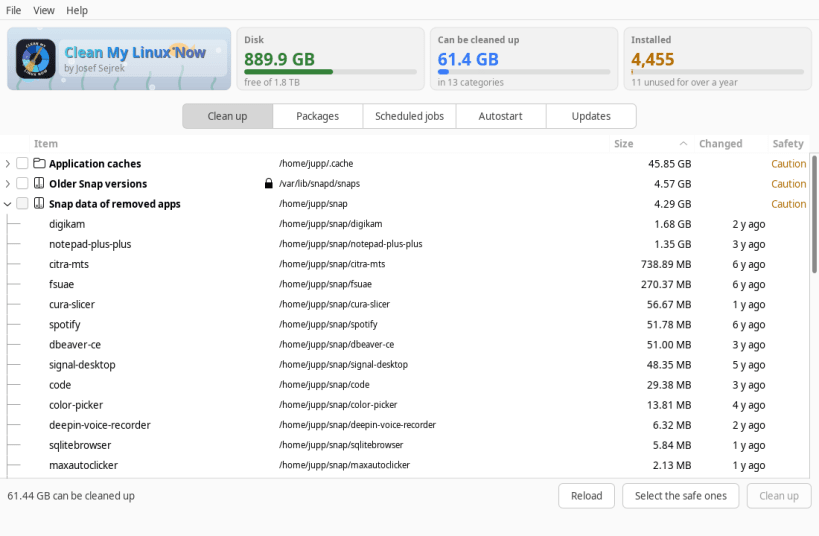
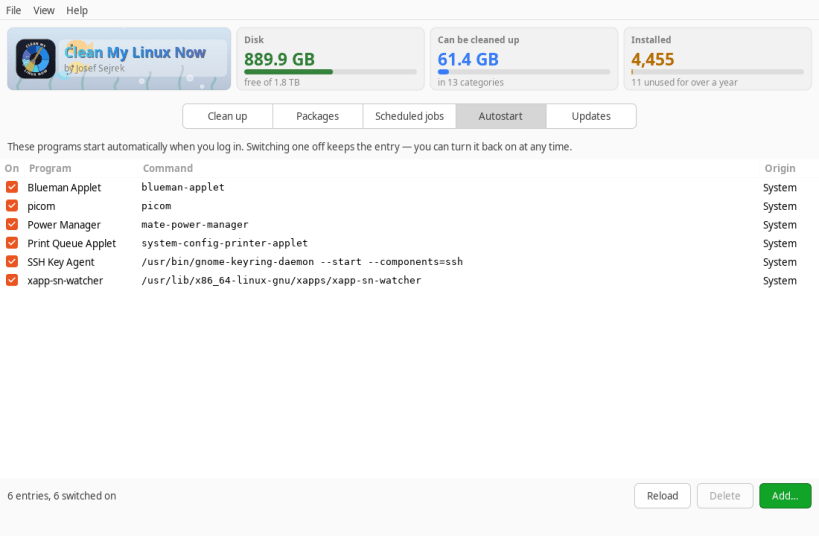
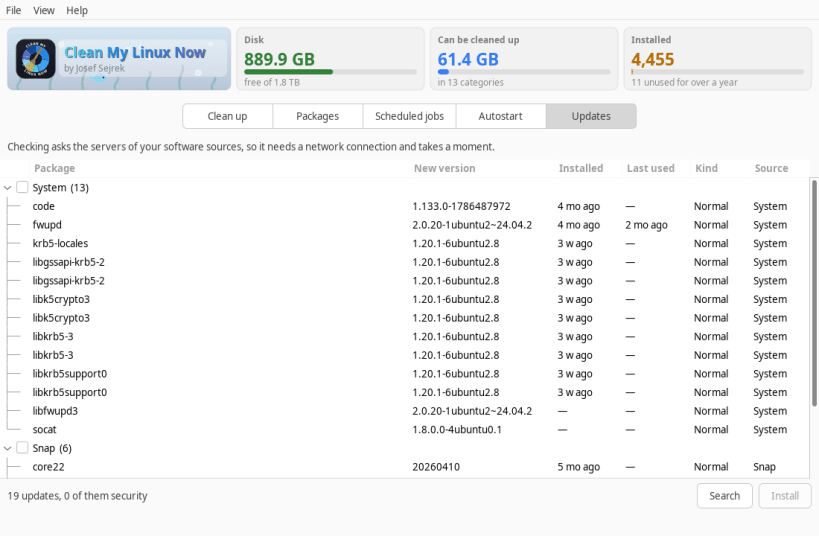
Shows what is quietly filling your disk, and what is installed on your machine — including when you last used it.
What it does:
▶ ONE-TIME SETUP
sudo sh -c 'for i in system-backup log-observe; do snap connect cleanmylinuxnow:$i; done'
A confined app cannot see the rest of the system until you allow it. No reboot — just restart the app.
Supported systems:
Also available as .deb and .rpm, flatpack, AppImage at www.budbrain.de
▶ WHAT THIS SNAP CANNOT DO
A Snap is not permitted to remove packages, change system files, edit scheduled jobs or install updates. It shows all of it and, wherever it has to decline, offers you the exact command to run in a terminal instead. For the full set, use the .deb or RPM version from www.budbrain.de.
▶ PLEASE NOTE
Deleting here is final. There is no trip through the wastebasket and nothing can be brought back — not a cache, not a log, not a folder left behind by a program you removed years ago. Nothing is preselected: you tick every item yourself, each one is rated Safe, Caution or Careful, and the confirmation names what goes and how much it frees before anything happens. Please look at what you have picked before you confirm, and keep a backup of anything you could not make again. The software is provided "as is", without warranty of any kind, and is used at your own risk.
Keywords: clean, cleaner, cleanup, disk space, free space, disk cleaner, cache, junk files, system cleaner, leftovers, uninstall, installed packages, package manager, logs, journal, autostart, startup apps, cron, scheduled jobs, updates, snap, flatpak, trash
Developed by Josef Sejrek / Budbrain Software Contact: cleanmylinuxnow@budbrain.de | www.budbrain.de
You are about to open
Do you wish to proceed?
Thank you for your report. Information you provided will help us investigate further.
There was an error while sending your report. Please try again later.
Snaps are applications packaged with all their dependencies to run on all popular Linux distributions from a single build. They update automatically and roll back gracefully.
Snaps are discoverable and installable from the Snap Store, an app store with an audience of millions.
Snap can be installed from the command line on openSUSE Leap 15.x and Tumbleweed.
You need first add the snappy repository from the terminal. Choose the appropriate command depending on your installed openSUSE flavor.
Tumbleweed:
sudo zypper addrepo --refresh https://download.opensuse.org/repositories/system:/snappy/openSUSE_Tumbleweed snappy
Leap 15.x:
sudo zypper addrepo --refresh https://download.opensuse.org/repositories/system:/snappy/openSUSE_Leap_15.6 snappy
If needed, Swap out openSUSE_Leap_15. for, openSUSE_Leap_16.0 if you’re using a different version of openSUSE.
With the repository added, import its GPG key:
sudo zypper --gpg-auto-import-keys refresh
Finally, upgrade the package cache to include the new snappy repository:
sudo zypper dup --from snappy
Snap can now be installed with the following:
sudo zypper install snapd
You then need to either reboot, logout/login or source /etc/profile to have /snap/bin added to PATH.
Additionally, enable and start both the snapd and the snapd.apparmor services with the following commands:
sudo systemctl enable --now snapd
sudo systemctl enable --now snapd.apparmor
To install Clean My Linux Now, simply use the following command:
sudo snap install cleanmylinuxnow
Browse and find snaps from the convenience of your desktop using the snap store snap.

Interested to find out more about snaps? Want to publish your own application? Visit snapcraft.io now.


