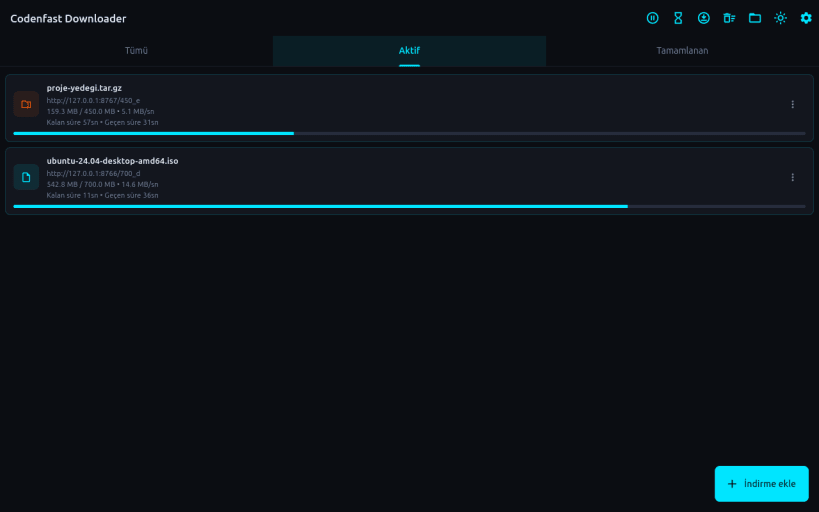
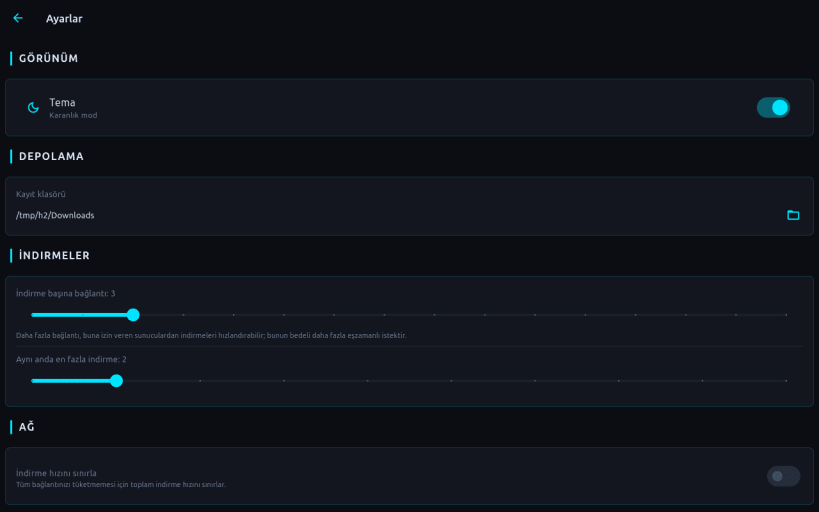
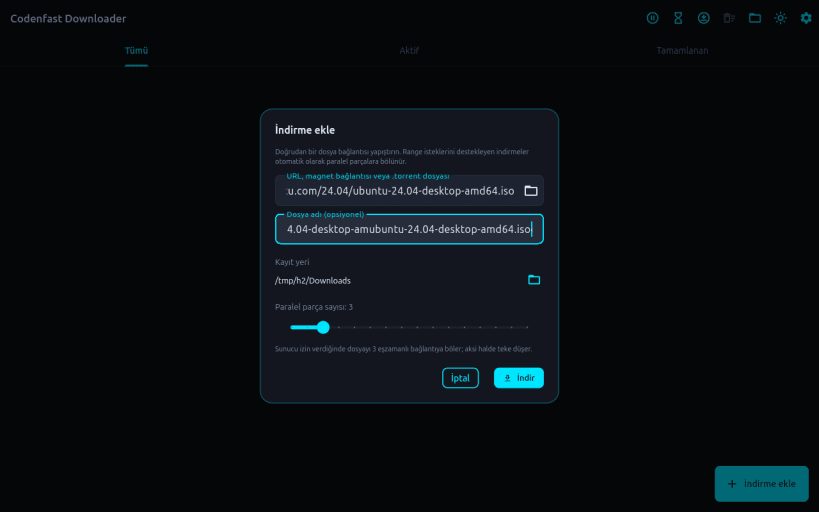
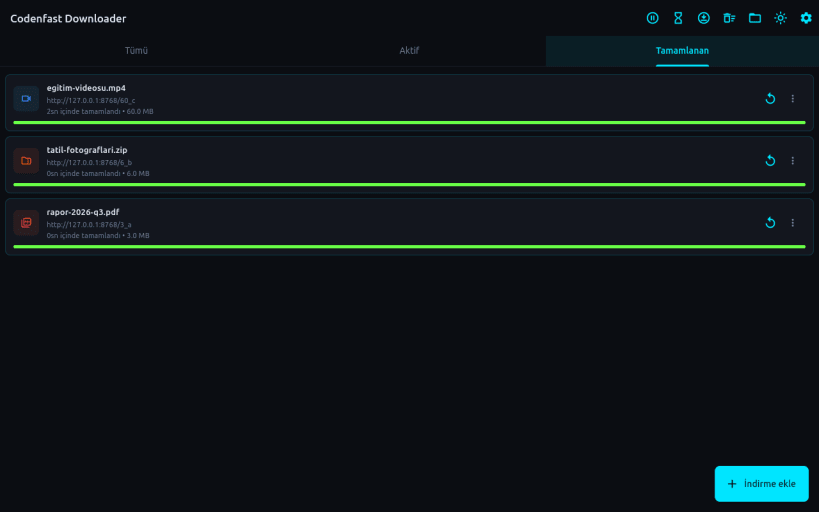
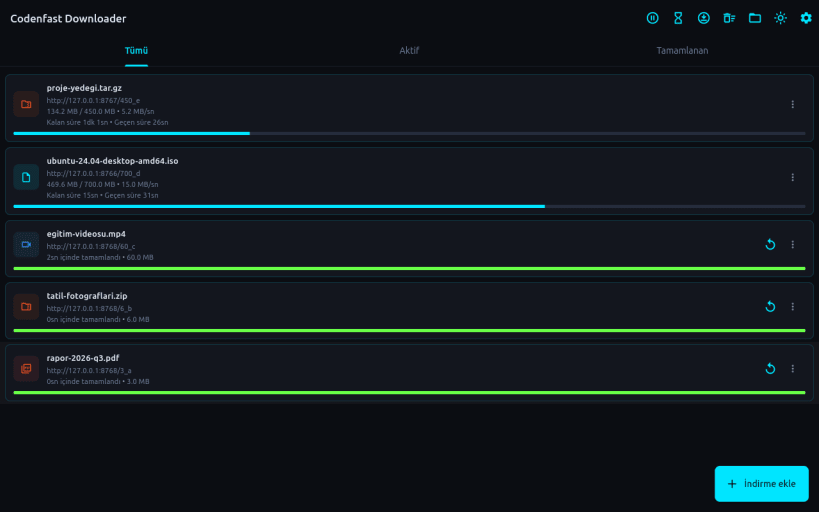
Codenfast Download Manager; dosyaları hızlı ve düzenli indirmenizi sağlayan Linux masaüstü indirme yöneticisidir. Sunucu destekliyorsa dosyayı birden çok eşzamanlı bağlantıya bölerek indirir.
Öne çıkan özellikler: • Çok bağlantılı (parçalı) indirme: indirme başına bağlantı sayısı ayarlanabilir • Duraklat, devam et, yeniden dene, iptal et; ilerleme kaybolmaz • Aynı anda en fazla indirme sınırı ve isteğe bağlı toplam hız sınırlama • Tümü / Aktif / Tamamlanan görünümleri, kalan süre ve hız bilgisi • Chrome, Brave, Edge ve Firefox için tarayıcı eklentisi ile indirmeleri otomatik yakalama • Sistem tepsisine küçülme, oturum açılışında başlatma, indirme bildirimleri • Magnet bağlantısı ve .torrent desteği • Açık ve koyu tema
EN: Codenfast Download Manager is a fast multi-connection download manager for Linux. It splits files into parallel segments, supports pause/resume, speed limiting, a browser extension for Chrome, Brave, Edge and Firefox, system tray integration and magnet/.torrent links.
Anahtar kelimeler / Keywords: indirme yöneticisi, dosya indirme, download manager, downloader, torrent, magnet, resume downloads, IDM alternative.
Thank you for your report. Information you provided will help us investigate further.
There was an error while sending your report. Please try again later.
Snaps are applications packaged with all their dependencies to run on all popular Linux distributions from a single build. They update automatically and roll back gracefully.
Snaps are discoverable and installable from the Snap Store, an app store with an audience of millions.
If you’re running Ubuntu 16.04 LTS (Xenial Xerus) or later, including Ubuntu 18.04 LTS (Bionic Beaver) and Ubuntu 20.04 LTS (Focal Fossa), you don’t need to do anything. Snap is already installed and ready to go.
For versions of Ubuntu between 14.04 LTS (Trusty Tahr) and 15.10 (Wily Werewolf), as well as Ubuntu flavours that don’t include snap by default, snap can be installed from the Ubuntu Software Centre by searching for snapd.
Alternatively, snapd can be installed from the command line:
sudo apt update
sudo apt install snapd
Either log out and back in again, or restart your system, to ensure snap’s paths are updated correctly.
To install Codenfast Download Manager, simply use the following command:
sudo snap install codenfast-download-manager
Browse and find snaps from the convenience of your desktop using the snap store snap.
Interested to find out more about snaps? Want to publish your own application? Visit snapcraft.io now.