
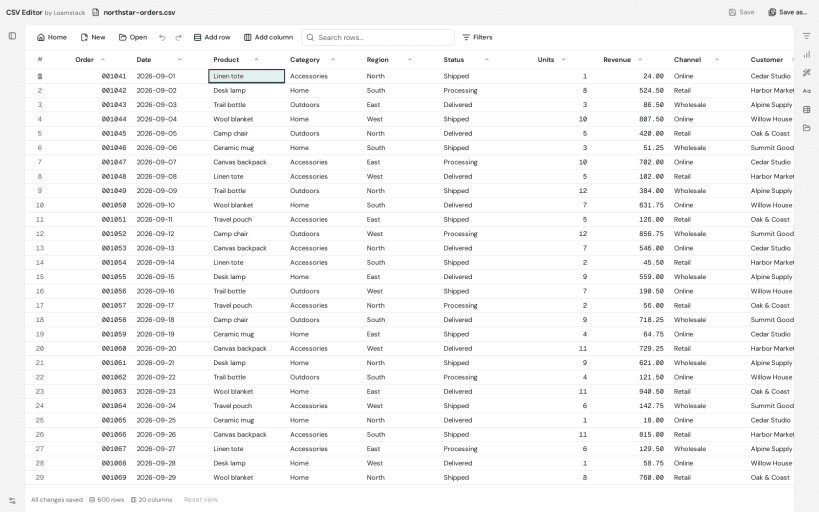
Open and edit CSV files in a desktop table without creating an account.
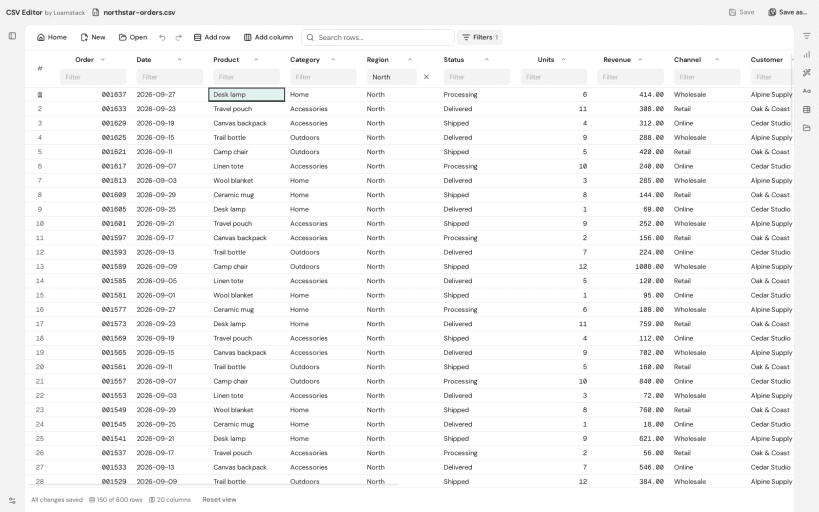
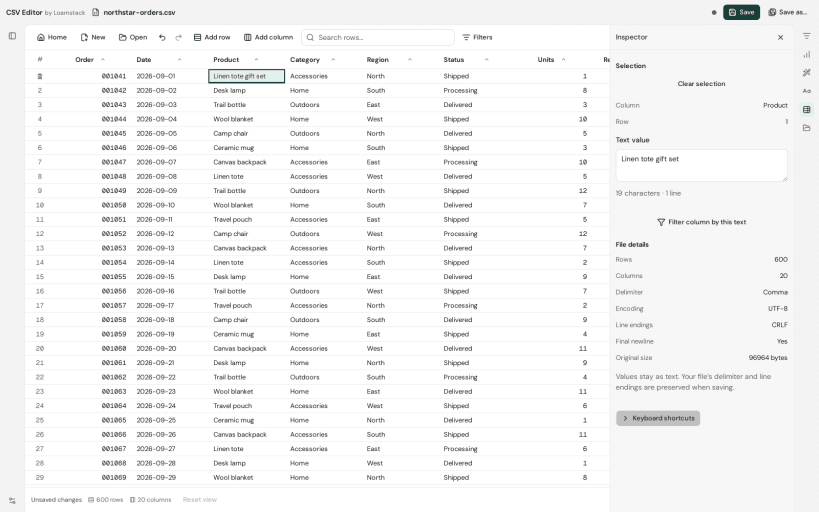
Edit cells, headers, rows and columns. Search, filter and sort data; undo and redo edits; preserve text identifiers such as leading zeroes. Save your changes locally or use Save As to keep a separate copy.
Document processing runs on your device. File contents are not uploaded. Store release builds send bounded app-start, file-open, save and first-edit events to PostHog and lifecycle/error diagnostics to Sentry. These include the application version, fixed action categories, a random installation identifier stored locally and a fresh launch identifier. They exclude file names, paths, headers, rows and cell contents and do not create a person profile. These requests expose ordinary network information; PostHog retains IP addresses and may derive approximate location. The app does not request precise device location. Diagnostics delivery failures do not prevent editing. See https://csvfile.tools/privacy for provider, retention and rights information. Optional Contact support sends only the reply email and message you enter.
Snap permissions control file access. Ordinary non-hidden files you own in your home directory are available through the home permission. For external drives under /media, /run/media or /mnt, connect the optional interface with: sudo snap connect csv-editor:removable-media. If a selected file cannot be saved, keep your edits open and use Save As in an accessible home folder.
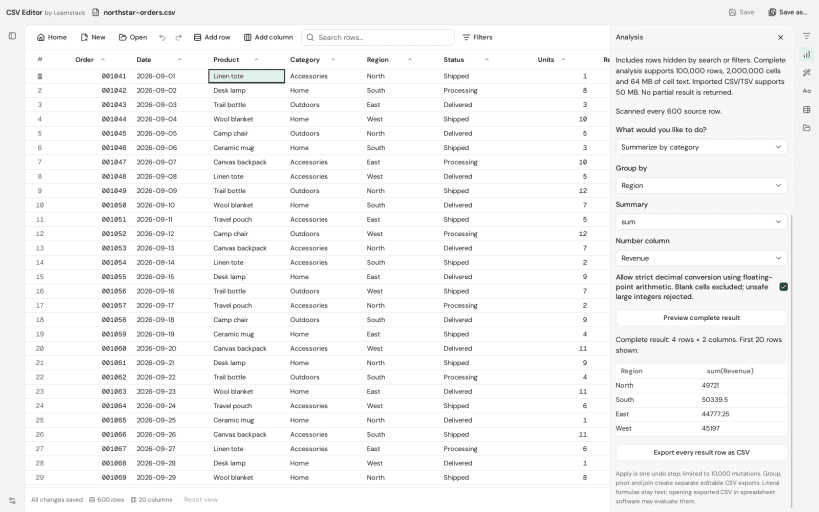
CSV files contain text data; spreadsheet formulas and Excel workbook formatting are not evaluated. Report your Linux distribution, CSV Editor version, the failed action and non-sensitive error text using Contact support. Do not attach private CSV data.
You are about to open
Do you wish to proceed?
Thank you for your report. Information you provided will help us investigate further.
There was an error while sending your report. Please try again later.
Snaps are applications packaged with all their dependencies to run on all popular Linux distributions from a single build. They update automatically and roll back gracefully.
Snaps are discoverable and installable from the Snap Store, an app store with an audience of millions.
If you’re running Kubuntu 16.04 LTS (Xenial Xerus) or later, including Kubuntu 18.04 LTS (Bionic Beaver) and Kubuntu 18.10 (Cosmic Cuttlefish), you don’t need to do anything. Snap is already installed and ready to go.
Versions of Kubuntu between 14.04 LTS (Trusty Tahr) and 15.10 (Wily Werewolf) don’t include snap by default, but snap can be installed from the command line as follows:
sudo apt update
sudo apt install snapd
To install CSV Viewer and Editor, simply use the following command:
sudo snap install csv-editor
Browse and find snaps from the convenience of your desktop using the snap store snap.

Interested to find out more about snaps? Want to publish your own application? Visit snapcraft.io now.