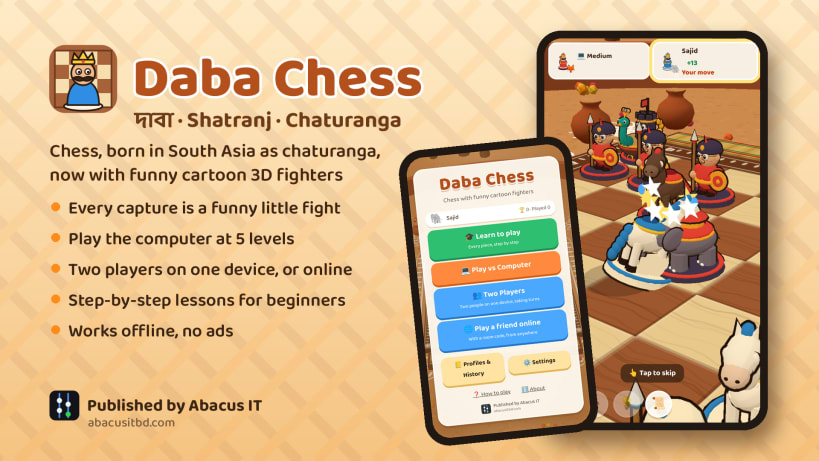
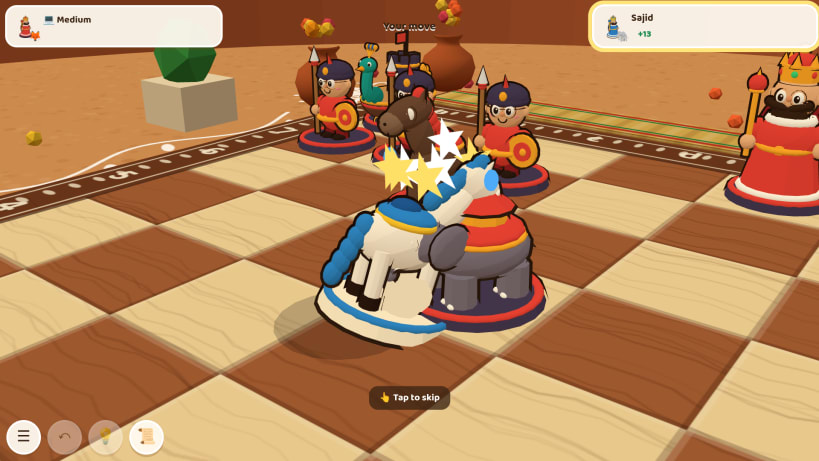
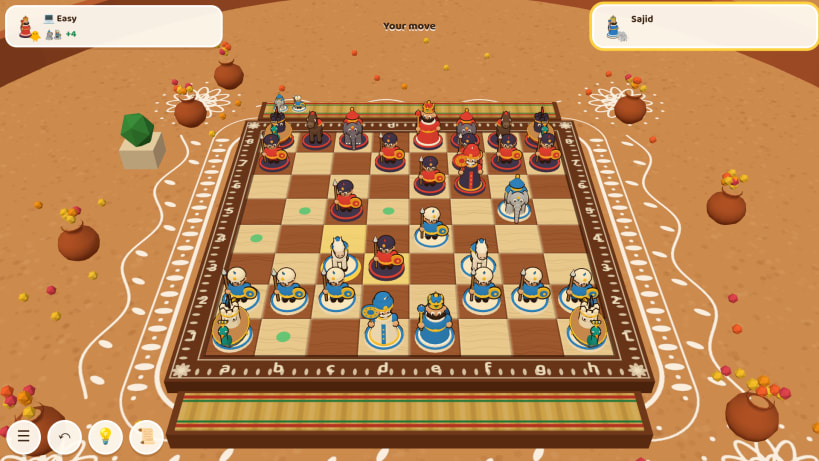
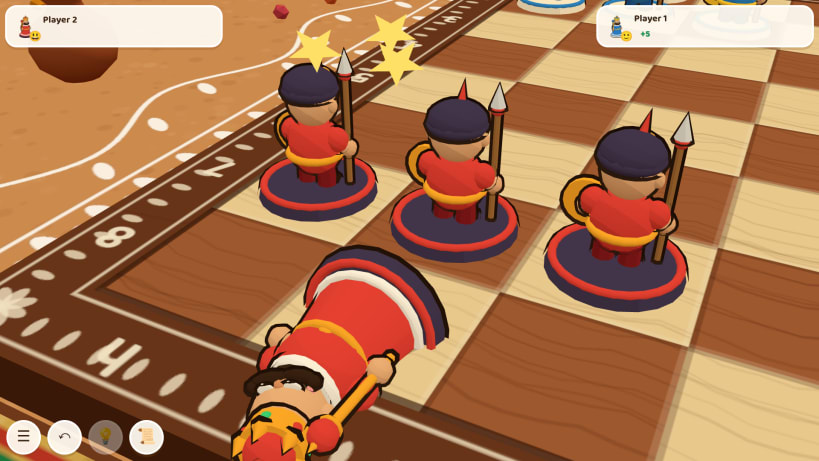
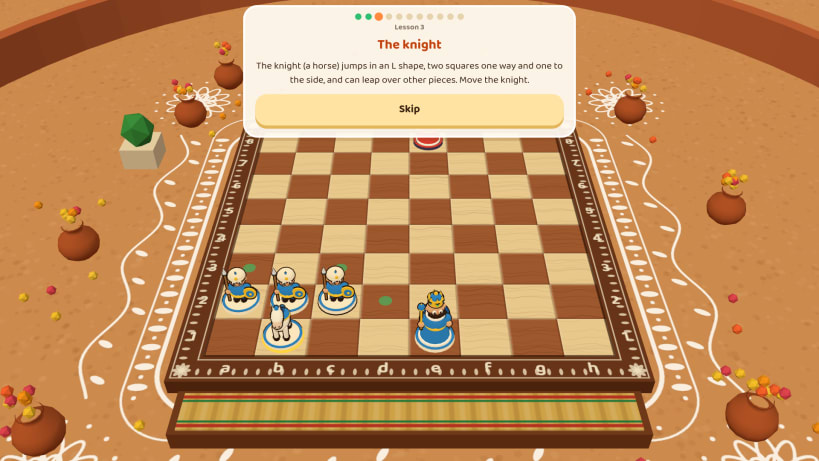
Daba Chess (দাবা, shatranj, शतरंज, شطرنج) is chess with a bright cartoon 3D army. Chess was born in South Asia as chaturanga, and here the pieces are the ones we grew up with: the raja, the mantri (minister), the boat, the elephant, the horse and the little soldiers. Every capture is a short, funny fight on the board. Made for Bangladesh, India, Nepal, Pakistan and Sri Lanka, and for everyone who loves chess.
Features
How to play: white moves first, then the players take turns. Attack the other king so that it cannot escape: that is checkmate, and the game is won. The lessons teach every piece step by step.
দাবা: আমাদের উপমহাদেশে জন্ম নেওয়া চিরচেনা খেলা, এবার রঙিন কার্টুন ত্রিমাত্রিক রূপে। রাজা, মন্ত্রী, নৌকা, হাতি, ঘোড়া আর বোড়ে, আর প্রতিটি খাওয়া মানে একটা মজার লড়াই। কম্পিউটারের সাথে ৫টি স্তরে অথবা বন্ধুর সাথে খেলো। ধাপে ধাপে শেখার পাঠ, নিজের প্রোফাইল আর খেলার ইতিহাস। বাংলা আর ইংরেজি, পুরোপুরি অফলাইন, কোনো বিজ্ঞাপন নেই।
Search: chess, daba, daba chess, dabā, daba khela, bangla chess, shatranj, satranj, shatranj game, chaturanga, chaturangam, chadurangam, sathurangam, buddhibal, buddhichal, chess game, 3d chess, cartoon chess, battle pieces, board game, two player, offline, bangladesh, india, nepal, pakistan, sri lanka. বাংলা: দাবা, দাবা খেলা, দাবার ঘুঁটি, শতরঞ্জ, চতুরঙ্গ। অসমীয়া: দবা। हिन्दी: शतरंज, शतरंज खेल, चतुरंग। मराठी: बुद्धिबळ। नेपाली: बुद्धिचाल। اردو: شطرنج، شطرنج کا کھیل۔ ગુજરાતી: શતરંજ. ਪੰਜਾਬੀ: ਸ਼ਤਰੰਜ. ଓଡ଼ିଆ: ଶତରଞ୍ଜ. தமிழ்: சதுரங்கம். తెలుగు: చదరంగం. ಕನ್ನಡ: ಚದುರಂಗ. മലയാളം: ചതുരംഗം. සිංහල: චෙස්.
Published by Abacus IT (https://abacusitbd.com).
You are about to open
Do you wish to proceed?
Thank you for your report. Information you provided will help us investigate further.
There was an error while sending your report. Please try again later.
Snaps are applications packaged with all their dependencies to run on all popular Linux distributions from a single build. They update automatically and roll back gracefully.
Snaps are discoverable and installable from the Snap Store, an app store with an audience of millions.
On Arch Linux, snap can be installed from the Arch User Repository (AUR). The manual build process is the Arch-supported install method for AUR packages, and you’ll need the prerequisites installed before you can install any AUR package. You can then install snap with the following:
git clone https://aur.archlinux.org/snapd.git
cd snapd
makepkg -si
Once installed, the systemd unit that manages the main snap communication socket needs to be enabled:
sudo systemctl enable --now snapd.socket
If AppArmor is enabled in your system, enable the service which loads AppArmor profiles for snaps:
sudo systemctl enable --now snapd.apparmor.service
To enable classic snap support, enter the following to create a symbolic link between /var/lib/snapd/snap and /snap:
sudo ln -s /var/lib/snapd/snap /snap
Either log out and back in again, or restart your system, to ensure snap’s paths are updated correctly.
To install Daba Chess (দাবা) Cartoon 3D Chess, simply use the following command:
sudo snap install daba-chess
Browse and find snaps from the convenience of your desktop using the snap store snap.
Interested to find out more about snaps? Want to publish your own application? Visit snapcraft.io now.