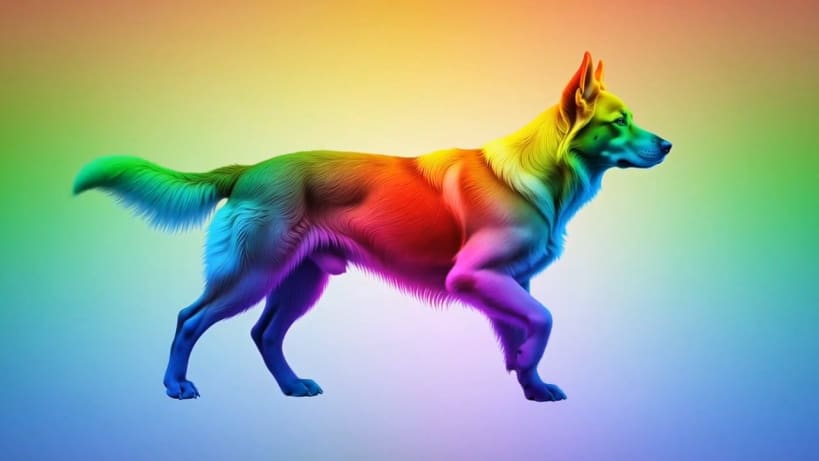
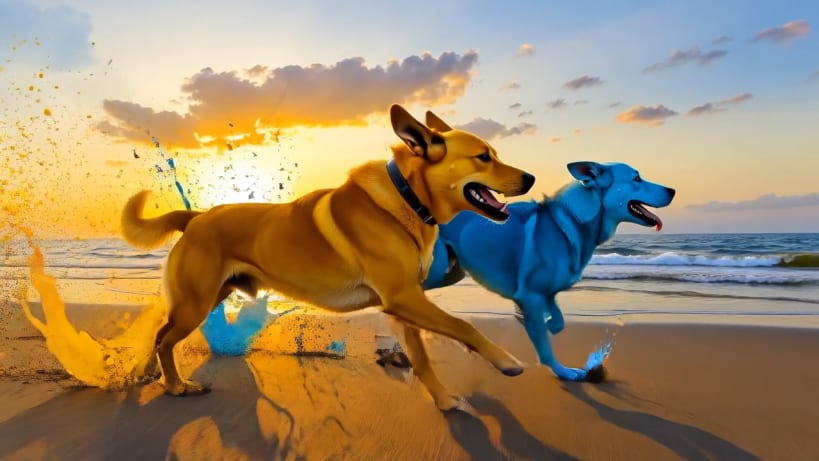
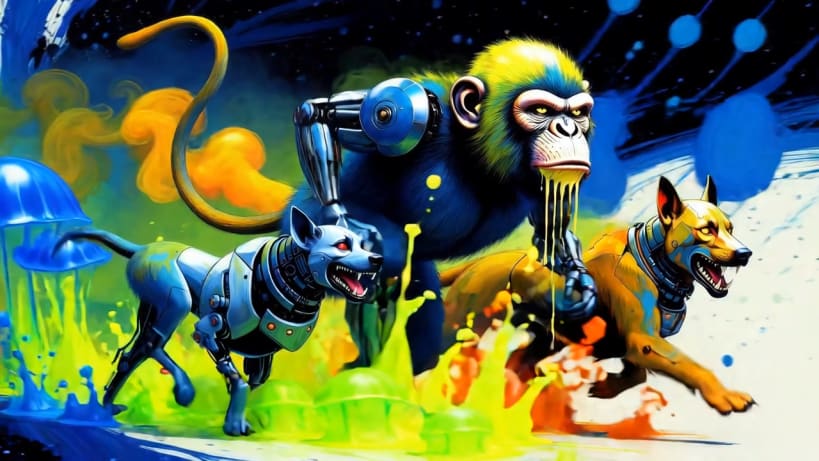
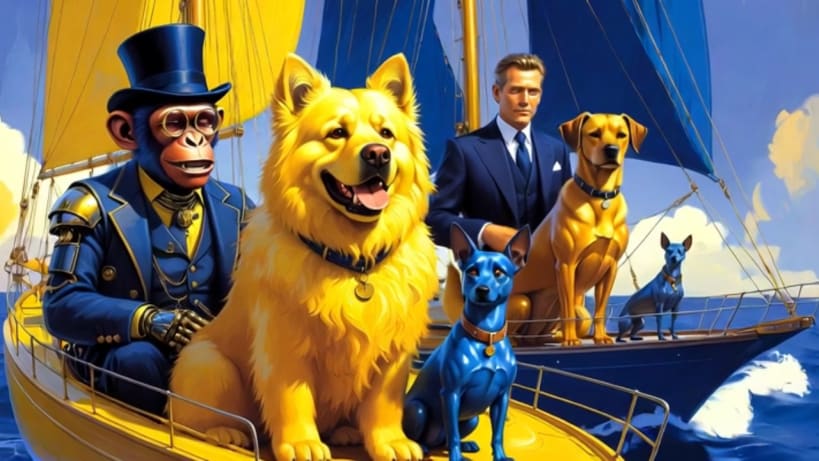
Dogvision TV by Team of Monkeys .com is a television channel made for dogs. Open it and it fills the screen and starts playing, with sound, all on its own: high-contrast colours and gentle, dog-friendly motion to keep your pup company all day long. There is nothing to press, because dogs can't press anything anyway.
★ A channel that never stops
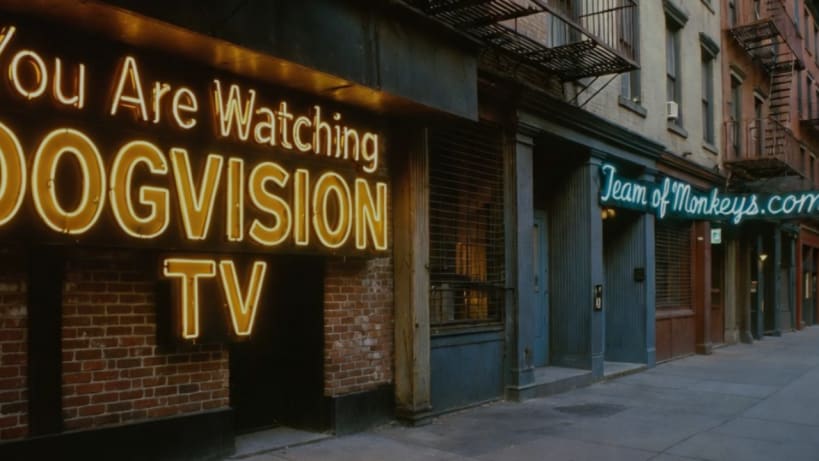
★ No buffering wheel, ever While a clip loads, the channel's own "You Are Watching Dogvision TV" pictures drift slowly across the screen, Ken Burns style, until the picture is ready.
★ Made for leaving on
For you, the owner: Esc or a double-click leaves full screen, F11 goes back, Ctrl+Q quits. Right-click the app icon to open it in a window.
The clips stream from the Dogvision collection on the Internet Archive (archive.org). No account, no ads and no tracking.
You are about to open
Do you wish to proceed?
Thank you for your report. Information you provided will help us investigate further.
There was an error while sending your report. Please try again later.
Snaps are applications packaged with all their dependencies to run on all popular Linux distributions from a single build. They update automatically and roll back gracefully.
Snaps are discoverable and installable from the Snap Store, an app store with an audience of millions.
Snap can be installed on elementary OS from the command line. Open Terminal from the Applications launcher and type the following:
sudo apt update
sudo apt install snapd
Either log out and back in again, or restart your system, to ensure snap’s paths are updated correctly.
To install Dogvision TV, simply use the following command:
sudo snap install dogvision-tv
Browse and find snaps from the convenience of your desktop using the snap store snap.
Interested to find out more about snaps? Want to publish your own application? Visit snapcraft.io now.