
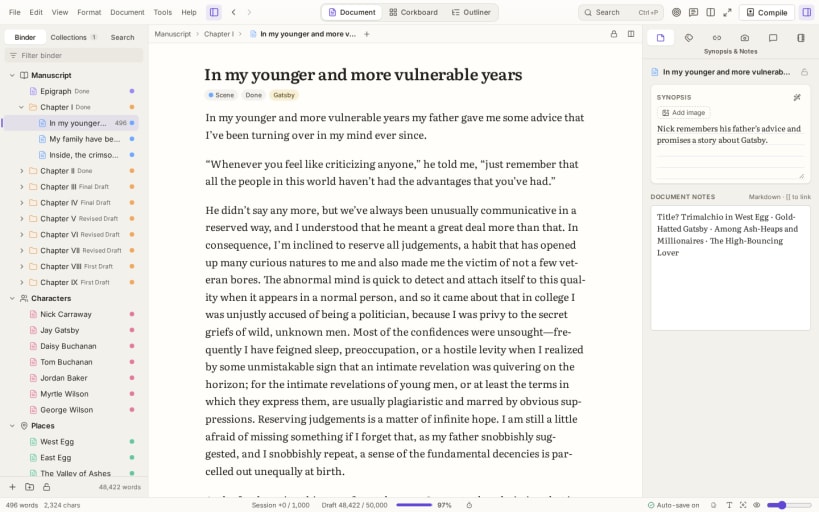
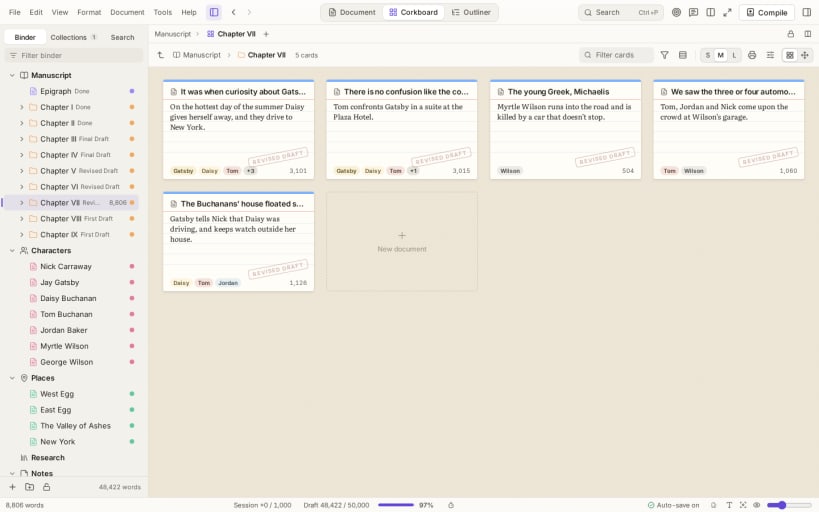
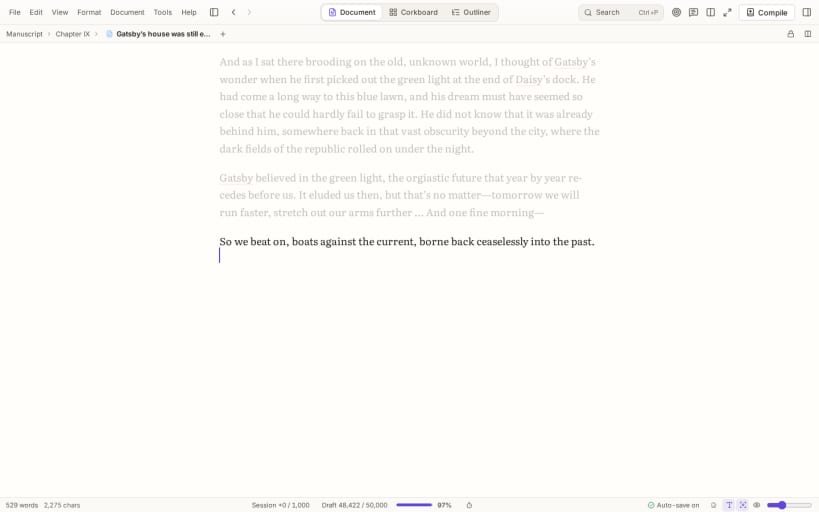
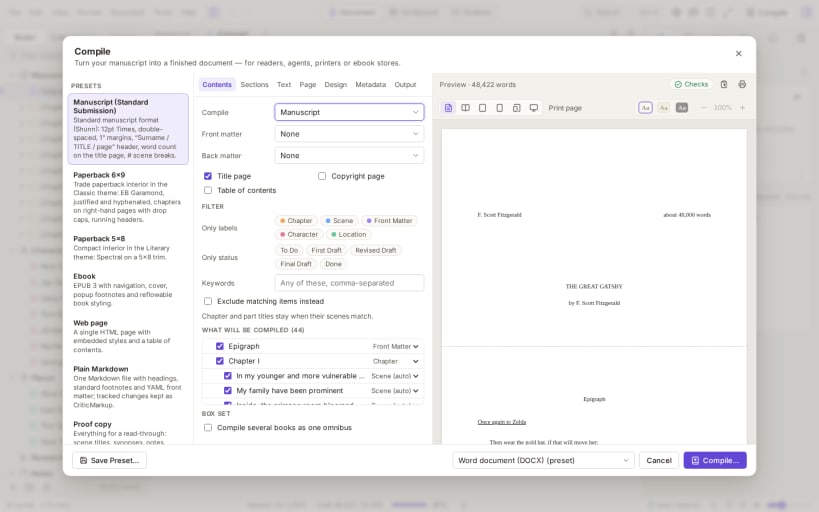
Dreamwrite Studio is a writing studio for long projects: novels, nonfiction, screenplays, stage plays and theses. A binder holds the manuscript, research and notes together. Plan on a corkboard, in an outliner, on a timeline or in a plot grid, then write in a distraction-free editor with focus and typewriter modes.
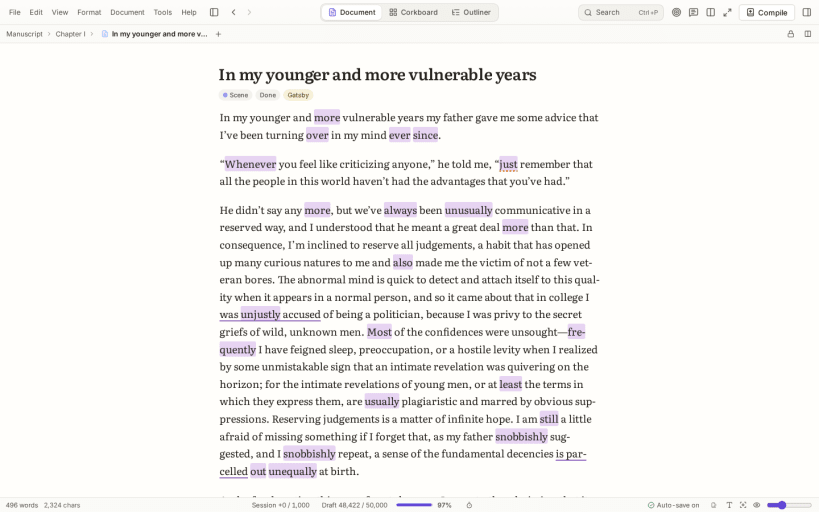
Revise with snapshots, tracked changes, style highlighting and consistency checks. Track word-count targets, deadlines and your writing streak. Compile to Word, PDF, EPUB, LaTeX, Fountain and Final Draft, with presets for manuscripts, paperbacks, ebooks and screenplays. Import Scrivener projects, Ulysses libraries, Word files and more.
Projects are ordinary folders of Markdown files that you own. No account is needed, there are no analytics or tracking, and no AI is built in.
Try every feature free for 14 days; after that, one $25 license covers every computer you write on. https://dreamwritestudio.com
You are about to open
Do you wish to proceed?
Thank you for your report. Information you provided will help us investigate further.
There was an error while sending your report. Please try again later.
Snaps are applications packaged with all their dependencies to run on all popular Linux distributions from a single build. They update automatically and roll back gracefully.
Snaps are discoverable and installable from the Snap Store, an app store with an audience of millions.
On Debian 9 (Stretch) and newer, snap can be installed directly from the command line:
sudo apt update
sudo apt install snapd
After this, install the snapd snap in order to get the latest snapd:
sudo snap install snapd
To install Dreamwrite Studio, simply use the following command:
sudo snap install dreamwrite-studio
Browse and find snaps from the convenience of your desktop using the snap store snap.
Interested to find out more about snaps? Want to publish your own application? Visit snapcraft.io now.