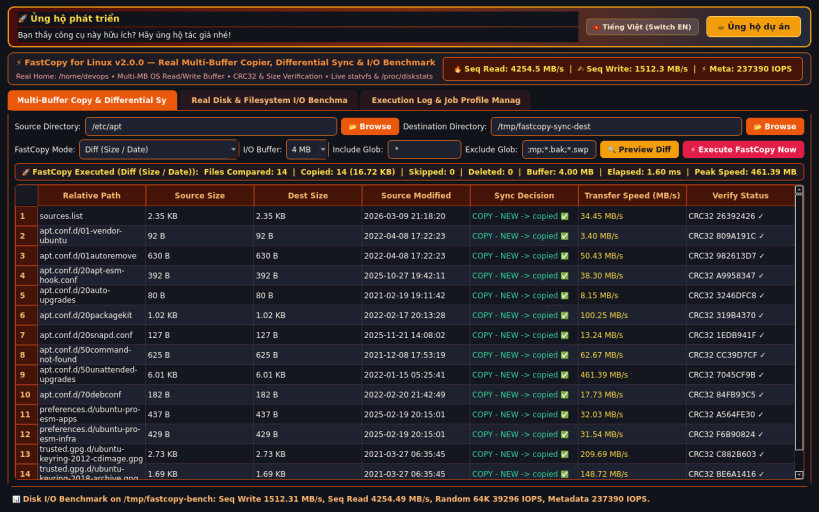
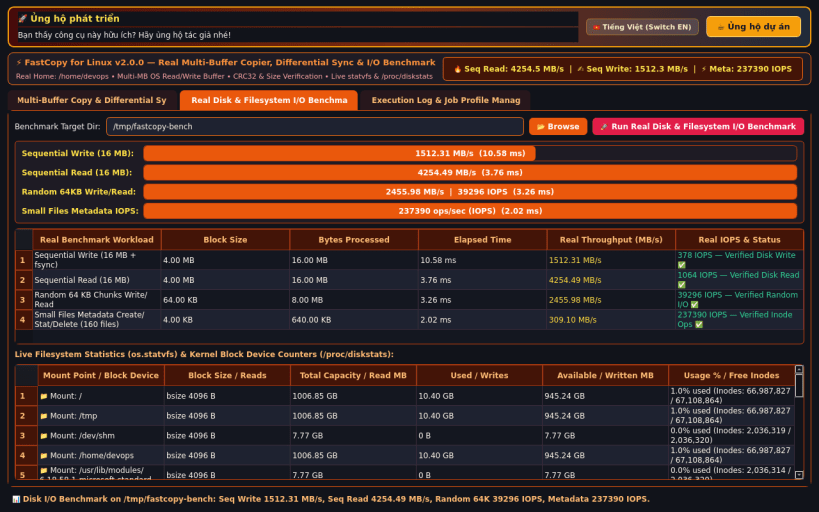
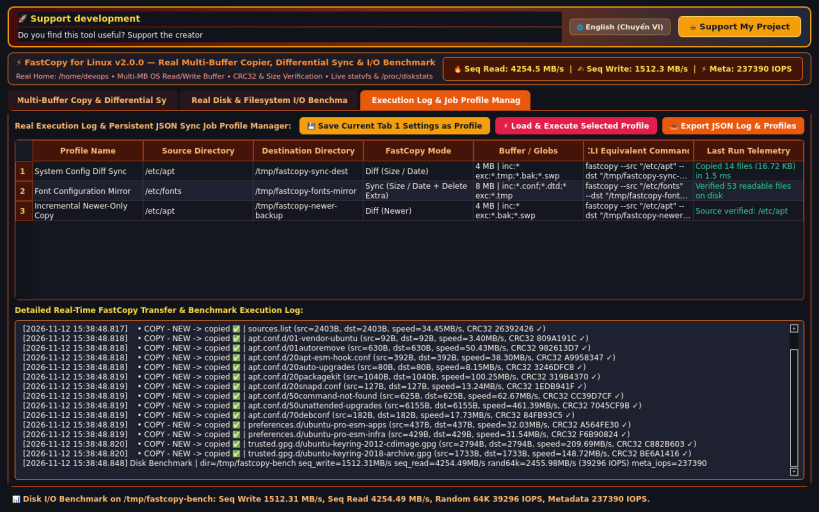
FastCopy for Linux is a real high-speed multi-buffer file copier, differential directory synchronization utility, and filesystem I/O benchmark tool.
KEY FEATURES: • Real Multi-Buffer File Copy & Differential Sync: Supports Diff (Size / Date), Diff (Newer), Copy (Overwrite All), and Sync (Size / Date + Delete Extra) using configurable 1 MB, 4 MB, and 8 MB read/write buffers, glob include/exclude filters, and post-copy size/hash verification. • Real Disk & Filesystem I/O Bandwidth Benchmark: Executes real Sequential Write (16 MB), Sequential Read (16 MB), Random 64 KB Chunks Write/Read, and Small Files Metadata Create/Stat/Delete tests with time.perf_counter() precision, alongside live os.statvfs and /proc/diskstats telemetry. • Real Execution Log & Job Profile Manager: Records detailed transfer logs and manages persistent JSON sync job profiles.
SUPPORT & DONATE: • Created by Thanh Nguyen — Support ongoing development: https://buymeacoffee.com/thanhnv128b
You are about to open
Do you wish to proceed?
Thank you for your report. Information you provided will help us investigate further.
There was an error while sending your report. Please try again later.
Snaps are applications packaged with all their dependencies to run on all popular Linux distributions from a single build. They update automatically and roll back gracefully.
Snaps are discoverable and installable from the Snap Store, an app store with an audience of millions.
Snap can be installed on elementary OS from the command line. Open Terminal from the Applications launcher and type the following:
sudo apt update
sudo apt install snapd
Either log out and back in again, or restart your system, to ensure snap’s paths are updated correctly.
To install FastCopy Differential Sync, simply use the following command:
sudo snap install fastcopy
Browse and find snaps from the convenience of your desktop using the snap store snap.
Interested to find out more about snaps? Want to publish your own application? Visit snapcraft.io now.