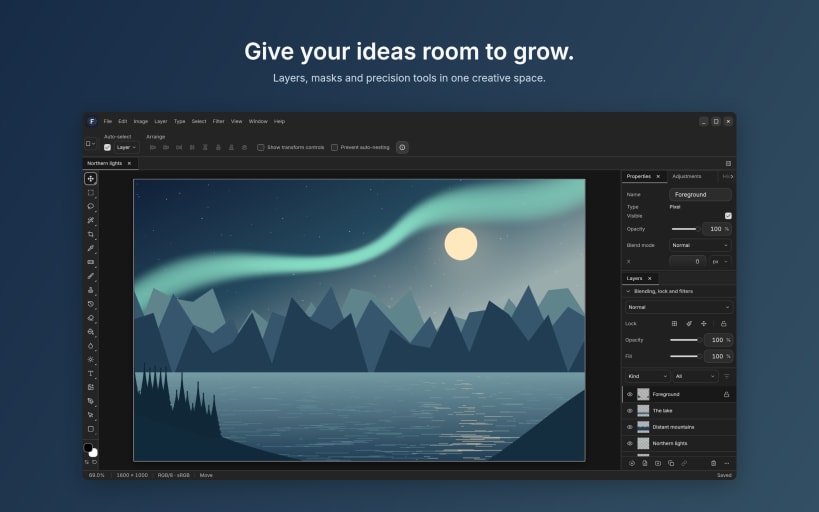
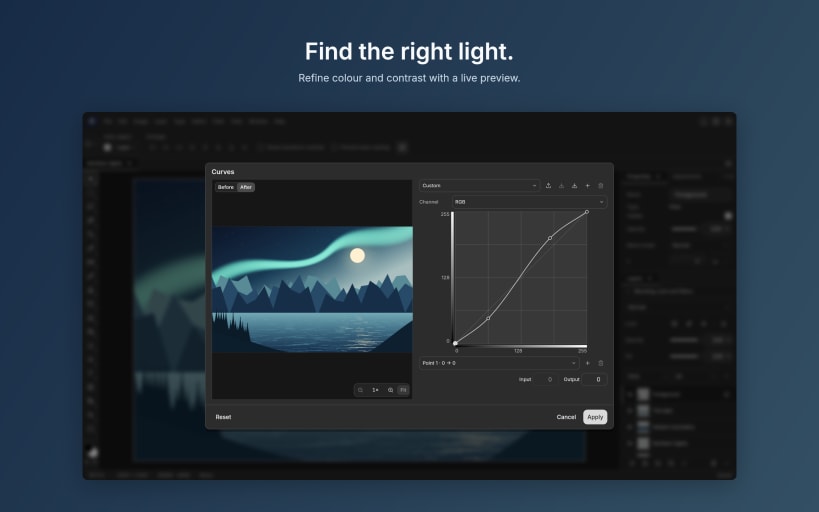
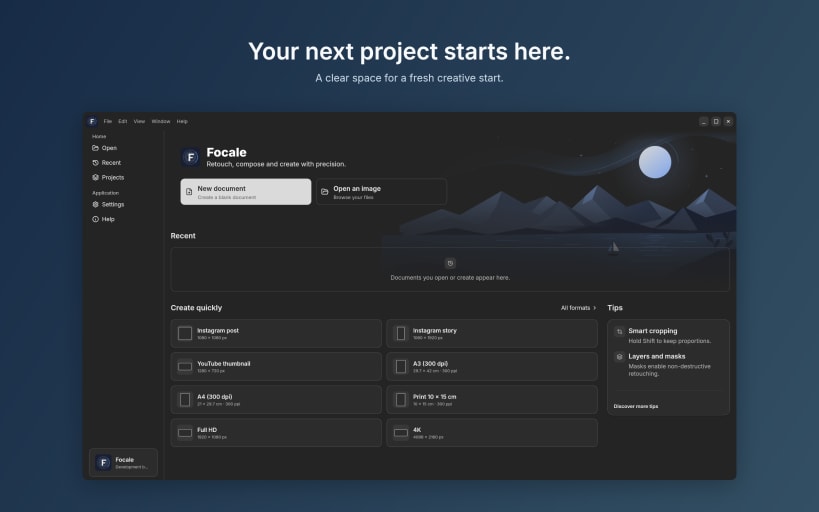

Focale is an image editor for people who care about detail. Retouch a photograph, assemble a composition from many sources or paint on a blank canvas: it all happens in one workspace.
Start from a photograph. Develop your camera RAW files, correct lens distortion, then retouch: remove a distracting element, refine the edge of a selection, or merge several shots into a panorama or an HDR image.
Or start from an idea. Stack layers, mask them and blend them, and keep your adjustments editable instead of baking them into the pixels. Paint with brushes that follow your hand, draw paths and vector shapes, and set text exactly where you want it.
Your work stays with you. Images are processed on your device, and .focale projects keep your layers, masks and resources together so that you can pick up where you left off. Focale also opens and exports the usual image formats, including layered PSD and PSB documents, so it fits the way you already work.
FEATURES
You are about to open
Do you wish to proceed?
Thank you for your report. Information you provided will help us investigate further.
There was an error while sending your report. Please try again later.
Snaps are applications packaged with all their dependencies to run on all popular Linux distributions from a single build. They update automatically and roll back gracefully.
Snaps are discoverable and installable from the Snap Store, an app store with an audience of millions.
On Debian 9 (Stretch) and newer, snap can be installed directly from the command line:
sudo apt update
sudo apt install snapd
After this, install the snapd snap in order to get the latest snapd:
sudo snap install snapd
To install Focale, simply use the following command:
sudo snap install focale
Browse and find snaps from the convenience of your desktop using the snap store snap.

Interested to find out more about snaps? Want to publish your own application? Visit snapcraft.io now.