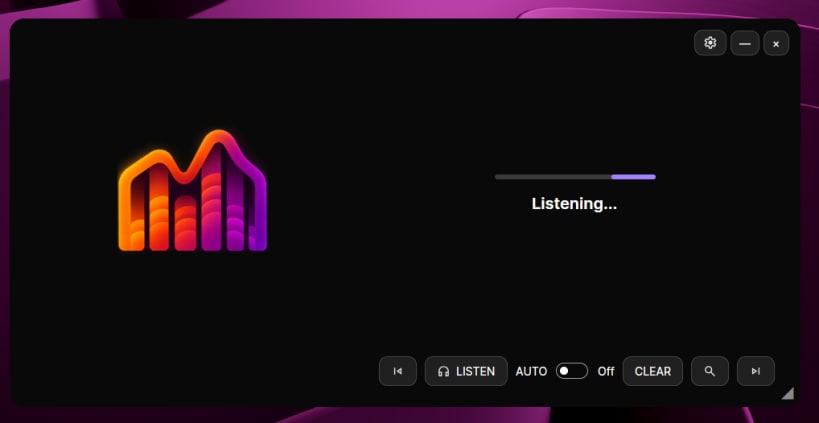
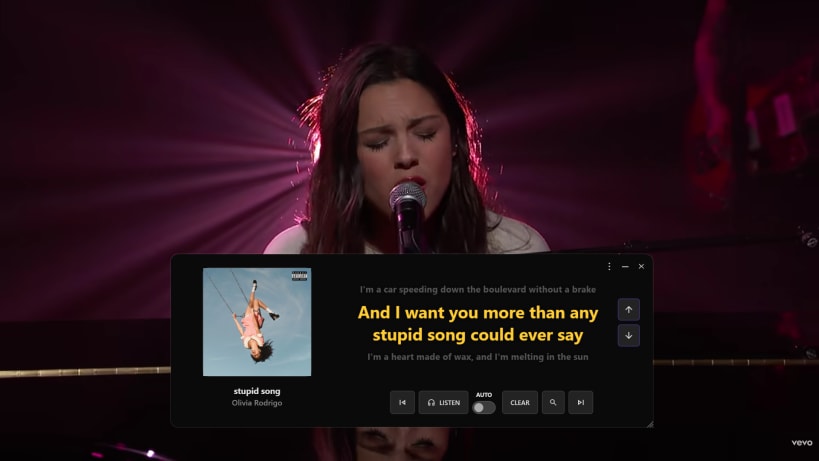
FrontLine Lyrics displays synchronized lyrics in an always-on-top desktop overlay. It can follow playback information from compatible music players or identify a song from the audio playing on your computer.
Listen to music in Spotify, a browser, or another player, and keep the lyrics visible while you work, browse, or watch a performance.
Features:
Getting started:
For Snap installations, open Settings → General to check audio and music-player permissions. The app includes instructions for granting the access it needs.
An internet connection is required for song recognition, lyrics lookup, and translation. Synchronized lyrics may not be available for every song.
FrontLine Lyrics is free and open source. No account is required. Optional usage statistics report app settings, not songs, lyrics, searches, or audio recordings. You can disable them in Settings → General.
You are about to open
Do you wish to proceed?
Thank you for your report. Information you provided will help us investigate further.
There was an error while sending your report. Please try again later.
Snaps are applications packaged with all their dependencies to run on all popular Linux distributions from a single build. They update automatically and roll back gracefully.
Snaps are discoverable and installable from the Snap Store, an app store with an audience of millions.
Snap can be installed on elementary OS from the command line. Open Terminal from the Applications launcher and type the following:
sudo apt update
sudo apt install snapd
Either log out and back in again, or restart your system, to ensure snap’s paths are updated correctly.
To install FrontLine Lyrics, simply use the following command:
sudo snap install frontline-lyrics
Browse and find snaps from the convenience of your desktop using the snap store snap.
Interested to find out more about snaps? Want to publish your own application? Visit snapcraft.io now.