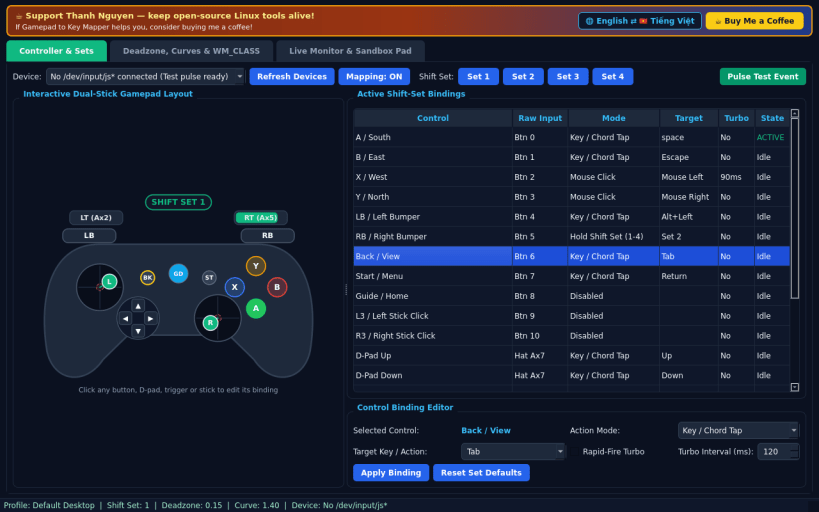
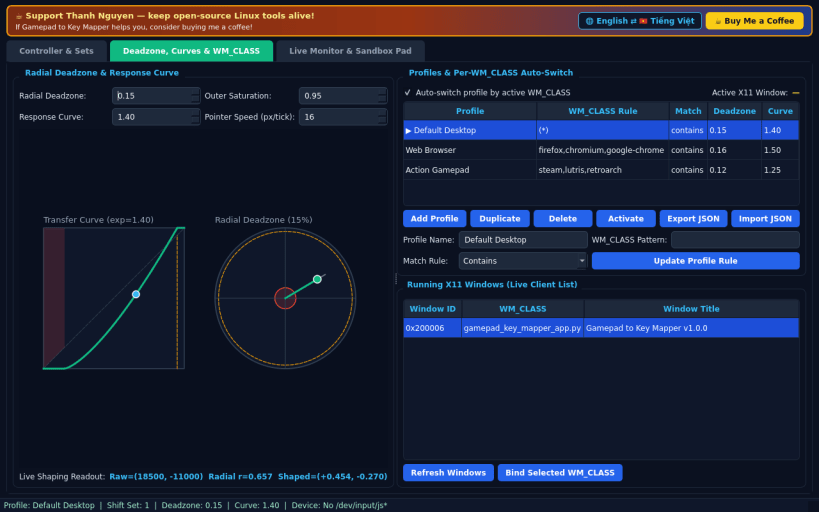
A visual Linux gamepad-to-keyboard and pointer mapping workbench inspired by AntiMicroX controller profile workflows. Disclaimer: Independent open-source project, not affiliated with, sponsored by, or endorsed by the AntiMicroX developers. Reads real Linux /dev/input/js* joystick devices and emits real X11 XTest keyboard and pointer events.
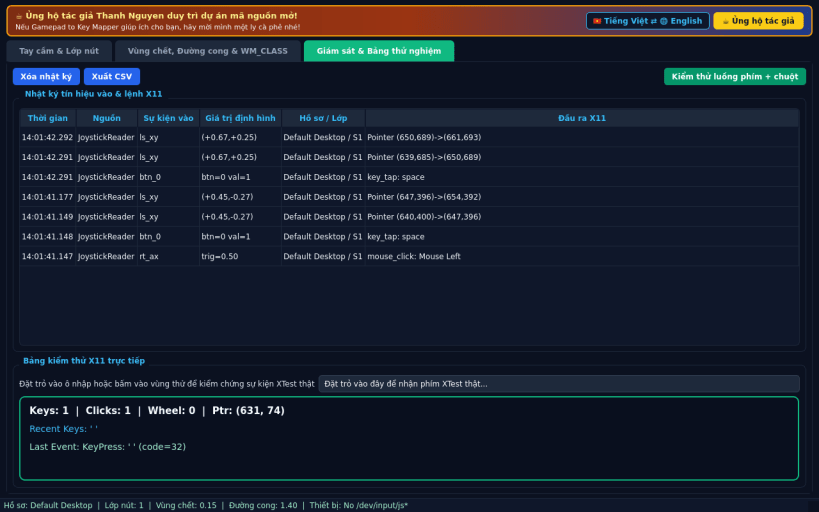
FEATURES • Interactive Dual-Stick Visual Layout: inspect live stick vectors, triggers, D-pad and ABXY buttons on an interactive controller diagram; click any control to customize its mapping. • 4 Shift-Set Layers & Rapid-Fire Turbo: switch or hold up to 4 independent button and stick layers per profile, with configurable millisecond turbo repeat intervals. • Radial Deadzone, Response Curves & WM_CLASS Auto-Switch: shape analog stick response with live curve and radial previews, and switch profiles automatically based on the active X11 window WM_CLASS. • Live Telemetry & Sandbox Pad: test key chords and pointer motion directly, export JSON profiles or CSV logs, and toggle English / Vietnamese UI.
SUPPORT & DONATE • Created by Thanh Nguyen — https://buymeacoffee.com/thanhnv128b
You are about to open
Do you wish to proceed?
Thank you for your report. Information you provided will help us investigate further.
There was an error while sending your report. Please try again later.
Snaps are applications packaged with all their dependencies to run on all popular Linux distributions from a single build. They update automatically and roll back gracefully.
Snaps are discoverable and installable from the Snap Store, an app store with an audience of millions.
Snapd can be installed from Manjaro’s Add/Remove Software application (Pamac), found in the launch menu. From the application, search for snapd, select the result, and click Apply.
Alternatively, snapd can be installed from the command line:
sudo pacman -S snapd
Once installed, the systemd unit that manages the main snap communication socket needs to be enabled:
sudo systemctl enable --now snapd.socket
To enable classic snap support, enter the following to create a symbolic link between /var/lib/snapd/snap and /snap:
sudo ln -s /var/lib/snapd/snap /snap
Either log out and back in again, or restart your system, to ensure snap’s paths are updated correctly.
To install Gamepad to Key Mapper, simply use the following command:
sudo snap install gamepad-key-mapper
Browse and find snaps from the convenience of your desktop using the snap store snap.
Interested to find out more about snaps? Want to publish your own application? Visit snapcraft.io now.