
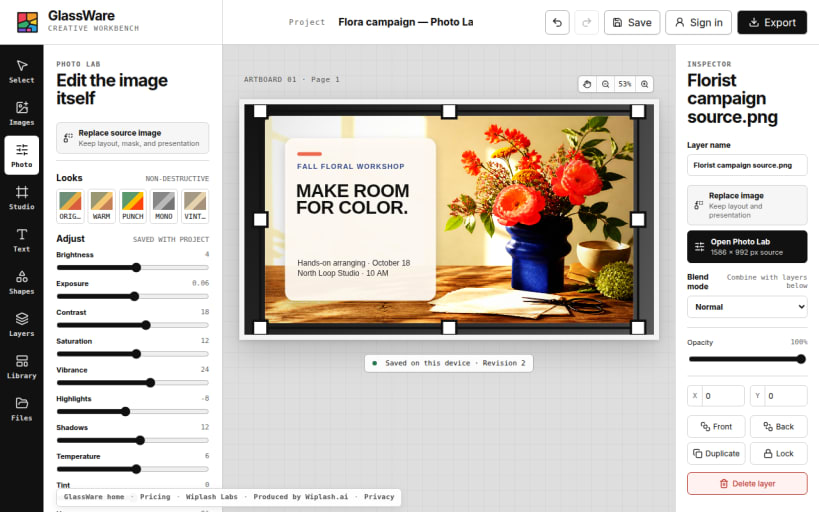
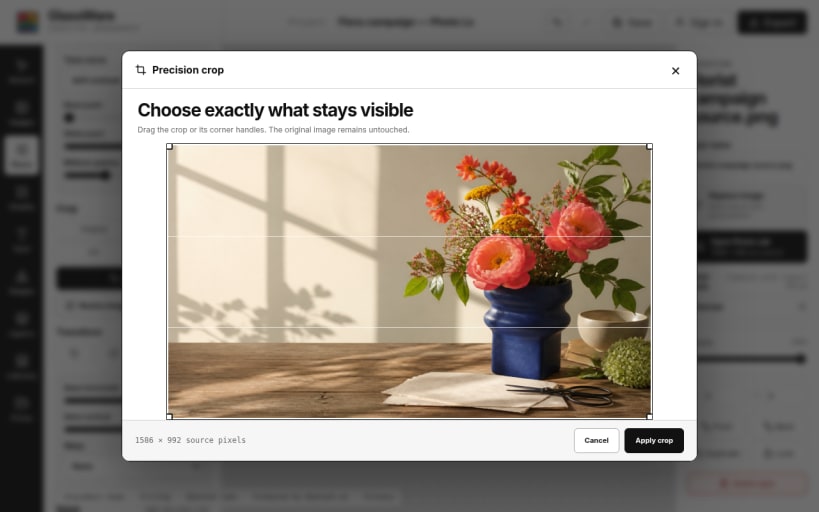


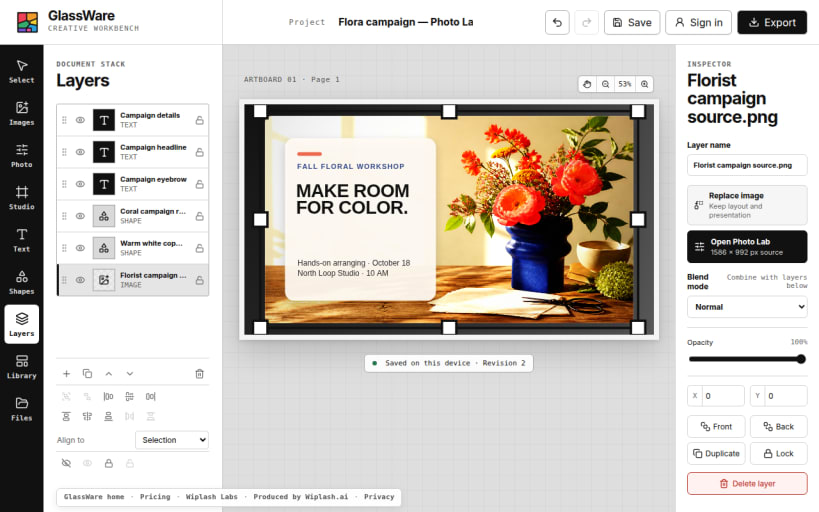
Glassware is a local-first image editor for photo correction, layered artwork, social graphics, flyers, marketing images, and expressive typography. Crop, resize, rotate, flip, skew, warp, mask, and retouch photos. Adjust tone, curves, levels, color, sharpness, blur, and vignette without flattening the artwork. Add editable text, free fonts, gradients, outlines, spacing, curved type, shapes, annotations, redactions, and presentation treatments in a reorderable layer stack. Save portable projects or export PNG, JPEG, WebP, and PDF. Local editing and export work without an account; optional sign-in unlocks cloud sync, paid storage, and user-connected AI.
You are about to open
Do you wish to proceed?
Thank you for your report. Information you provided will help us investigate further.
There was an error while sending your report. Please try again later.
Snaps are applications packaged with all their dependencies to run on all popular Linux distributions from a single build. They update automatically and roll back gracefully.
Snaps are discoverable and installable from the Snap Store, an app store with an audience of millions.
Snap can be installed from the command line. Open the Konsole terminal and enter the following:
sudo apt update
sudo apt install snapd
To install Glassware, simply use the following command:
sudo snap install glassware
Browse and find snaps from the convenience of your desktop using the snap store snap.

Interested to find out more about snaps? Want to publish your own application? Visit snapcraft.io now.