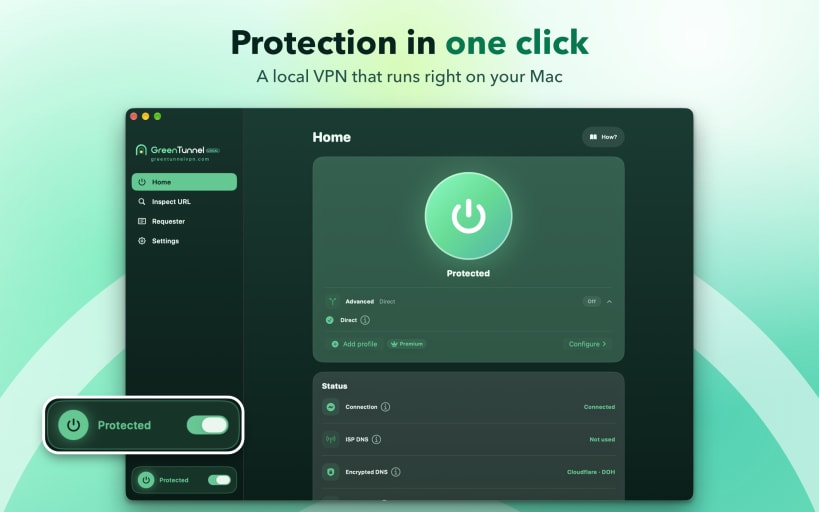
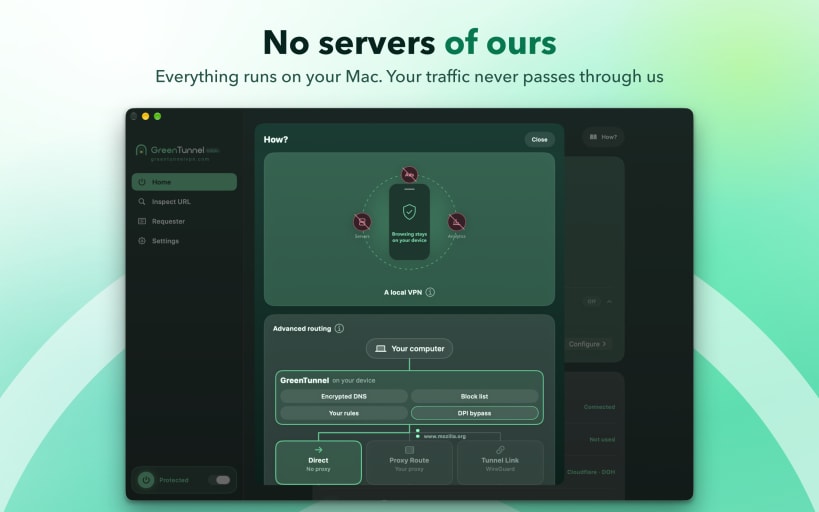
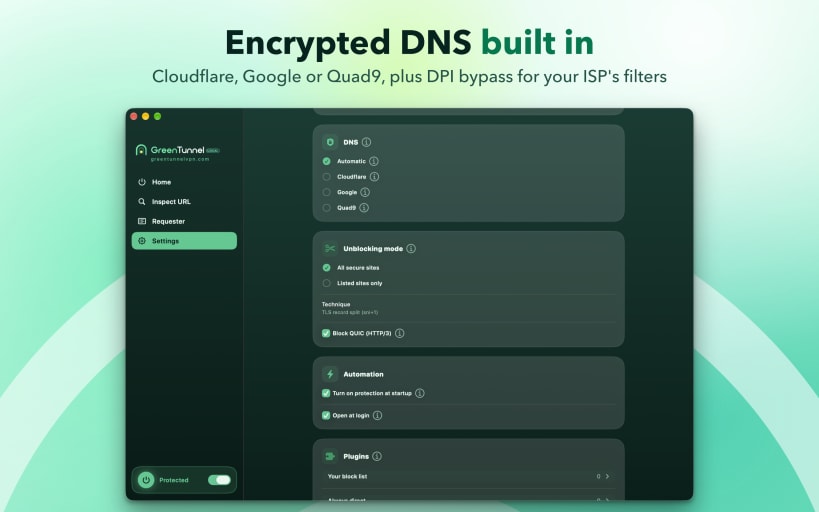
GreenTunnel VPN is a local VPN for Linux. A small network service runs on your PC and handles your connections right there. Your traffic goes straight to the sites you visit. It never passes through a server of ours, because we do not run any.
WHAT IT DOES
• DPI bypass: some networks use Deep Packet Inspection filters that can block legitimate websites. GreenTunnel reshapes the first packets of a connection (for example by splitting the TLS handshake) so the filter does not misread them, while the website still receives the same data. Use Auto mode, or pick the technique yourself.
• Encrypted DNS: domain lookups are encrypted with DNS over HTTPS or DNS over TLS and sent to Cloudflare, Google or Quad9, or to a DoH address you enter.
• Your lists: block the domains you never want to reach, and keep sites such as your bank on the Always direct list so they are never changed.
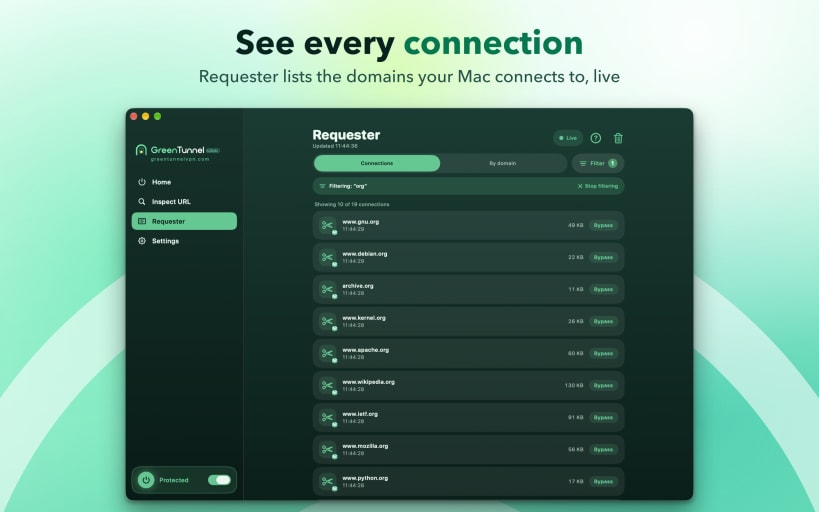
• Requester: a live list of the domains that apps using GreenTunnel connect to. GreenTunnel does not decrypt HTTPS and never reads what you send or receive. This list stays on your PC.
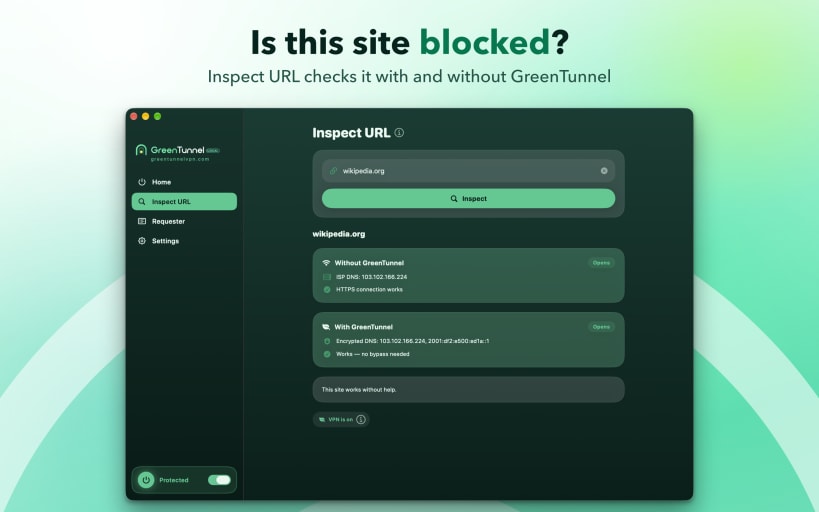
• Inspect URL: check whether a site is blocked on your network, with and without GreenTunnel.
• Tray icon: turn protection on or off with one click. The window can stay closed while protection runs.
HOW IT WORKS ON Linux
Setup asks for administrator rights once, to install the GreenTunnel VPN network service. After that you can turn protection on and off without administrator rights. The service only talks to the app on your own PC.
In this version the service works as a local proxy on your PC. Browsers and other apps that use the Windows proxy setting go through GreenTunnel once you point that setting to the address shown in the app. Apps that ignore the proxy setting connect as usual. Network-level protection for every app is not available yet.
WHAT GREENTUNNEL DOES NOT DO
• It does not hide your IP address or change your location.
• It is not an anonymity service.
• It does not decrypt HTTPS.
• It shows no ads and does not use an advertising ID.
YOUR DATA
The Windows app has no account and no crash reporting. It sends anonymous usage events, such as "protection turned on", to Google Analytics under a random install ID. Your browsing is never sent to us: no domains, URLs, IP addresses or traffic content. DNS lookups go, encrypted, to the DNS provider you choose, under that provider's own policy.
Privacy policy: https://greentunnelvpn.com/privacy.html
Please use GreenTunnel in line with the laws where you live.
Questions or feedback: cellhubsapp@gmail.com