

Welcome to Grimoji, the ultimate gothic alchemy puzzle game!
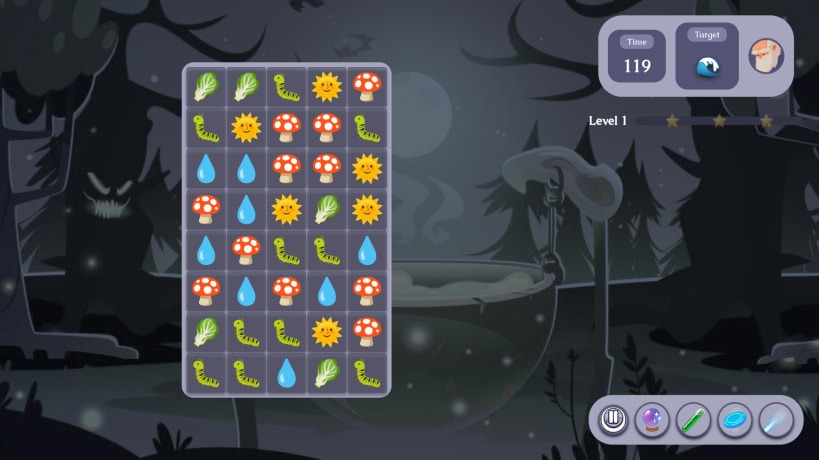
Step into the shoes of a magical apprentice and learn to brew, mix, and transmute your favorite emojis. Grimoji takes the grid-sliding mechanics of 2048 and collides them with the explosive chain reactions of classic match-3 games.
🧪 THE ALCHEMY OF EMOJIS
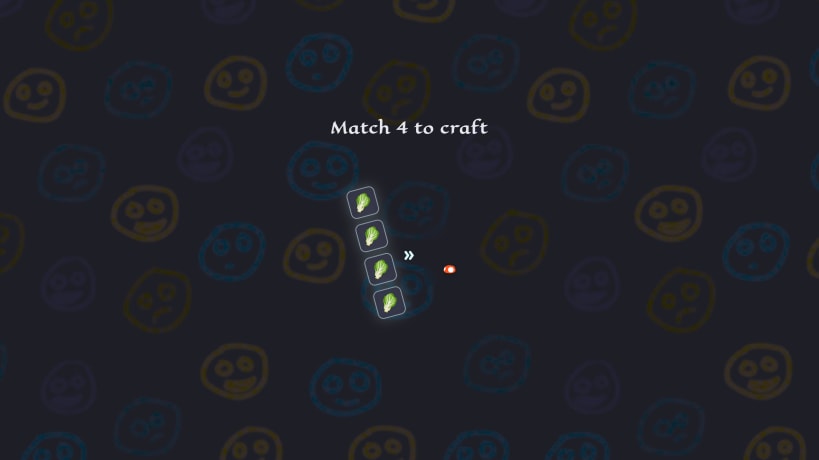
Every level gives you a specific target emoji to craft before the timer runs out. You'll need to learn the secret recipes to succeed. Swipe identical ingredients together to merge them into something entirely new!
💥 VOLATILE REACTIONS
Not all emojis merge peacefully! Some combinations are highly volatile. Match fire or bomb emojis to trigger massive area-of-effect (AOE) explosions that clear the board—but be careful! Explosions can transmute nearby items, turning your hard-earned gems back into rocks.
🎮 GAME FEATURES:
• Unique Core Loop: A brand new puzzle hybrid combining swipe-to-merge and match-3 mechanics.
• Hundreds of Discoveries: Over 800+ animated emojis to unlock, transmute, and collect.
• Strategic Gameplay: Manage the board carefully. Plan your swipes to avoid cascading explosions and dead ends.
• Gothic Vibe: A beautifully dark, magical aesthetic replacing the standard bright candy themes.
• 100% Ad-Free: A pure, uninterrupted puzzle experience.
Developed by Christin Nyakanyanga. Published by Ghetto Coders.
You are about to open
Do you wish to proceed?
Thank you for your report. Information you provided will help us investigate further.
There was an error while sending your report. Please try again later.
Snaps are applications packaged with all their dependencies to run on all popular Linux distributions from a single build. They update automatically and roll back gracefully.
Snaps are discoverable and installable from the Snap Store, an app store with an audience of millions.
Snap can be installed on Pop!_OS from the command line. Open Terminal from the Applications launcher and type the following:
sudo apt update
sudo apt install snapd
Either log out and back in again, or restart your system, to ensure snap’s paths are updated correctly.
To install Grimoji: Match And Merge Emojis, simply use the following command:
sudo snap install grimoji --edge
Browse and find snaps from the convenience of your desktop using the snap store snap.

Interested to find out more about snaps? Want to publish your own application? Visit snapcraft.io now.