
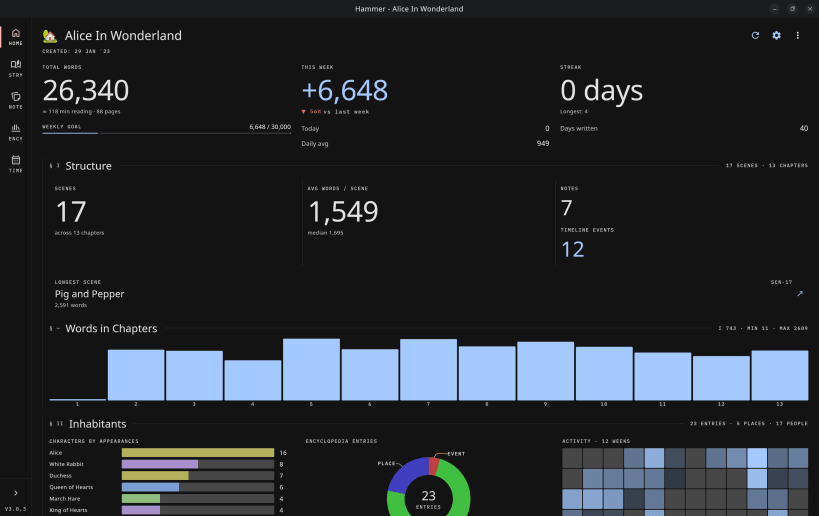
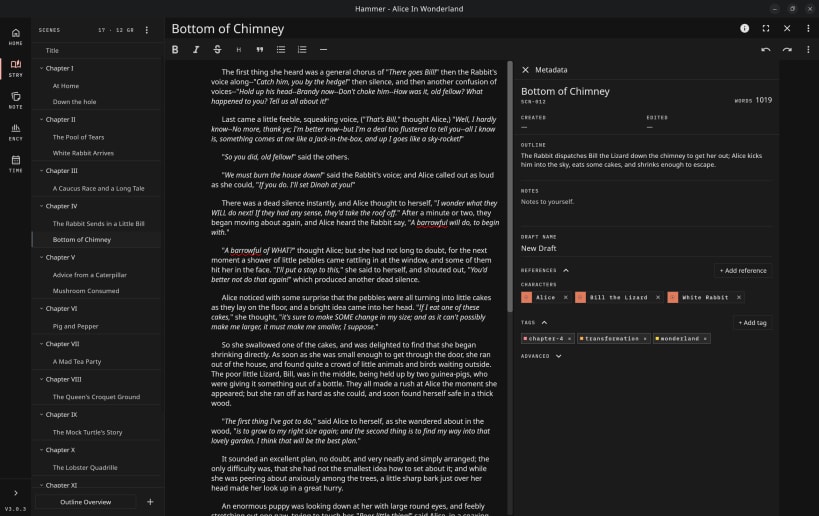
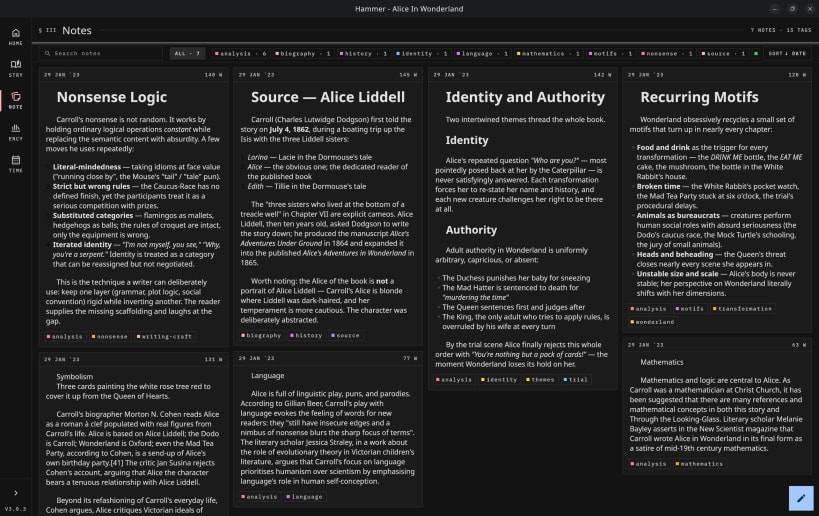
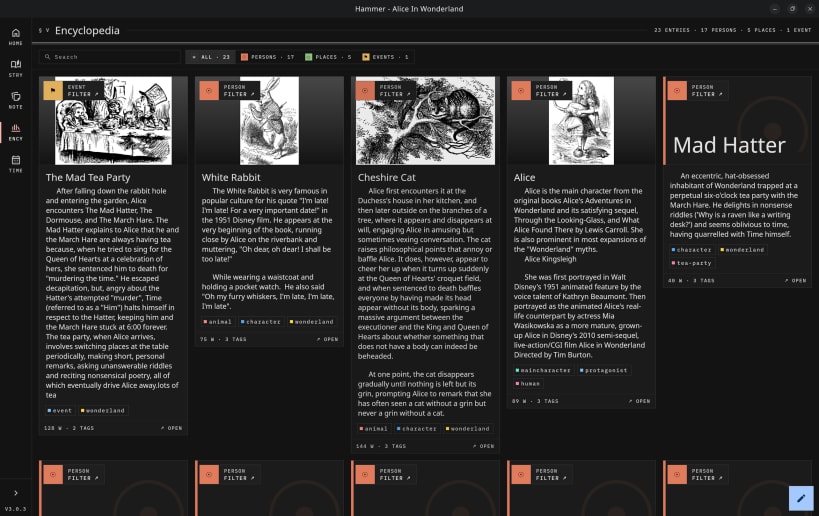
Hammer is a multi-platform story editor application. It's designed for novelists and storytellers who want an offline-first writing experience with optional self-hosted synchronization.
---- Writing Features
Write in Scenes Break your story down into smaller scenes. Take notes alongside, write a short summary to help view your story in outline mode.
Organize your scenes Need two characters to meet earlier? Simply drag and drop your scenes to change their order.
Use Drafts of your scenes Save a Draft before a major rewrite of your scene. This makes major changes to your story less scary, because you can always go back.
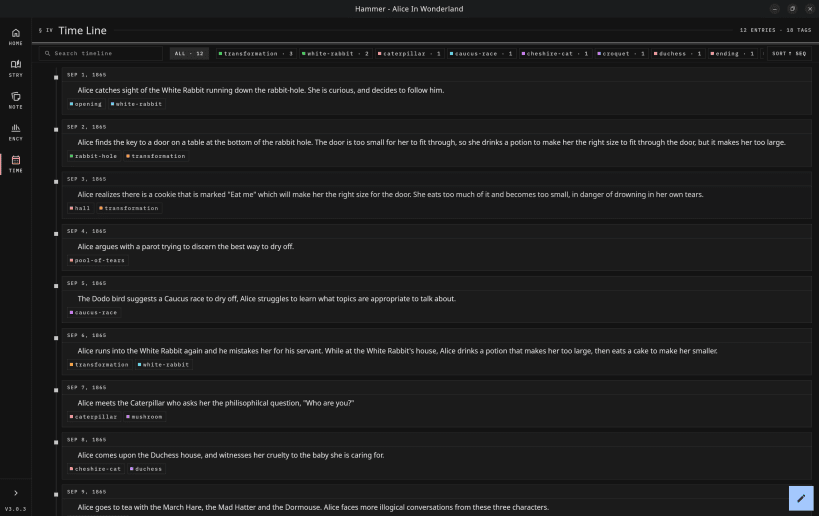
Write out your timeline Use the timeline feature to visualize the timeline of your plot or even your world.
Write your Encyclopedia Make entries for your characters, places, events, anything you can think of. Add pictures to capture a thousand words.
Notes Need to capture a quick thought about your story or world? Throw it into the notes section.
---- Technical Features
Multi-platform Bring this app anywhere — on your phone, tablet, desktop, or laptop. It is not simply a website-in-a-box. It uses native client side technologies to provide the best experience possible.
Multi-Screen Whether you are on a phone, tablet, or desktop, Hammer will make the best use of your screen space, expanding to give you space to work. Also supporting both light and dark modes.
Offline First Hammer is designed from the ground up to be entirely local, no internet connection required, ever. You can sync to a server, either self-hosted or one hosted by a third party such as hammer.ink. But it's entirely optional.
Transparent Data Your data is yours. It's not stored in the cloud or some opaque database. It is stored in simple, human-readable files, just using files and folders to define the project structure. You can open your system's file browser and take a look for your self. If this program went away today, you would be able to easily interact with your data.
You are about to open
Do you wish to proceed?
Thank you for your report. Information you provided will help us investigate further.
There was an error while sending your report. Please try again later.
Snaps are applications packaged with all their dependencies to run on all popular Linux distributions from a single build. They update automatically and roll back gracefully.
Snaps are discoverable and installable from the Snap Store, an app store with an audience of millions.
Snap can be installed on elementary OS from the command line. Open Terminal from the Applications launcher and type the following:
sudo apt update
sudo apt install snapd
Either log out and back in again, or restart your system, to ensure snap’s paths are updated correctly.
To install Hammer Editor, simply use the following command:
sudo snap install hammer-editor
Browse and find snaps from the convenience of your desktop using the snap store snap.

Interested to find out more about snaps? Want to publish your own application? Visit snapcraft.io now.