
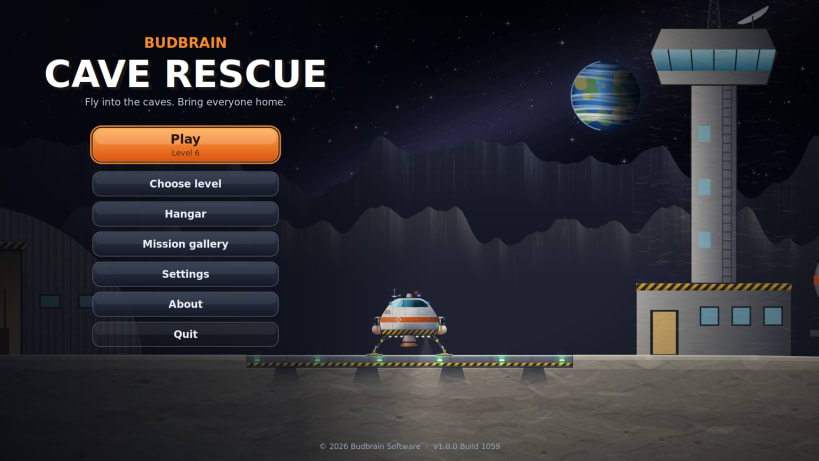
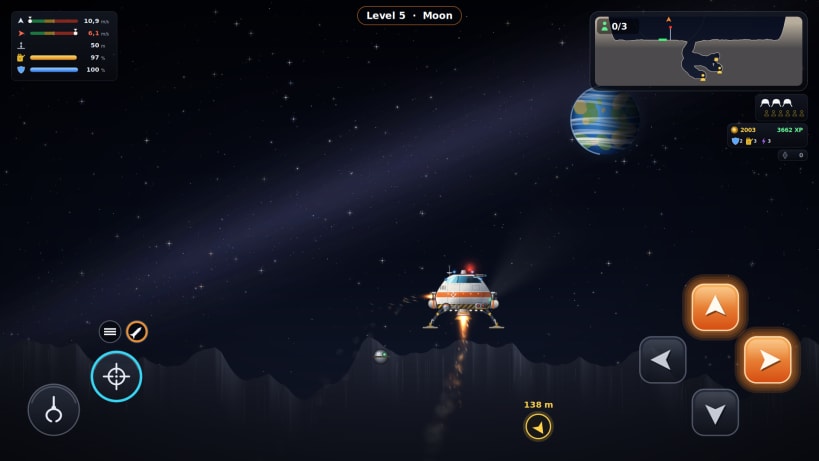
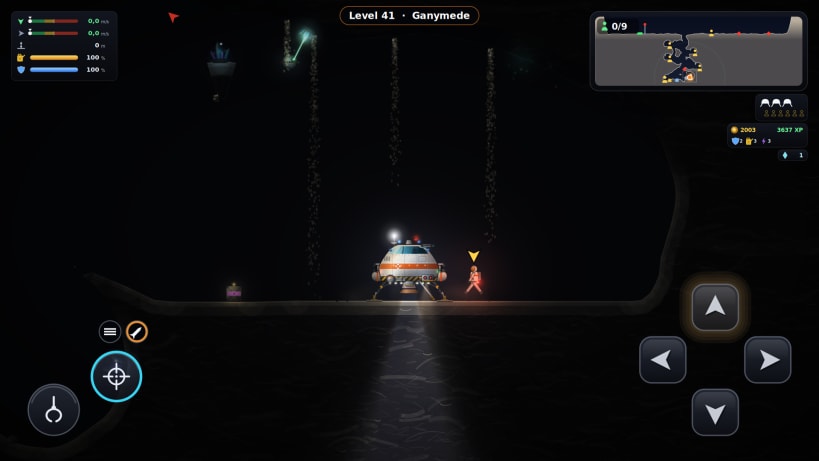
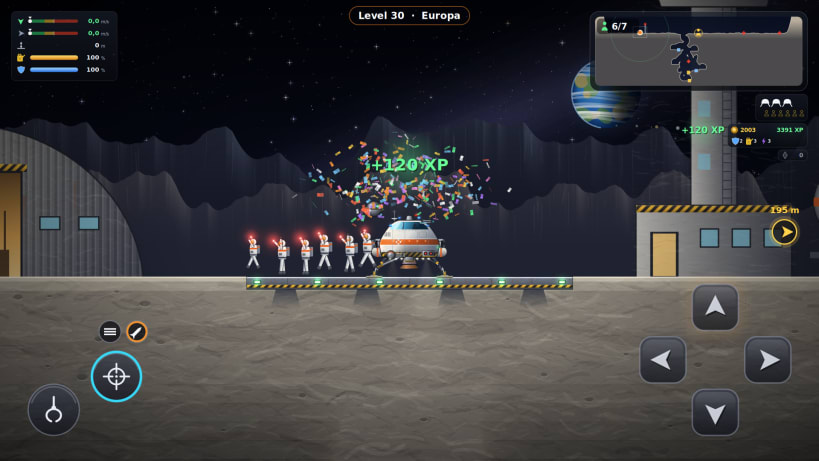
Lift off from the moon base, find the way down into the caves and land gently next to the stranded astronauts. They run to your ship and climb aboard. Fly them back to the base, refuel and head out again.
Every world has its real gravity, from the Moon to Io, so every flight feels different. The caves grow deeper and more winding from level to level, with overhangs, side passages and wide chambers. Land too hard or scrape the rock and your shield takes the hit.
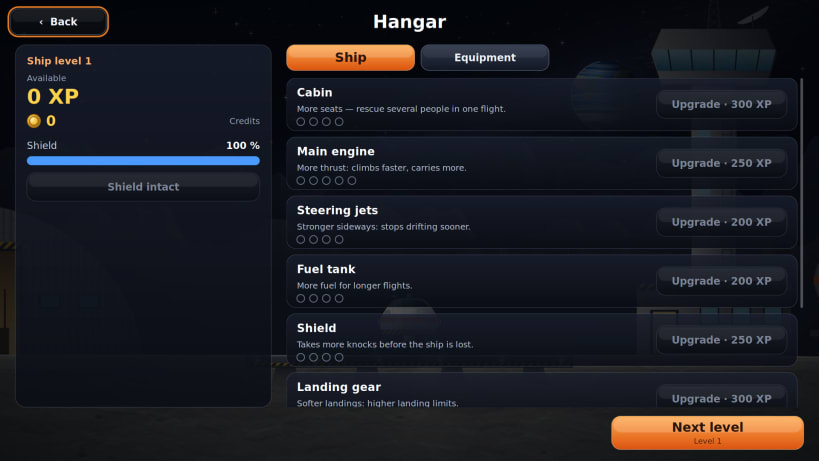
Each rescue earns experience for your ship: a stronger engine, a bigger tank, more seats, a tougher shield, a brighter headlight. Credits from crates and crystals buy extra gear like a grabber arm, a searchlight, a radar and a little mining satellite. When all 100 levels are done, the next difficulty opens up.
Available in 44 languages.
Developed by Vera and Josef Sejrek / Budbrain Software Contact: caverescue@budbrain.de
Keywords: space, moon, cave, rescue, astronaut, gravity, flying, spaceship, singleplayer, offline
You are about to open
Do you wish to proceed?
Thank you for your report. Information you provided will help us investigate further.
There was an error while sending your report. Please try again later.
Snaps are applications packaged with all their dependencies to run on all popular Linux distributions from a single build. They update automatically and roll back gracefully.
Snaps are discoverable and installable from the Snap Store, an app store with an audience of millions.
Snapd can be installed from Manjaro’s Add/Remove Software application (Pamac), found in the launch menu. From the application, search for snapd, select the result, and click Apply.
Alternatively, snapd can be installed from the command line:
sudo pacman -S snapd
Once installed, the systemd unit that manages the main snap communication socket needs to be enabled:
sudo systemctl enable --now snapd.socket
To enable classic snap support, enter the following to create a symbolic link between /var/lib/snapd/snap and /snap:
sudo ln -s /var/lib/snapd/snap /snap
Either log out and back in again, or restart your system, to ensure snap’s paths are updated correctly.
To install Budbrain Cave Rescue, simply use the following command:
sudo snap install jsbudbraincaverescue
Browse and find snaps from the convenience of your desktop using the snap store snap.

Interested to find out more about snaps? Want to publish your own application? Visit snapcraft.io now.