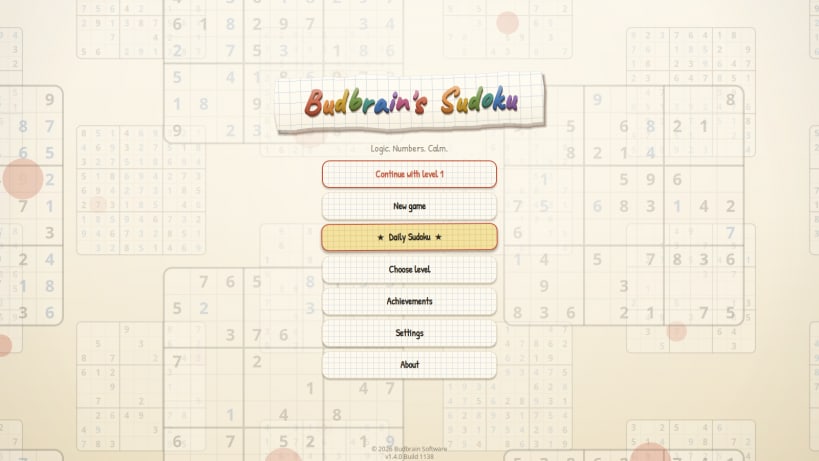
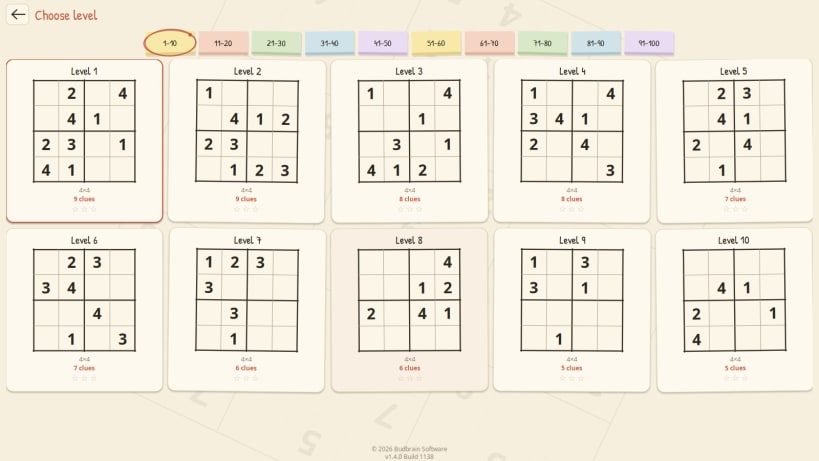
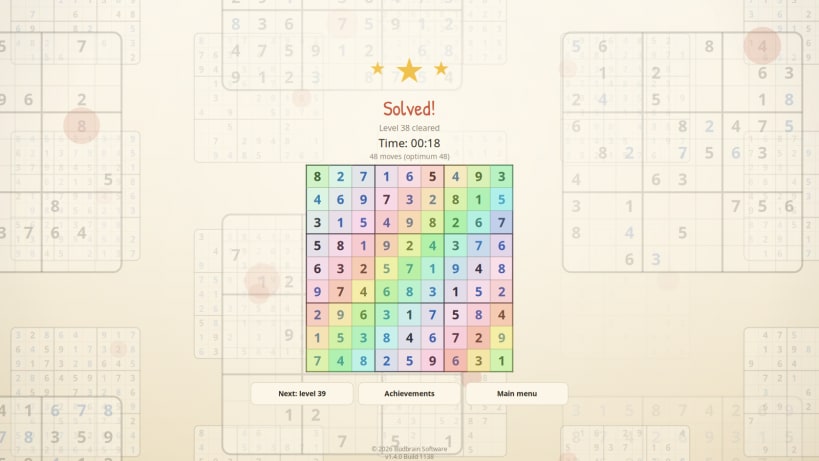
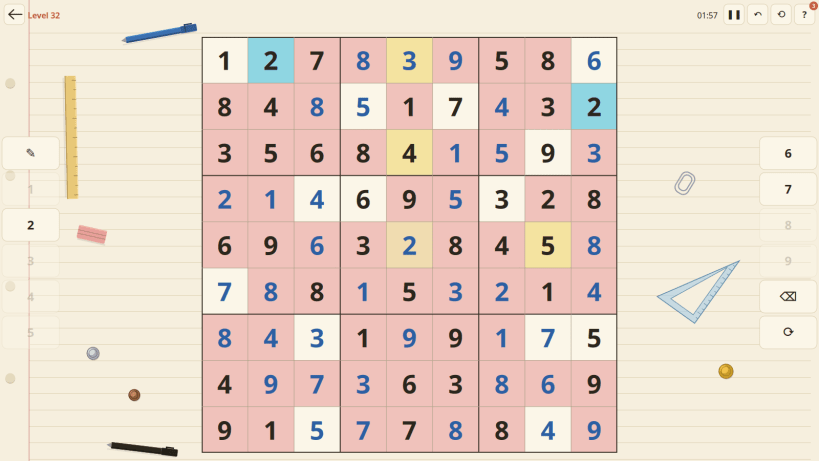
A quiet sudoku on notebook paper. A hundred levels lead from a 4x4 warm-up all the way to a 25x25 board, and every one of them has exactly one solution.
WHAT YOU GET
HOW IT PLAYS
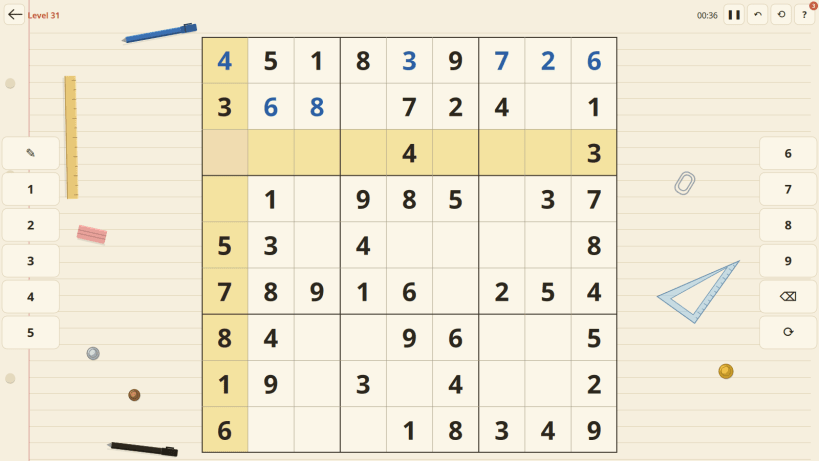
Pick a cell and type a digit, or use the number bar; the radial picker is there if you prefer it. Conflicting digits are marked, matching digits are highlighted, and the pencil mode keeps a tentative value in a cell until you are sure. The clock runs while you think, the board saves itself while you play, and you can put it down mid-puzzle and pick it up days later.
Keyboard: arrow keys move, 1-9 place a digit, Backspace clears, N is the pencil, U undoes, H asks for a hint, R restarts, Space pauses, F11 fills the screen.
MUSIC
Background music "Dream keeper" by zero-project (zero-project.gr), Creative Commons Attribution 4.0. Some sound effects by Kenney (CC0).
Keywords: sudoku, puzzle, logic, numbers, brain, daily puzzle, killer grid, 16x16, 25x25, offline game, relaxing
Developed by Vera and Josef Sejrek / Budbrain Software Contact: sudoku@budbrain.de
You are about to open
Do you wish to proceed?
Thank you for your report. Information you provided will help us investigate further.
There was an error while sending your report. Please try again later.
Snaps are applications packaged with all their dependencies to run on all popular Linux distributions from a single build. They update automatically and roll back gracefully.
Snaps are discoverable and installable from the Snap Store, an app store with an audience of millions.
On Debian 9 (Stretch) and newer, snap can be installed directly from the command line:
sudo apt update
sudo apt install snapd
After this, install the snapd snap in order to get the latest snapd:
sudo snap install snapd
To install Budbrain's Sudoku, simply use the following command:
sudo snap install jssodoku
Browse and find snaps from the convenience of your desktop using the snap store snap.

Interested to find out more about snaps? Want to publish your own application? Visit snapcraft.io now.