
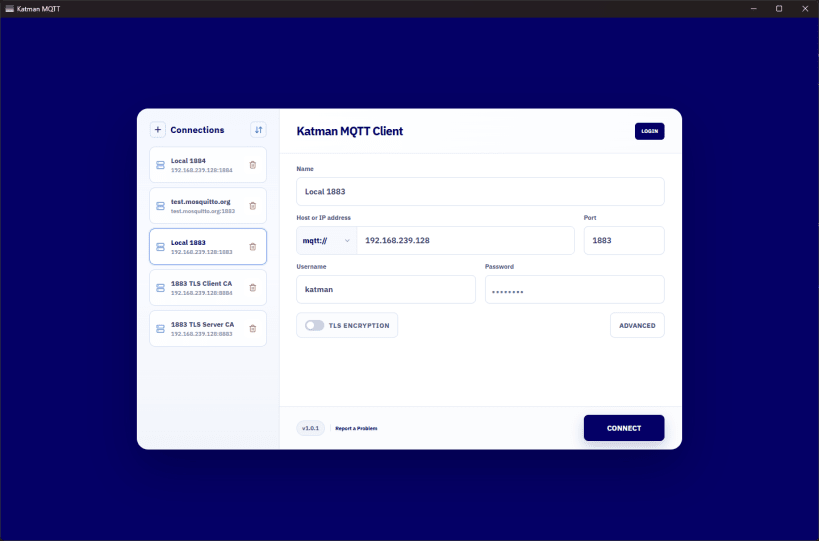
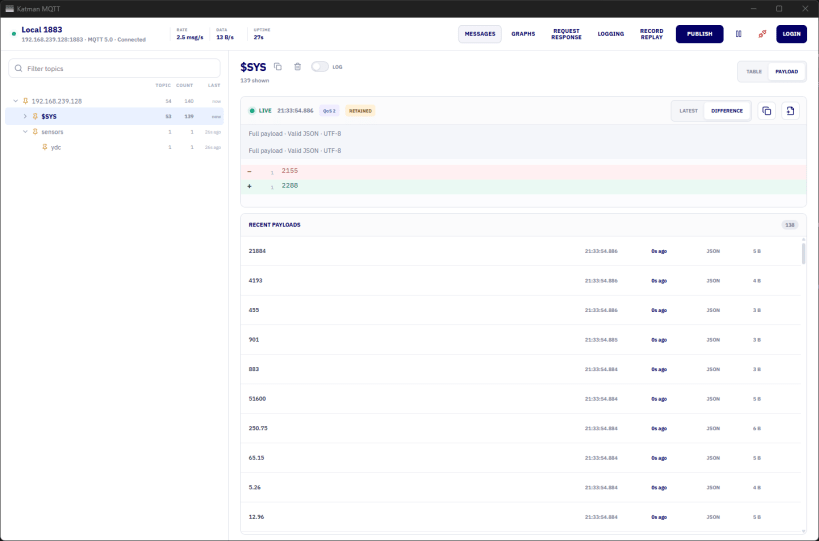
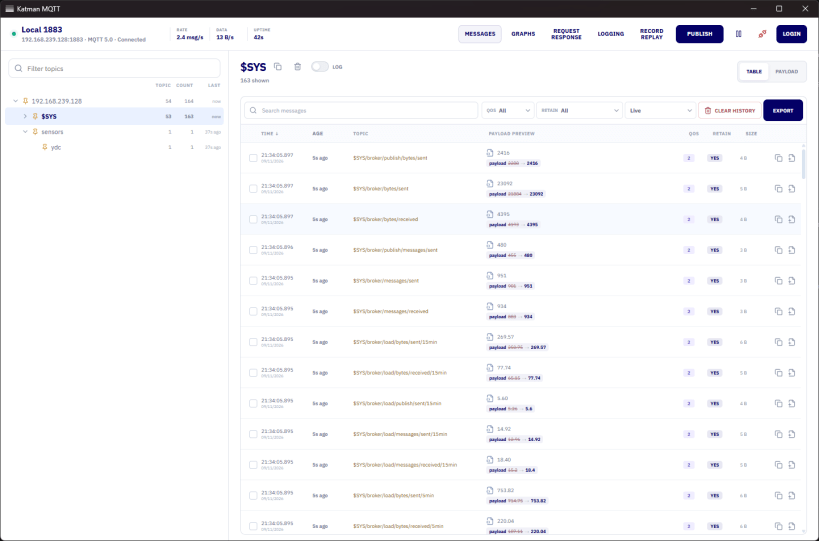
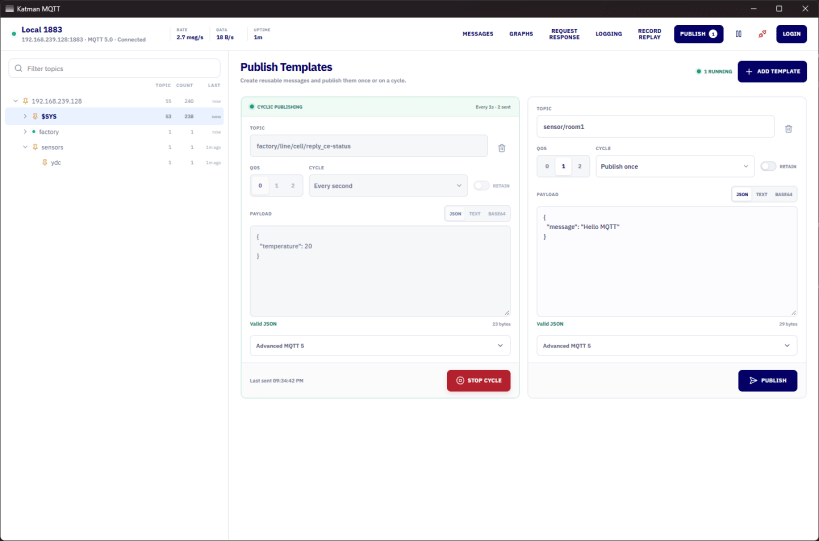
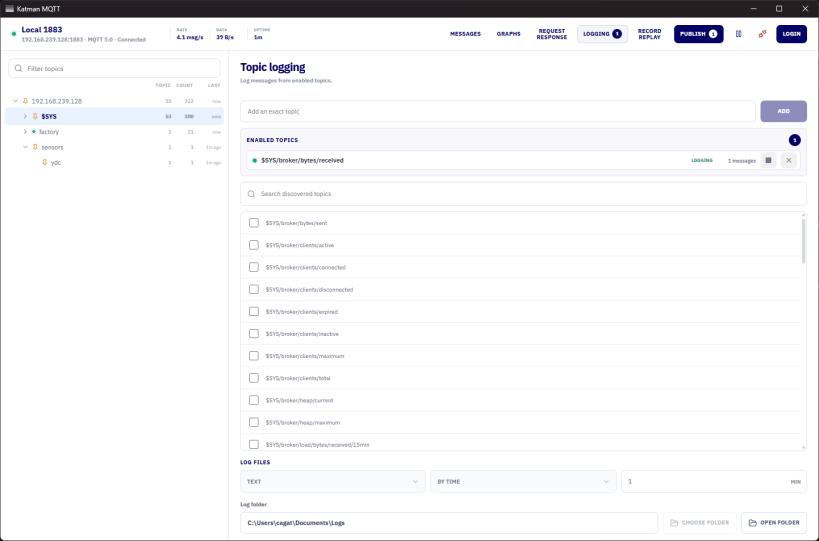
Katman MQTT Client is a powerful desktop workspace built for Industrial IoT, automation engineers, and MQTT developers.
Connect to MQTT brokers, monitor live traffic, inspect payloads, troubleshoot communication, and simulate real-world MQTT scenarios — all from one application.
Key Features
Secure Connections: Connect using MQTT 3.1, 3.1.1 and 5.0 with TLS and custom CA certificates.
Live Topic Discovery: Automatically discover topics, explore message streams, and inspect payload changes.
Publish Templates: Create reusable payload templates and publish messages once, periodically, or continuously.
Record & Replay: Capture incoming MQTT traffic, save sessions, and replay messages for testing and troubleshooting.
Request & Response: Monitor request-response communication, measure latency, and identify timeouts.
Advanced Logging: Record selected MQTT topics and export captured messages to CSV for further analysis.
Whether you're developing an IoT application, commissioning an industrial system, or troubleshooting an MQTT-based automation network, Katman MQTT helps you understand what's happening on your broker.
More than an MQTT client.
Website: https://www.katmanmqtt.com
You are about to open
Do you wish to proceed?
Thank you for your report. Information you provided will help us investigate further.
There was an error while sending your report. Please try again later.
Snaps are applications packaged with all their dependencies to run on all popular Linux distributions from a single build. They update automatically and roll back gracefully.
Snaps are discoverable and installable from the Snap Store, an app store with an audience of millions.
Snap can be installed on Fedora from the command line:
sudo dnf install snapd
Either log out and back in again, or restart your system, to ensure snap’s paths are updated correctly.
To enable classic snap support, enter the following to create a symbolic link between /var/lib/snapd/snap and /snap:
sudo ln -s /var/lib/snapd/snap /snap
To install Katman MQTT Client, simply use the following command:
sudo snap install katmanmqtt
Browse and find snaps from the convenience of your desktop using the snap store snap.
Interested to find out more about snaps? Want to publish your own application? Visit snapcraft.io now.