

KeeDoc is a secure vault for your personal documents.
Passports, ID cards, driver licenses, insurance policies, bank cards, car titles, medical records — the documents that matter most, stored in one encrypted vault protected by a single master password.
WHY KEEDOC
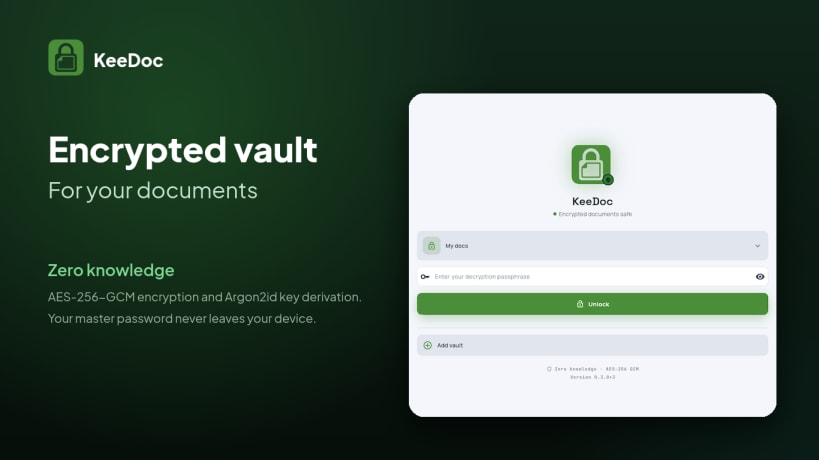
Your vault lives on your device. Every document is encrypted individually with authenticated AES-256-GCM, and your master password is never stored in plain text: it derives the vault key through Argon2id. Zero knowledge, zero telemetry.
ORGANIZE WITHOUT FRICTION
Group documents into custom categories with their own colors and icons. Mark what you need often as a favorite. Search by title, number, or tag — the search runs in memory, so your documents are never exposed to operating system indexing services.
BUILT FOR REAL DOCUMENTS
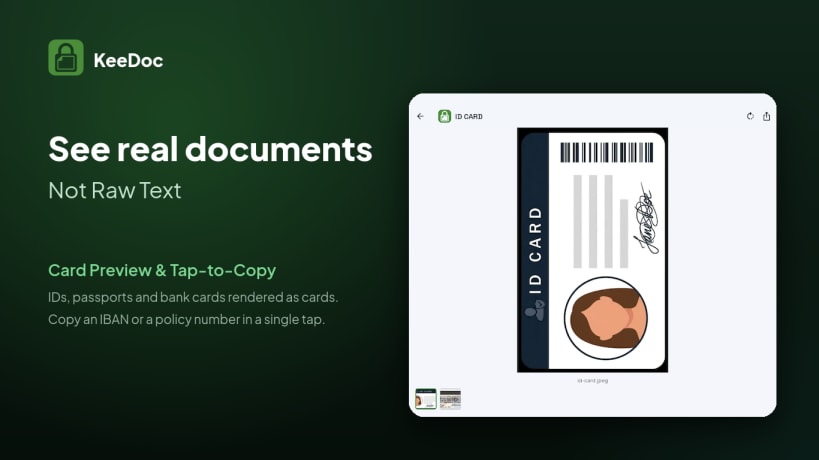
Bank cards, ID cards, and passports are shown as formatted cards, not raw text. Tap any field to copy an IBAN, a policy number, a tax ID, or an expiration date straight to the clipboard.
SHARE A SINGLE DOCUMENT, NOT YOUR VAULT
Export one entry — or your whole archive — as a self-contained, password-protected .keedoc file. It uses its own passphrase, fully decoupled from your master key, so it is safe to email, keep on a USB drive, or back up to the cloud.
DESIGNED FOR EVERY MOMENT
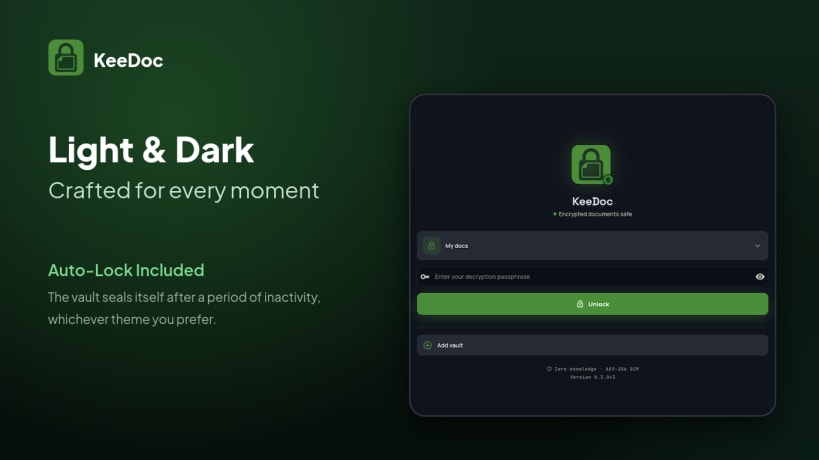
Light and dark themes, and an auto-lock that seals the vault after a period of inactivity.
KeeDoc is also available for Windows, Linux, Android, iOS.
You are about to open
Do you wish to proceed?
Thank you for your report. Information you provided will help us investigate further.
There was an error while sending your report. Please try again later.
Snaps are applications packaged with all their dependencies to run on all popular Linux distributions from a single build. They update automatically and roll back gracefully.
Snaps are discoverable and installable from the Snap Store, an app store with an audience of millions.
Snap can be installed on elementary OS from the command line. Open Terminal from the Applications launcher and type the following:
sudo apt update
sudo apt install snapd
Either log out and back in again, or restart your system, to ensure snap’s paths are updated correctly.
To install KeeDoc, simply use the following command:
sudo snap install keedoc
Browse and find snaps from the convenience of your desktop using the snap store snap.

Interested to find out more about snaps? Want to publish your own application? Visit snapcraft.io now.