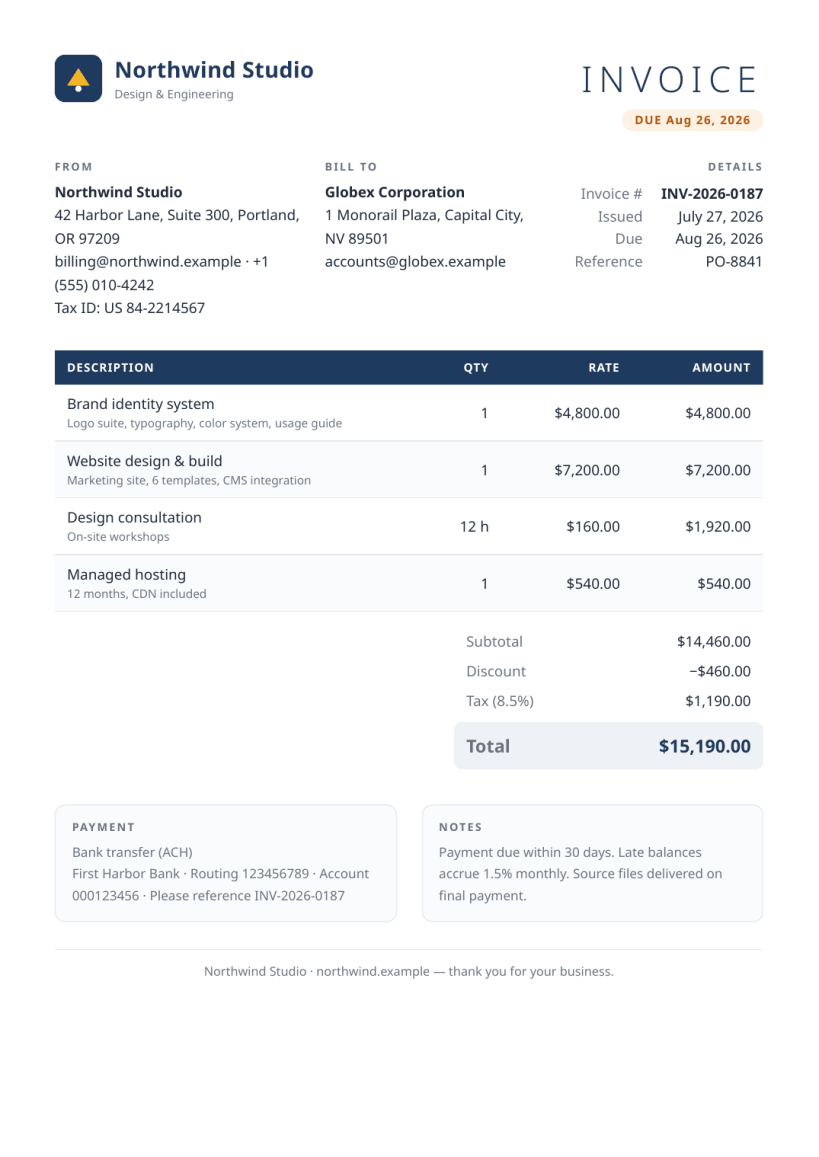
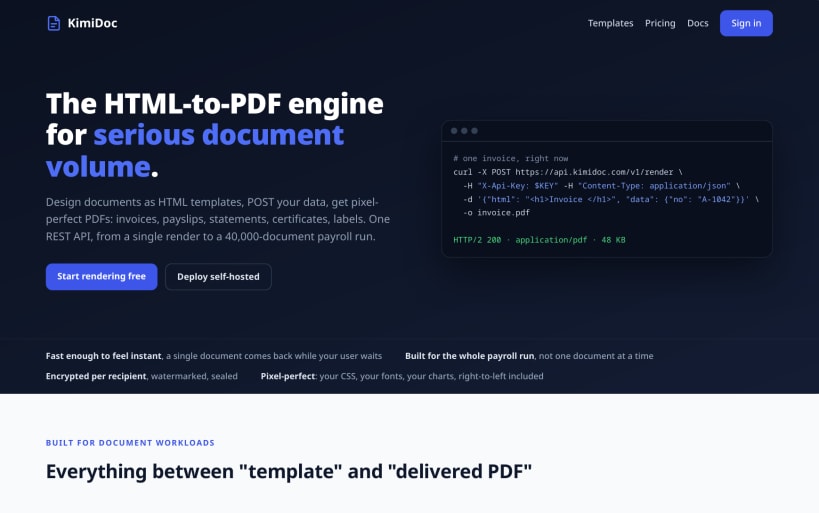
KimiDoc is a self-hosted HTML to PDF API: convert HTML and CSS templates into pixel-perfect PDF documents on your own server. Design invoices, payslips, bank statements, reports, certificates, resumes and shipping labels as plain HTML with mustache-style placeholders, then render them over REST, one document at a time or in batch jobs of up to 40,000 documents.
Rendering uses a Chromium-class engine kept warm between requests, so the PDF output matches what a browser prints: flexbox, grid, web fonts, SVG charts, right-to-left scripts, and real page numbers through CSS @page. A modern alternative to wkhtmltopdf scripting and to driving a headless browser yourself: no process spawned per document, no cold starts, no conversion glue code.
What's in the box
- REST API for HTML to PDF conversion with stored, versioned templates
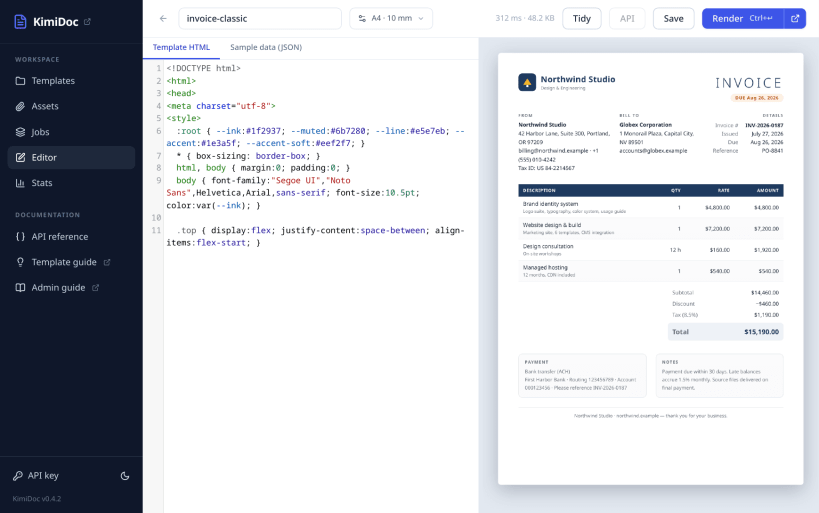
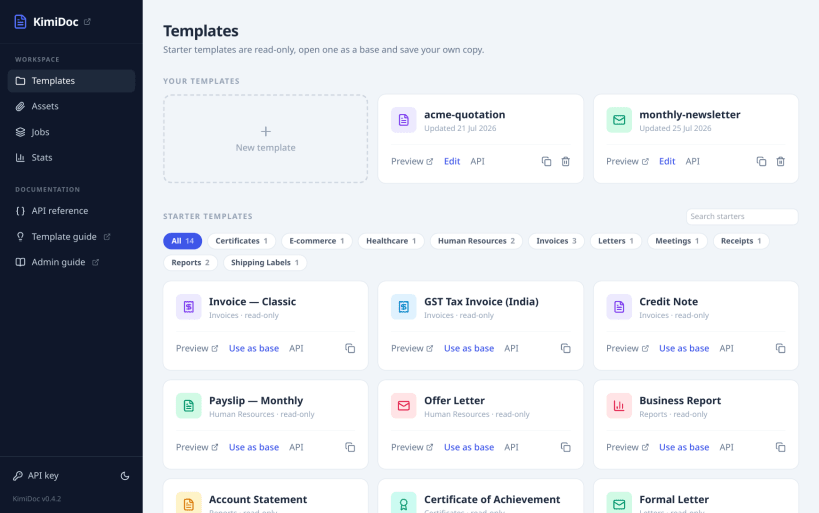
- More than 100 starter templates plus a browser editor with live PDF preview
- Batch PDF generation with per-document retry, ZIP output and a job manifest
- PDF encryption (AES-256), watermark stamping, merge and page assembly
- Signed completion webhooks, stored assets and per-key usage metering
- Multi-tenant accounts mode for serving your own customers
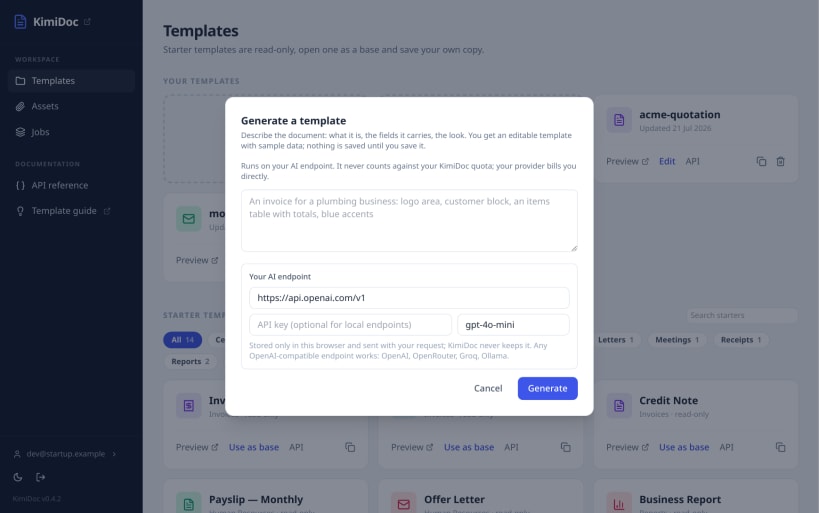
- AI template generation against any OpenAI-compatible endpoint you configure, including a local model; no model is hosted here
Private by design
Your documents never leave your server. There is no telemetry and no outbound call, so KimiDoc fits air-gapped networks and regulated data such as invoices, payroll and patient records. The service runs fully confined and is configured entirely through snap: snap set kimidoc port=8899 api-key=SECRET.
Install, open the bundled web console, and render your first PDF in minutes. Guides, API reference and template documentation live at https://kimidoc.com and self-hosted licensing at https://kimidoc.com/self-hosted/. A hosted version is available for teams that do not want to run their own server.