
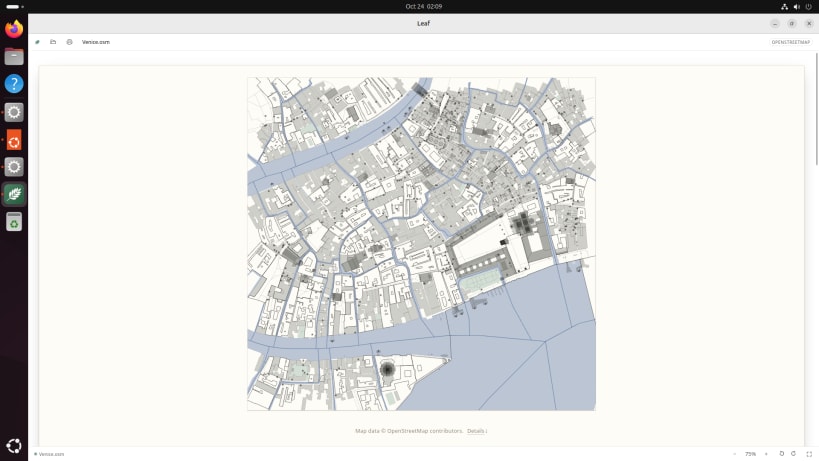
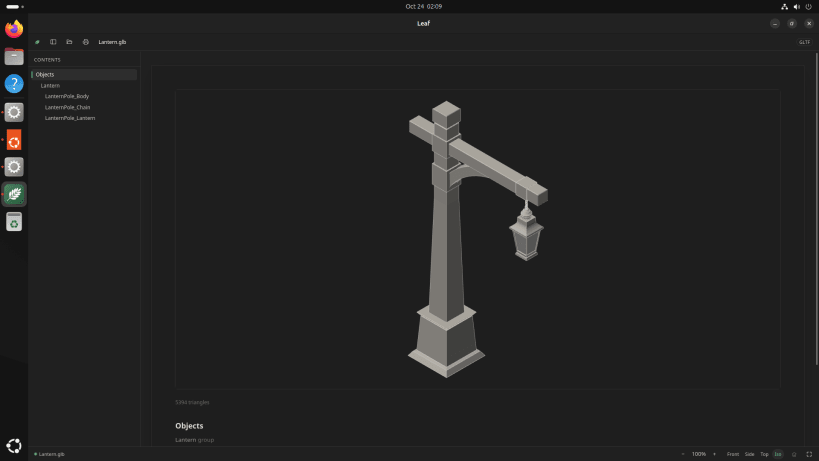
Leaf Viewer is one app for the files on your computer. Open a document, a photo, a song, a film, a ZIP, a 3D model or a map, and it is shown the way it was meant to look. It opens more than 1,700 kinds of file, from this year's and from forty years ago, and it never changes any of them.
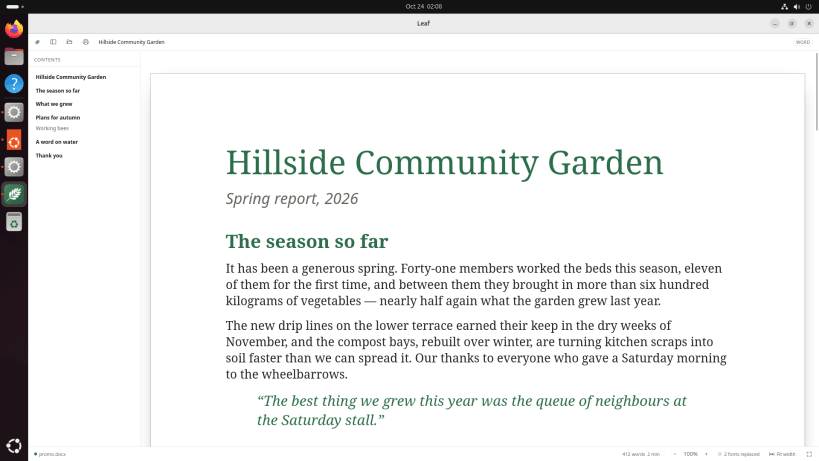
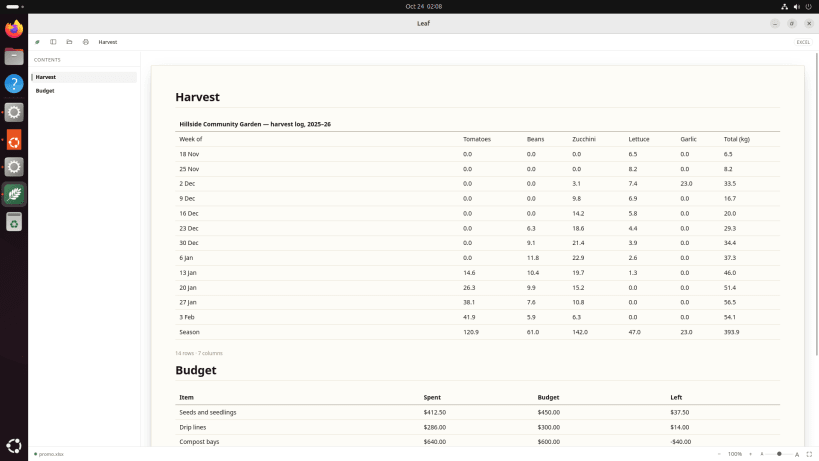
Documents look like themselves. A Word file shows as its pages, a spreadsheet as its tables and charts, a presentation as its slides, an e-book as a book, two pages at a time if you like.
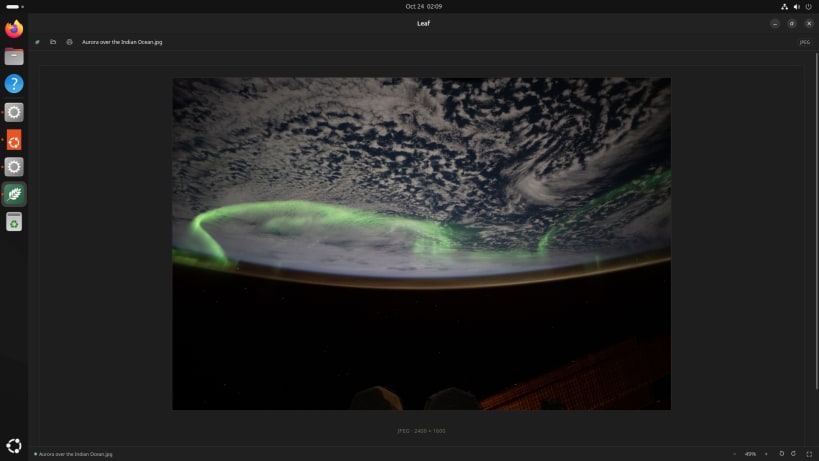
Music and films play, with lyrics and subtitles, including the old formats other players gave up on. Photos fit the window, zoom and turn, camera raw and HEIC included.
Look inside archives and disk images without unpacking anything, and open each file where it is.
What it opens:
...and a great many more. If a file you need doesn't open, tell us.
It fits your desktop. It follows your light or dark setting, appears under Open With in your file manager for the files it reads, and never takes a file type from the app you already use. Press F for full screen. Print, or save as a PDF.
It only reads. It never edits, saves or changes the files it opens, and a file from a stranger is shown, never run. Keep editing in your usual app: Leaf updates when you save, and keeps your place. Nothing in a document can reach the internet.
Try it free for 14 days, then US$11.99 for up to 10 computers.
Also at leafviewer.app as .deb, .rpm and Flatpak packages, and for Windows and Mac.
You are about to open
Do you wish to proceed?
Thank you for your report. Information you provided will help us investigate further.
There was an error while sending your report. Please try again later.
Snaps are applications packaged with all their dependencies to run on all popular Linux distributions from a single build. They update automatically and roll back gracefully.
Snaps are discoverable and installable from the Snap Store, an app store with an audience of millions.
If you’re running Kubuntu 16.04 LTS (Xenial Xerus) or later, including Kubuntu 18.04 LTS (Bionic Beaver) and Kubuntu 18.10 (Cosmic Cuttlefish), you don’t need to do anything. Snap is already installed and ready to go.
Versions of Kubuntu between 14.04 LTS (Trusty Tahr) and 15.10 (Wily Werewolf) don’t include snap by default, but snap can be installed from the command line as follows:
sudo apt update
sudo apt install snapd
To install Leaf Viewer, simply use the following command:
sudo snap install leafviewer
Browse and find snaps from the convenience of your desktop using the snap store snap.

Interested to find out more about snaps? Want to publish your own application? Visit snapcraft.io now.