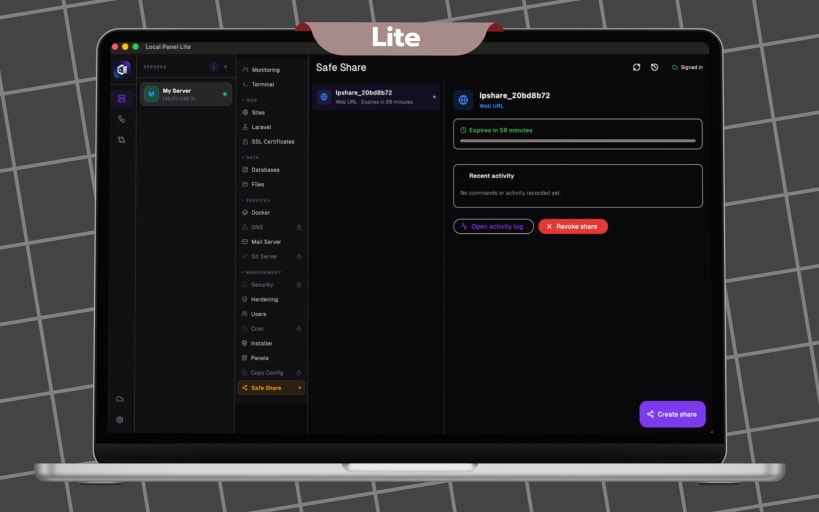
LocalPanel Lite is a free desktop app that lets you manage any SSH-accessible server from your Pc. No server agents, no subscriptions, and no bloat — just a clean, local tool for essential server management.
Whether you are a developer, freelancer, or small business owner, LocalPanel Lite gives you everything you need to manage your servers without memorising terminal commands.
WHAT'S INCLUDED
• SSH Connections - Connect to any Linux server securely. Your credentials are encrypted with your Pc's native encryption and never leave your device.
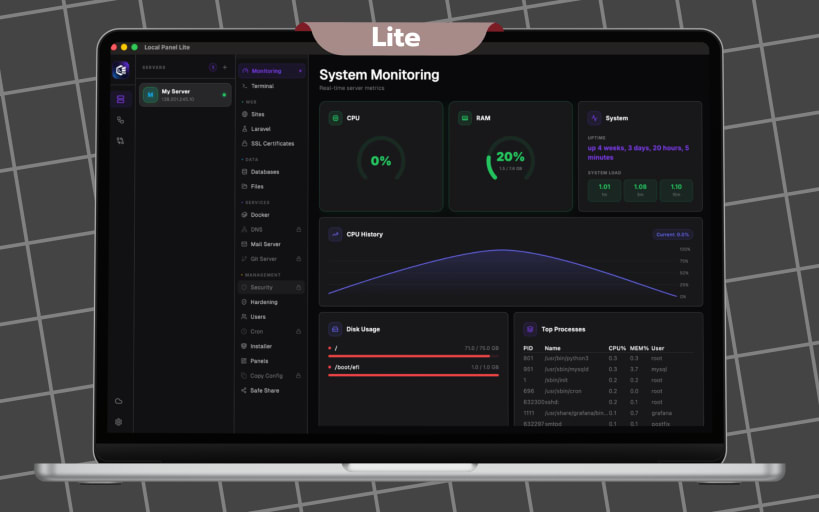
• System Monitoring - Track CPU, RAM, disk usage, uptime, and running processes in real time.
• Integrated Terminal - Open a full terminal session directly in the app.
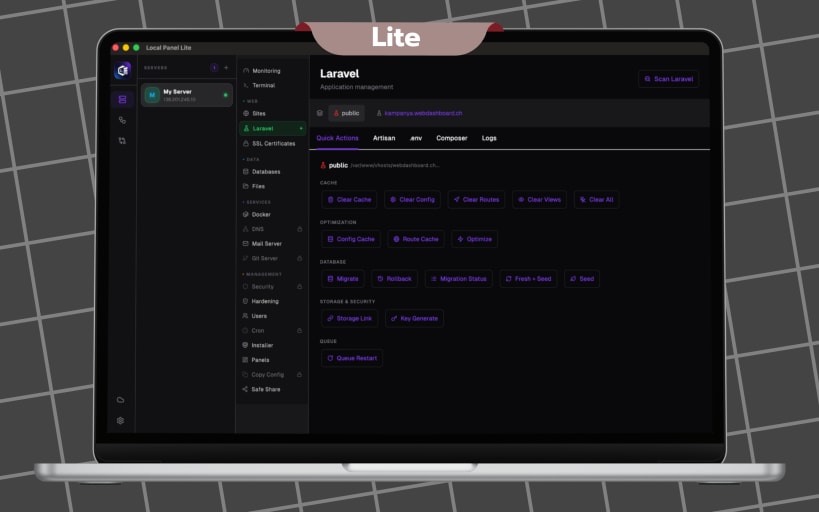
• Web Management - Deploy sites, manage SSL certificates, and handle Laravel applications visually.
• File Manager - Browse, upload, and download files on your remote server.
• Docker Support - Monitor and manage Docker containers from one place.
• Database Viewer - Browse and view your database structure visually.
• Mail Server - Configure mail server settings through visual editors.
• One-Click Installer - Install applications and services on your server instantly.
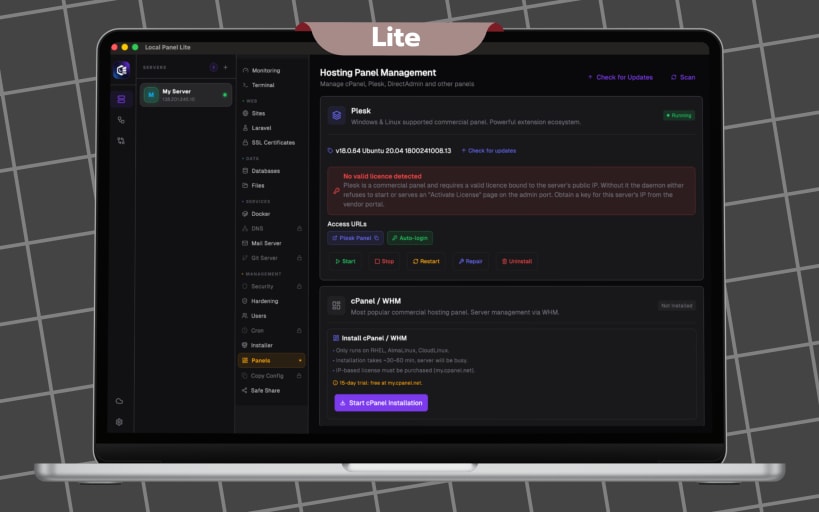
• Hosting Panel Integration - Manage cPanel, Plesk, and DirectAdmin installations.
LocalPanel Lite is completely free with no ads. Download it now and take control of your servers.
You are about to open
Do you wish to proceed?
Thank you for your report. Information you provided will help us investigate further.
There was an error while sending your report. Please try again later.
Snaps are applications packaged with all their dependencies to run on all popular Linux distributions from a single build. They update automatically and roll back gracefully.
Snaps are discoverable and installable from the Snap Store, an app store with an audience of millions.
Snap can be installed on Fedora from the command line:
sudo dnf install snapd
Either log out and back in again, or restart your system, to ensure snap’s paths are updated correctly.
To enable classic snap support, enter the following to create a symbolic link between /var/lib/snapd/snap and /snap:
sudo ln -s /var/lib/snapd/snap /snap
To install Local Panel Lite, simply use the following command:
sudo snap install localpanel-lite
Browse and find snaps from the convenience of your desktop using the snap store snap.

Interested to find out more about snaps? Want to publish your own application? Visit snapcraft.io now.