How many words can you find hidden inside a single set of letters?
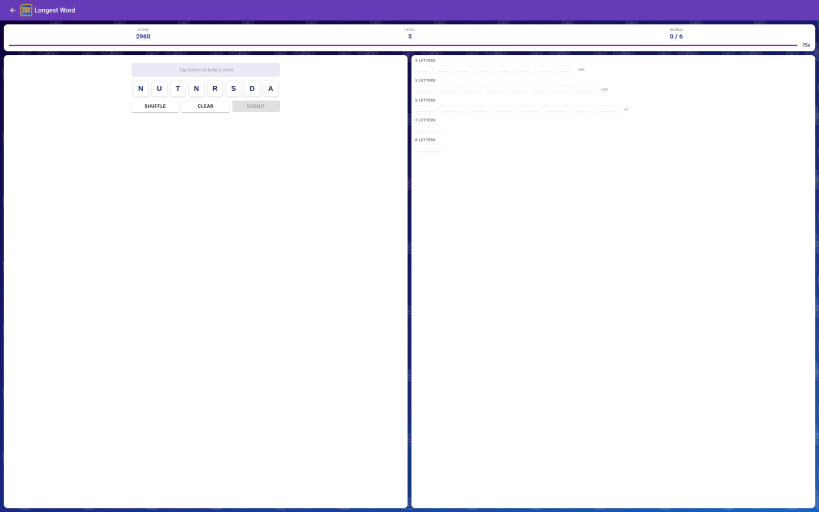
Each puzzle gives you a jumble of letters taken from one secret root word. Your job is to find as many valid words as you can before time runs out — or before you run out of ideas.
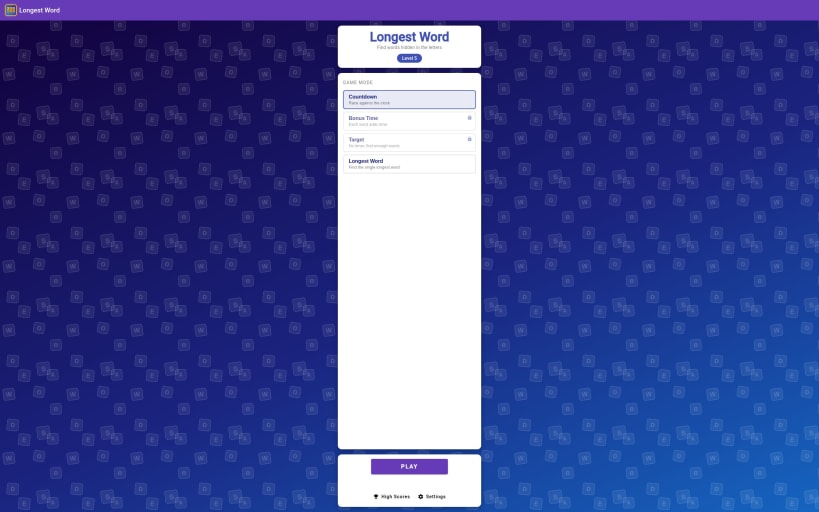
Two game modes to keep things fresh:
🕐 Countdown — You have a limited amount of time. Find words fast, rack up points, and beat the clock before it hits zero.
🏆 Longest Word — Forget quantity. There is one longest word hidden in the letters — find it to complete the level.
Progressive difficulty Puzzles get harder as you advance through the levels. Root words grow longer, time limits get tighter, and you need to find more words to progress. How far can you go?
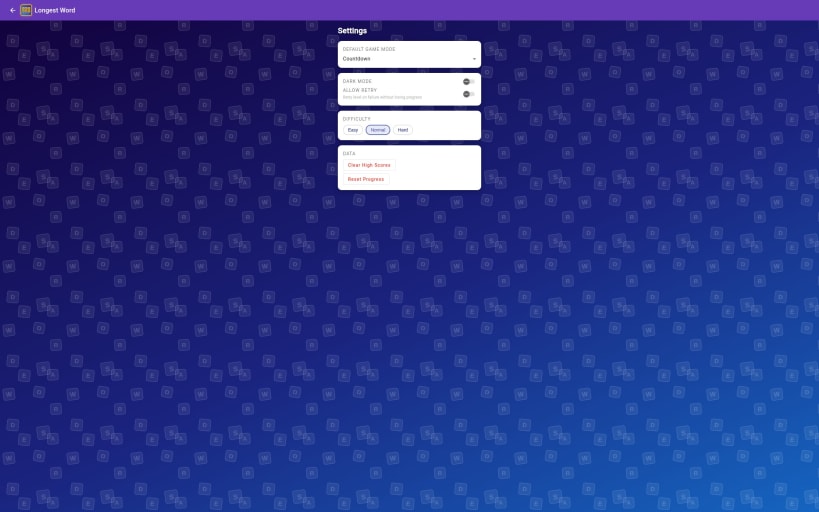
Three difficulty settings Choose Easy, Normal, or Hard to match your skill level. Hard mode raises the minimum word length, making every puzzle a stiffer challenge.
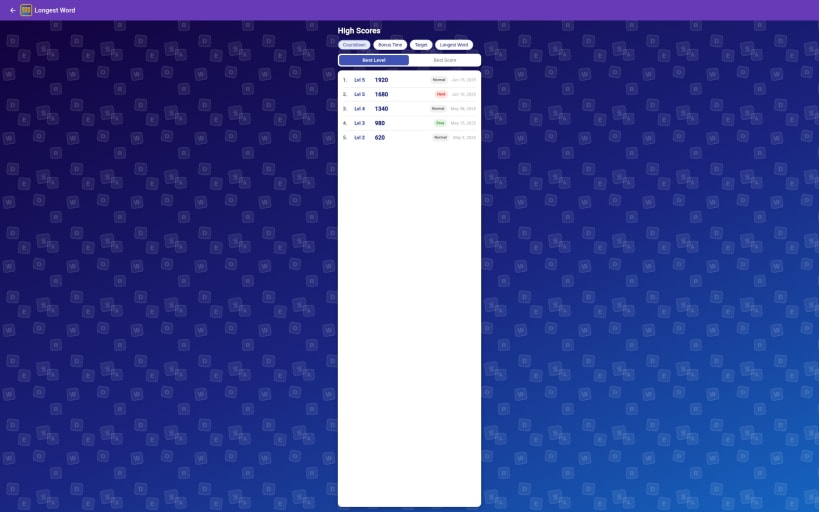
High scores Track your best runs across all four game modes. Sorted by highest level reached or highest score — compete against your own personal best.
Simple and clean Tap letters to build words. Tap the word to submit. No ads interrupting your flow, no energy timers, no in-app purchases required to play.
Pick up a puzzle any time you have a spare moment — or settle in for a longer session and see how deep into the levels you can go.
You are about to open
Do you wish to proceed?
Thank you for your report. Information you provided will help us investigate further.
There was an error while sending your report. Please try again later.
Snaps are applications packaged with all their dependencies to run on all popular Linux distributions from a single build. They update automatically and roll back gracefully.
Snaps are discoverable and installable from the Snap Store, an app store with an audience of millions.
If you’re running Ubuntu 16.04 LTS (Xenial Xerus) or later, including Ubuntu 18.04 LTS (Bionic Beaver) and Ubuntu 20.04 LTS (Focal Fossa), you don’t need to do anything. Snap is already installed and ready to go.
For versions of Ubuntu between 14.04 LTS (Trusty Tahr) and 15.10 (Wily Werewolf), as well as Ubuntu flavours that don’t include snap by default, snap can be installed from the Ubuntu Software Centre by searching for snapd.
Alternatively, snapd can be installed from the command line:
sudo apt update
sudo apt install snapd
Either log out and back in again, or restart your system, to ensure snap’s paths are updated correctly.
To install Longest Word Lite, simply use the following command:
sudo snap install longest-word-lite
Browse and find snaps from the convenience of your desktop using the snap store snap.

Interested to find out more about snaps? Want to publish your own application? Visit snapcraft.io now.