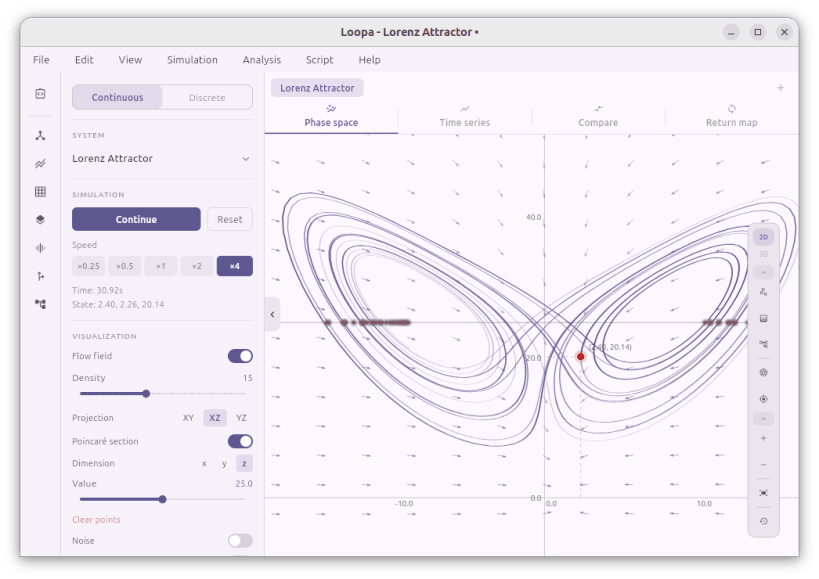
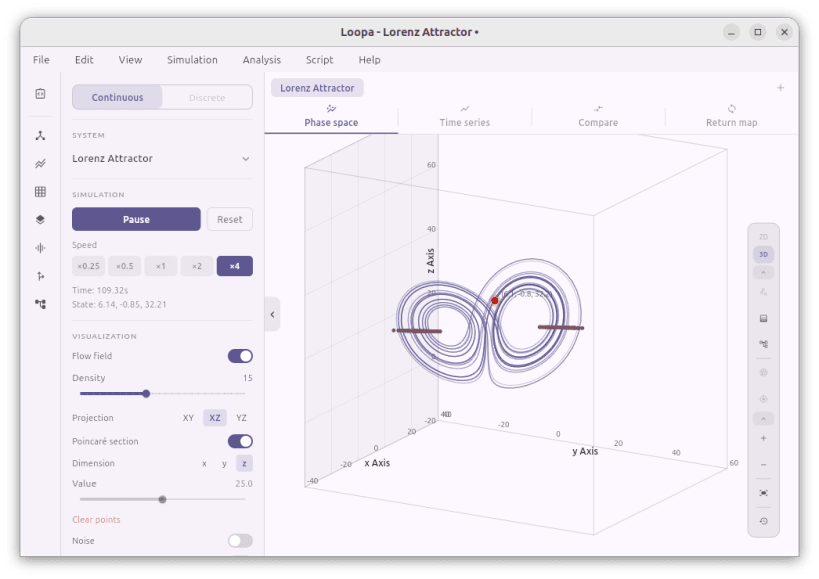


Dive into the fascinating world of non-linear dynamics and chaos theory. This simulator provides an interactive environment to explore mathematical models and observe how small changes in parameters lead to vastly different outcomes.
• 90+ continuous systems: Lorenz, Rössler, Chen, Aizawa, Lü, the full Sprott family, hyperchaotic 4D attractors, Duffing, Van der Pol, FitzHugh-Nagumo, Hindmarsh-Rose, Lotka-Volterra, Chua circuit, double pendulum, and more
• 35+ discrete maps: Logistic, Hénon, Tent, Standard, Gauss, Sine, Circle, Lozi, Ikeda, Tinkerbell, Baker, Bogdanov, Kaplan-Yorke, Zaslavskii, Arnold cat map, and more with cobweb diagram visualization
• Phase space visualization in 2D and 3D with nullclines, flow field, and speed coloring
• Analysis suite: bifurcation diagram, Lyapunov exponent, recurrence plot, basin of attraction, power spectrum, sensitivity to initial conditions, manifolds, orbit diagram
• Multiple simulation slots for parallel exploration and side-by-side comparison
• Custom system editor for user-defined equations
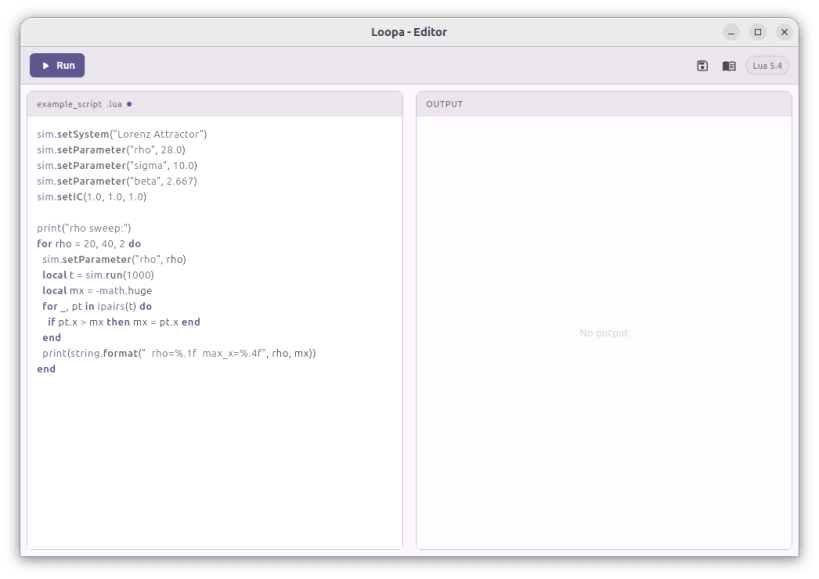
• Script editor for user-defined scripts that can be applied to the simulation
• Export to SVG, PDF, PNG, and CSV
You are about to open
Do you wish to proceed?
Thank you for your report. Information you provided will help us investigate further.
There was an error while sending your report. Please try again later.
Snaps are applications packaged with all their dependencies to run on all popular Linux distributions from a single build. They update automatically and roll back gracefully.
Snaps are discoverable and installable from the Snap Store, an app store with an audience of millions.
On Arch Linux, snap can be installed from the Arch User Repository (AUR). The manual build process is the Arch-supported install method for AUR packages, and you’ll need the prerequisites installed before you can install any AUR package. You can then install snap with the following:
git clone https://aur.archlinux.org/snapd.git
cd snapd
makepkg -si
Once installed, the systemd unit that manages the main snap communication socket needs to be enabled:
sudo systemctl enable --now snapd.socket
If AppArmor is enabled in your system, enable the service which loads AppArmor profiles for snaps:
sudo systemctl enable --now snapd.apparmor.service
To enable classic snap support, enter the following to create a symbolic link between /var/lib/snapd/snap and /snap:
sudo ln -s /var/lib/snapd/snap /snap
Either log out and back in again, or restart your system, to ensure snap’s paths are updated correctly.
To install Loopa: Nonlinear Dynamics, simply use the following command:
sudo snap install loopa
Browse and find snaps from the convenience of your desktop using the snap store snap.

Interested to find out more about snaps? Want to publish your own application? Visit snapcraft.io now.


