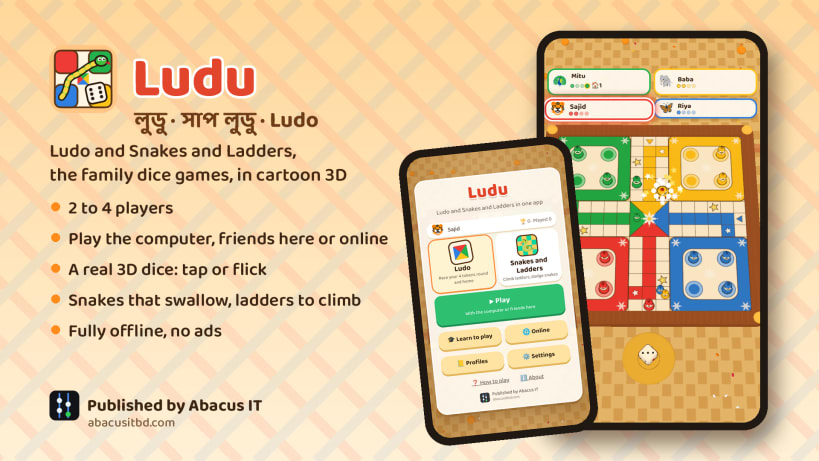
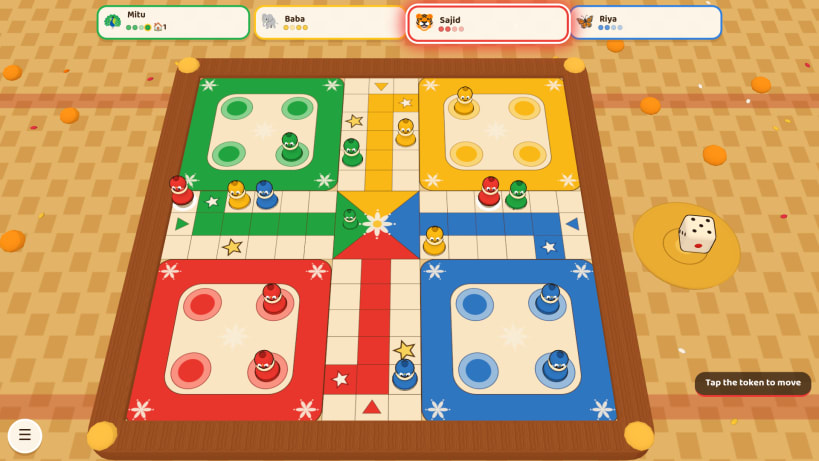
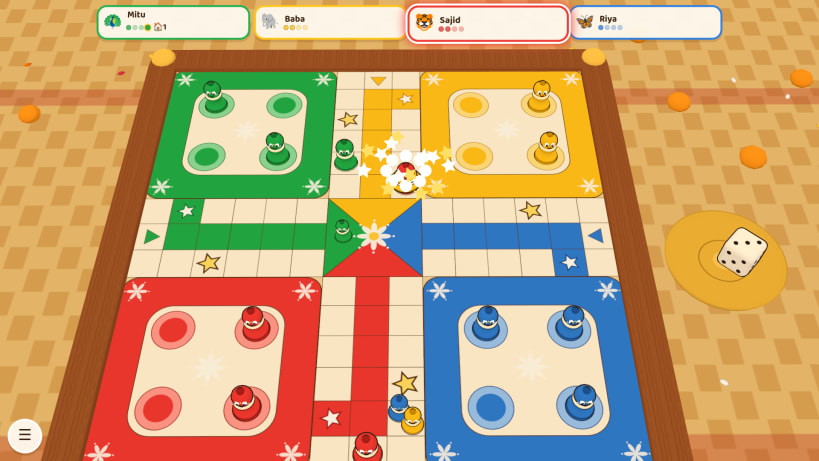
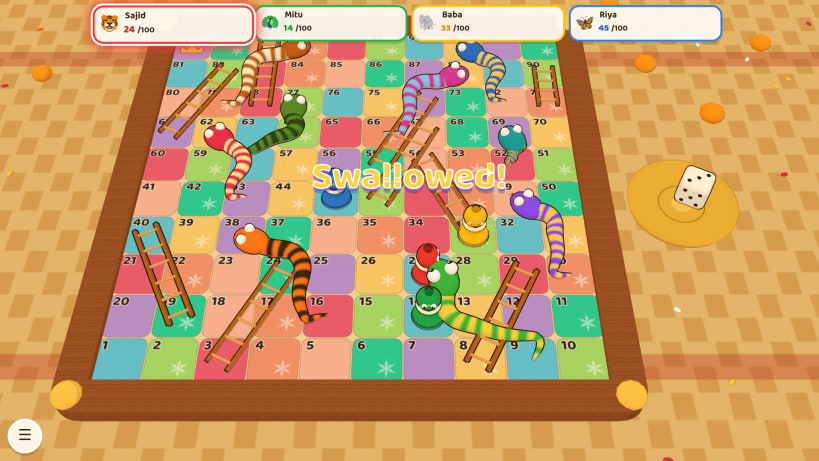
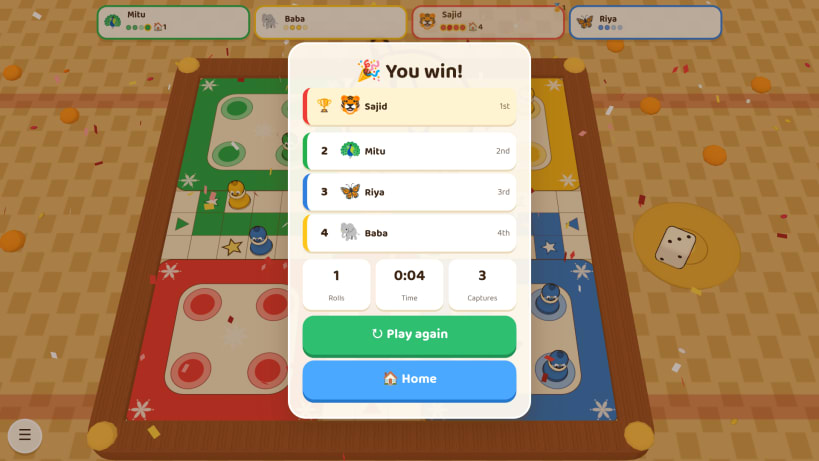
Ludu (লুডু, Ludo) and Snakes and Ladders (সাপ লুডু, Shap Ludu, Saanp Seedhi) are the dice games every family in Bangladesh, India, Nepal, Pakistan and Sri Lanka grew up with: rainy afternoons, Eid and Puja holidays, everyone round the board at grandmother's house. Here are both games in one bright cartoon 3D app.
Features
লুডু আর সাপ লুডু, আমাদের ঘরের চিরচেনা ছক্কার খেলা, এবার এক অ্যাপে রঙিন কার্টুন ত্রিমাত্রিক রূপে। ২ থেকে ৪ জন খেলো: কম্পিউটারের সাথে, একই কম্পিউটারে বন্ধুদের সাথে, অথবা রুম কোড দিয়ে অনলাইনে। নিজের প্রোফাইল, খেলার ইতিহাস, বাংলা আর ইংরেজি, পুরোপুরি অফলাইন, কোনো বিজ্ঞাপন নেই।
Search: ludo, ludu, ludo game, ludo board game, snakes and ladders, snake and ladder, snakes ladders, snake ladder game, shap ludu, sap ludu, saap ludo, shap ludo, sap sidi, saanp seedhi, saap seedi, sap shidi, chutes and ladders, pachisi, parcheesi, chaupar, chaupad, chausar, gyan chaupar, mokshapat, moksha patam, paramapadam, parama padam, vaikunthapali, dice game, board game, family game, 2 3 4 players, offline, bangladesh, india, nepal, pakistan, sri lanka, south asia, bangla game, desi game. বাংলা: লুডু, লুডো, সাপ লুডু, সাপ-লুডু, সাপলুডু, সাপ সিঁড়ি, পাশা, ছক্কা। हिन्दी / नेपाली / मराठी: लूडो, लुडो, साँप सीढ़ी, सांप सीढ़ी, साँप-सीढ़ी, साप शिडी, पच्चीसी, चौपड़, मोक्षपट। اردو: لوڈو، سانپ سیڑھی۔ ગુજરાતી: લુડો, સાપ સીડી. ਪੰਜਾਬੀ: ਲੂਡੋ, ਸੱਪ ਪੌੜੀ. ଓଡ଼ିଆ: ଲୁଡୋ, ସାପ ସିଡ଼ି. தமிழ்: லூடோ, பரமபதம், பாம்பு ஏணி. తెలుగు: లూడో, వైకుంఠపాళి, పాము నిచ్చెన. ಕನ್ನಡ: ಲೂಡೋ, ಹಾವು ಏಣಿ ಆಟ. മലയാളം: ലൂഡോ, പാമ്പും കോണിയും. සිංහල: ලූඩෝ.
Published by Abacus IT (https://abacusitbd.com).
You are about to open
Do you wish to proceed?
Thank you for your report. Information you provided will help us investigate further.
There was an error while sending your report. Please try again later.
Snaps are applications packaged with all their dependencies to run on all popular Linux distributions from a single build. They update automatically and roll back gracefully.
Snaps are discoverable and installable from the Snap Store, an app store with an audience of millions.
On Arch Linux, snap can be installed from the Arch User Repository (AUR). The manual build process is the Arch-supported install method for AUR packages, and you’ll need the prerequisites installed before you can install any AUR package. You can then install snap with the following:
git clone https://aur.archlinux.org/snapd.git
cd snapd
makepkg -si
Once installed, the systemd unit that manages the main snap communication socket needs to be enabled:
sudo systemctl enable --now snapd.socket
If AppArmor is enabled in your system, enable the service which loads AppArmor profiles for snaps:
sudo systemctl enable --now snapd.apparmor.service
To enable classic snap support, enter the following to create a symbolic link between /var/lib/snapd/snap and /snap:
sudo ln -s /var/lib/snapd/snap /snap
Either log out and back in again, or restart your system, to ensure snap’s paths are updated correctly.
To install Ludu (লুডু) Ludo and Snakes and Ladders, simply use the following command:
sudo snap install ludu
Browse and find snaps from the convenience of your desktop using the snap store snap.
Interested to find out more about snaps? Want to publish your own application? Visit snapcraft.io now.