
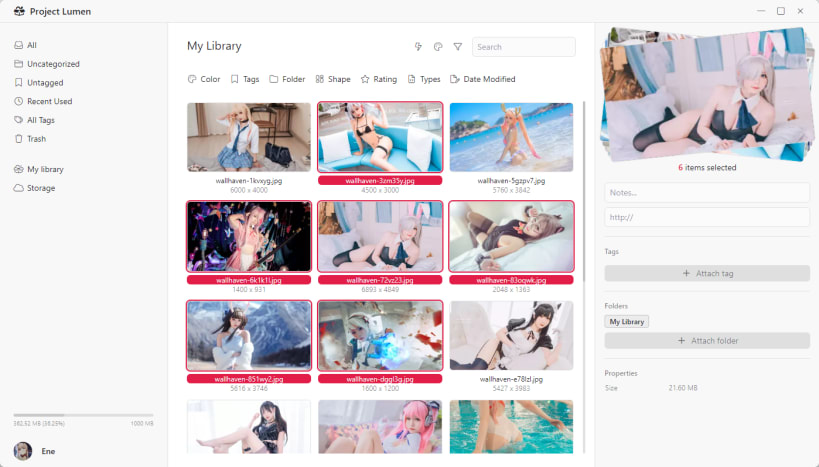
Project Lumen empowers you to organize, preview, and share your digital life effortlessly. Unlike traditional cloud providers, Lumen uses a Federated Vault model, giving you complete control over where your data lives—whether on European-based servers for strict privacy or US-based servers for global speed.
The desktop client provides a seamless interface to manage and access your files directly from your Linux desktop, ensuring your most important documents and memories are always accessible.
Key Features:
Account Requirement: A Project Lumen account is required to use this application. You can sign up for a Free Account (5 GB Storage included) directly at https://lumen.cool or within the application. Upgrade to higher tiers (up to 2 TB) at any time for more space and advanced collaboration features.
You are about to open
Do you wish to proceed?
Thank you for your report. Information you provided will help us investigate further.
There was an error while sending your report. Please try again later.
Snaps are applications packaged with all their dependencies to run on all popular Linux distributions from a single build. They update automatically and roll back gracefully.
Snaps are discoverable and installable from the Snap Store, an app store with an audience of millions.
Snap can be installed on Fedora from the command line:
sudo dnf install snapd
Either log out and back in again, or restart your system, to ensure snap’s paths are updated correctly.
To enable classic snap support, enter the following to create a symbolic link between /var/lib/snapd/snap and /snap:
sudo ln -s /var/lib/snapd/snap /snap
To install Project Lumen, simply use the following command:
sudo snap install lumen
Browse and find snaps from the convenience of your desktop using the snap store snap.

Interested to find out more about snaps? Want to publish your own application? Visit snapcraft.io now.