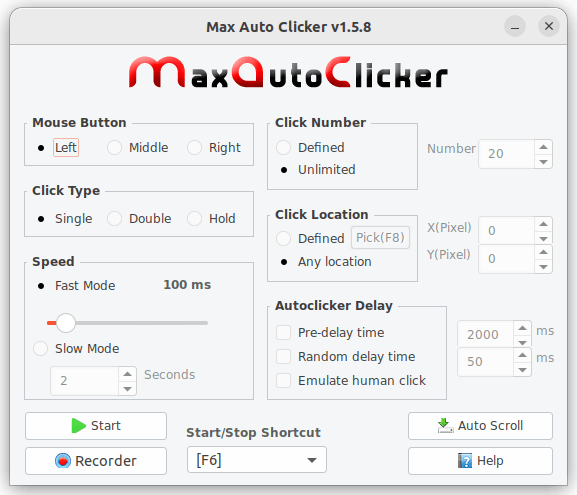
Max Auto Clicker is a free mouse automation tool that emulate and automate mouse clicking and help you of repeated click tasks. For example, it can be used in idle games, auto-refreshing web-browser, etc.
Important for Ubuntu 22 Gnome users only, execute these lines to disable Wayland.
sudo nano /etc/gdm3/custom.conf
And add this option after [daemon] section line:
WaylandEnable=false
Then restart your Gnome Display Manager (GDM) with this command:
sudo systemctl restart gdm3
Details for maxautoclicker
Package name
maxautoclicker
License
Proprietary
Last updated
7 January 2023 - latest/stable
This snap hasn't been updated in a while. It might be unmaintained and have stability or security issues.
(Ownership verified)
The publisher has verified that they own this domain.
It does not guarantee the Snap is an official upload
from the upstream project.
Enable snaps on KDE Neon and install maxautoclicker
Snaps are applications packaged with all their dependencies to run on all popular Linux distributions from a single build. They update automatically and roll back gracefully.
Snaps are discoverable and installable from the Snap Store, an app store with an audience of millions.
Enable snapd
Snap can be installed from the command line. Open the Konsole terminal and enter the following:
sudo apt update
sudo apt install snapd
Install maxautoclicker
To install maxautoclicker, simply use the following command: