
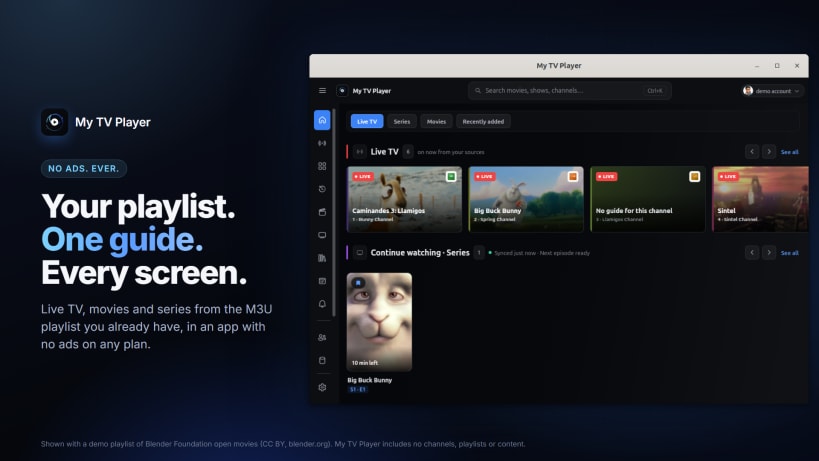
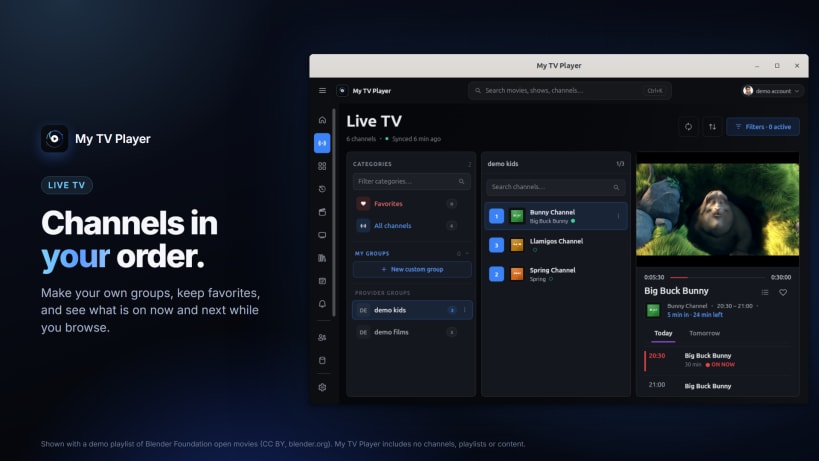
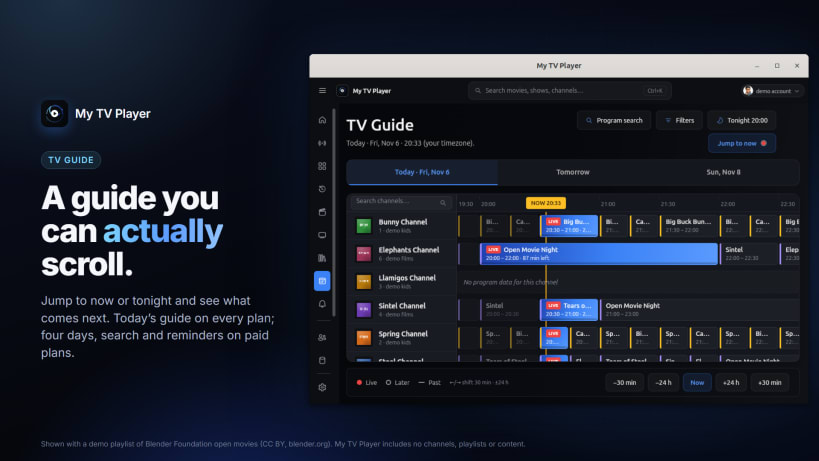
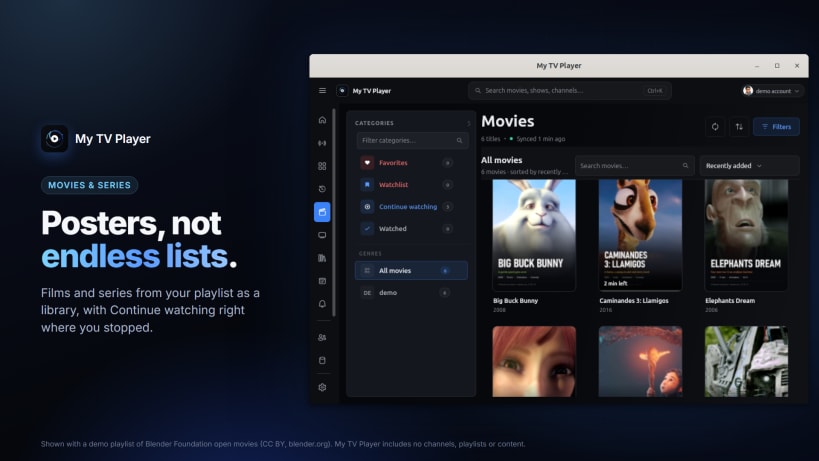
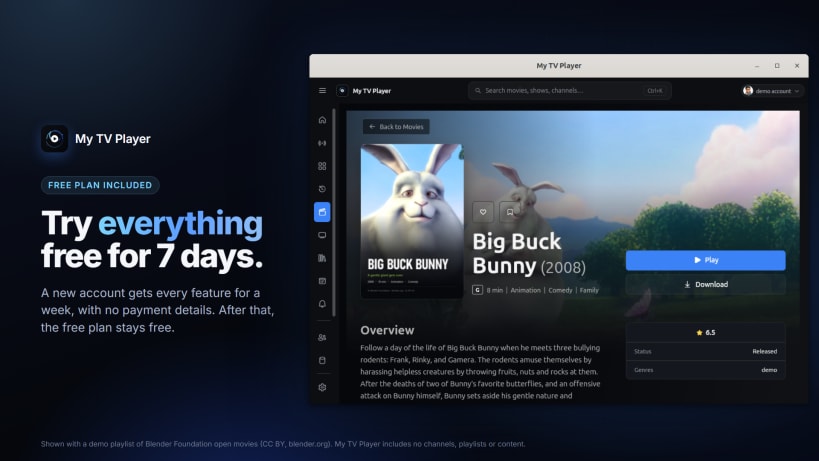
My TV Player is an IPTV player for the playlist you already have. Add your M3U playlist or the provider login your service gave you, and watch live TV, movies and series with a real TV guide. There are no ads on any plan, ever.
What you get
Plans
A My TV Player account is required. The Free plan stays free: one device, one profile, one playlist and today's guide from that playlist. Paid plans add the guide for today and the next 3 days, guide search and reminders, catch-up, recording, sync between devices, and more profiles and devices. A new account can try everything free for 7 days, with no payment details. This app sells nothing itself: it lists the app stores where plans are sold.
Languages
English, French, German, Spanish, Italian, Arabic, Turkish, Russian and Chinese (Simplified).
Good to know
My TV Player keeps your sign-in in the system keyring (GNOME Keyring or KWallet). If the app says it has no keyring, run snap connect mytvplayer:password-manager-service once.
My TV Player is a media player for IPTV streams. It does not provide, sell, or include any channels, playlists, streams, or content. Users must obtain content from a third-party provider of their choice.
You are about to open
Do you wish to proceed?
Thank you for your report. Information you provided will help us investigate further.
There was an error while sending your report. Please try again later.
Snaps are applications packaged with all their dependencies to run on all popular Linux distributions from a single build. They update automatically and roll back gracefully.
Snaps are discoverable and installable from the Snap Store, an app store with an audience of millions.
If you’re running Ubuntu 16.04 LTS (Xenial Xerus) or later, including Ubuntu 18.04 LTS (Bionic Beaver) and Ubuntu 20.04 LTS (Focal Fossa), you don’t need to do anything. Snap is already installed and ready to go.
For versions of Ubuntu between 14.04 LTS (Trusty Tahr) and 15.10 (Wily Werewolf), as well as Ubuntu flavours that don’t include snap by default, snap can be installed from the Ubuntu Software Centre by searching for snapd.
Alternatively, snapd can be installed from the command line:
sudo apt update
sudo apt install snapd
Either log out and back in again, or restart your system, to ensure snap’s paths are updated correctly.
To install My TV Player, simply use the following command:
sudo snap install mytvplayer
Browse and find snaps from the convenience of your desktop using the snap store snap.
Interested to find out more about snaps? Want to publish your own application? Visit snapcraft.io now.