
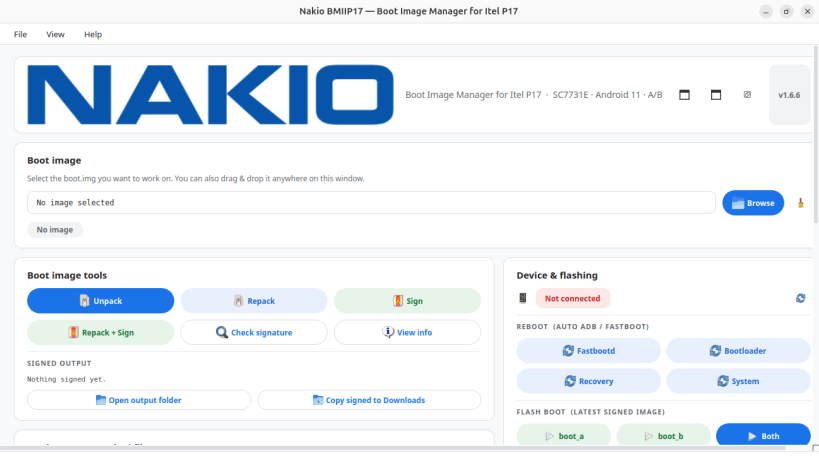
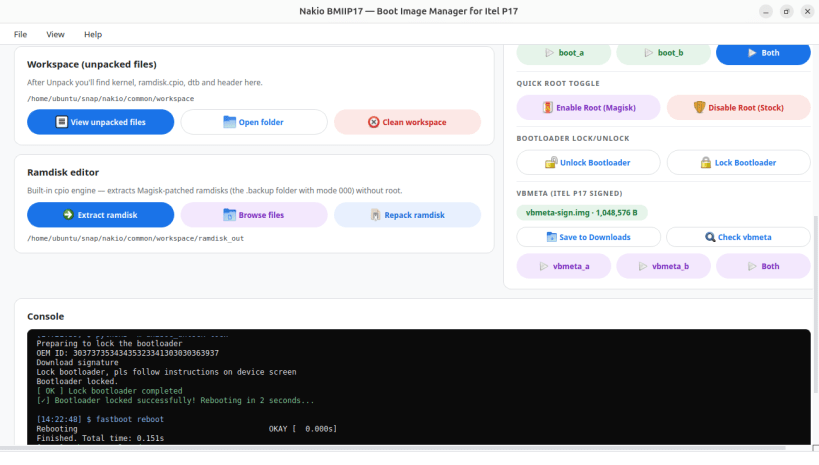
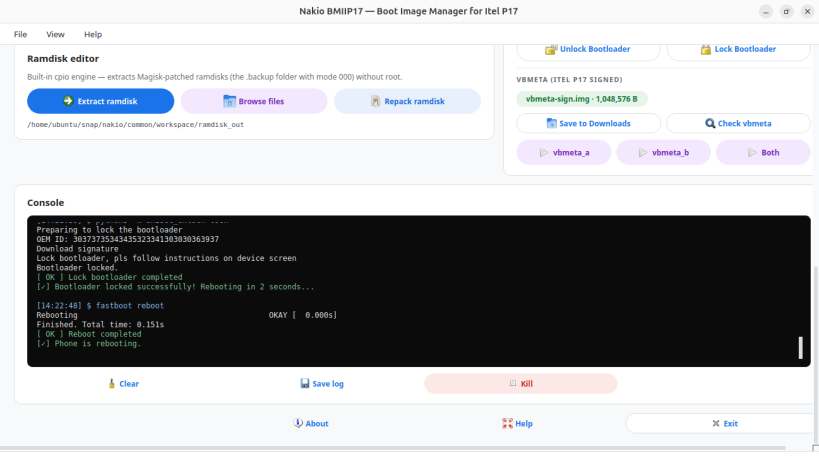
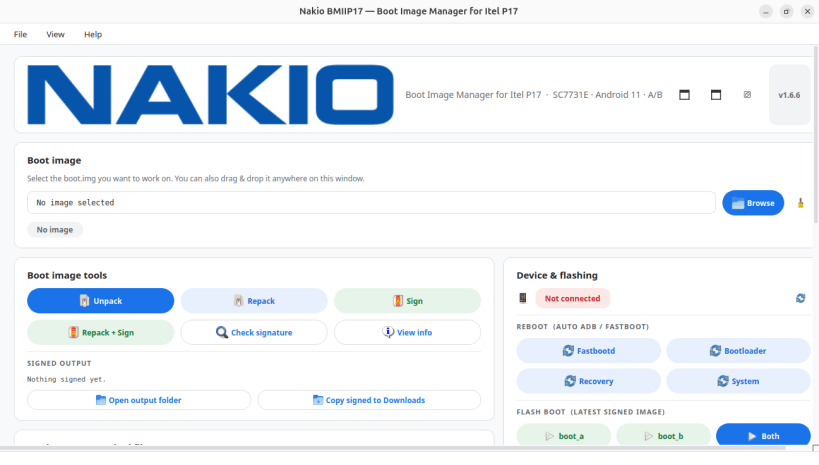
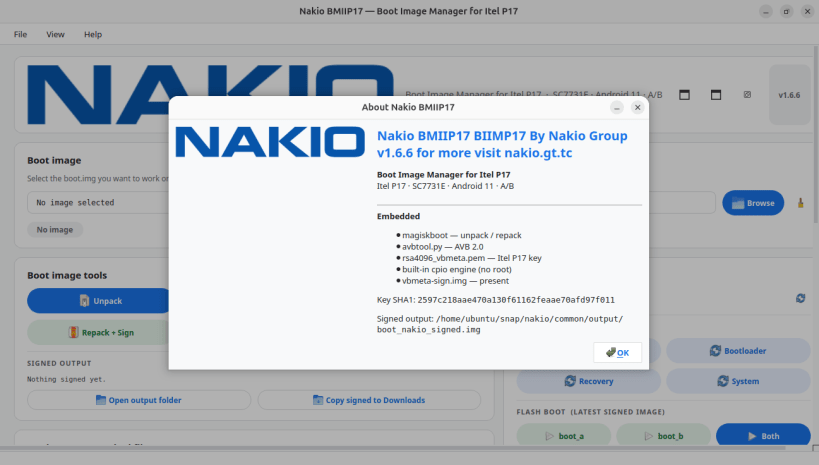
Nakio BMIIP17 is made SPECIFICALLY for rooting your Itel P17 and unlocking it's bootloader without headaches, as it also let you, unpacks Android boot images, lets you edit the ramdisk (including Magisk-patched ramdisks, no root needed), repacks them, signs them with AVB 2.0 (SHA256_RSA4096) and flashes boot_a / boot_b over fastboot. Built for the Itel P17 (SC7731E, Android 11, A/B). Everything is bundled: magiskboot, avbtool, adb, fastboot — works fully offline.
WARNING: TO MAKE THIS APP FULLY FUNCTIONAL After installing, YOU MUST run once: sudo snap connect nakio:raw-usb contact us about anything on e-mail nakiotunisia@gmail.com or whatsApp +216 58117887 for more things go to our website: https://nakio.gt.tc The hole tool is made by: Mouhamed Nadhem Elgharrese
You are about to open
Do you wish to proceed?
Thank you for your report. Information you provided will help us investigate further.
There was an error while sending your report. Please try again later.
Snaps are applications packaged with all their dependencies to run on all popular Linux distributions from a single build. They update automatically and roll back gracefully.
Snaps are discoverable and installable from the Snap Store, an app store with an audience of millions.
If you’re running Kubuntu 16.04 LTS (Xenial Xerus) or later, including Kubuntu 18.04 LTS (Bionic Beaver) and Kubuntu 18.10 (Cosmic Cuttlefish), you don’t need to do anything. Snap is already installed and ready to go.
Versions of Kubuntu between 14.04 LTS (Trusty Tahr) and 15.10 (Wily Werewolf) don’t include snap by default, but snap can be installed from the command line as follows:
sudo apt update
sudo apt install snapd
To install Nakio BMIIP17, simply use the following command:
sudo snap install nakio
Browse and find snaps from the convenience of your desktop using the snap store snap.

Interested to find out more about snaps? Want to publish your own application? Visit snapcraft.io now.