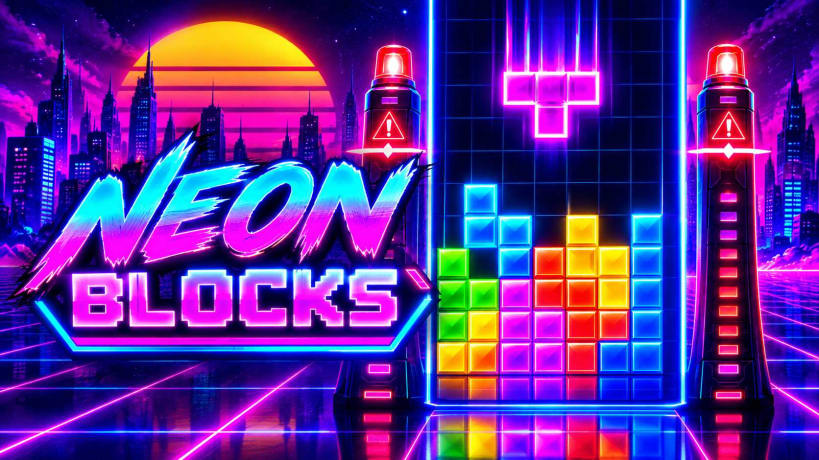
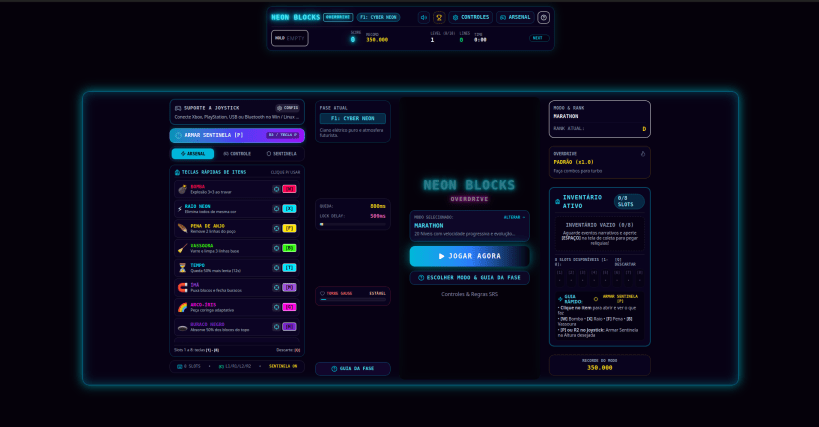
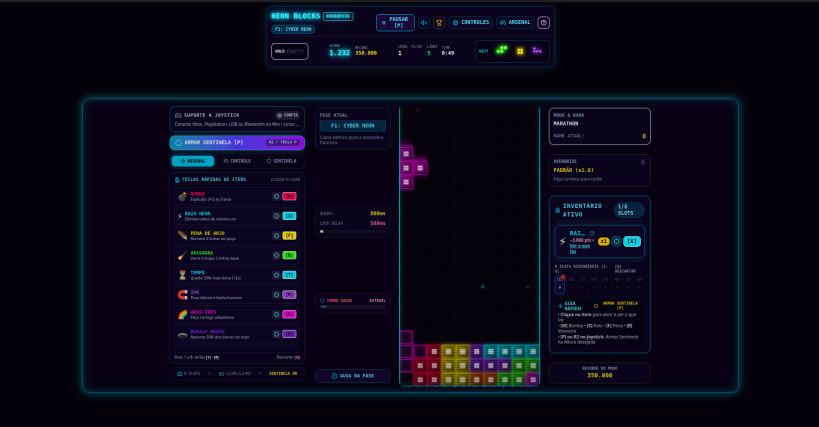
Neon Blocks is a high-octane cyberpunk arcade falling-blocks game inspired by classic 80s retro cabinets. Drop into a neon-drenched cyber grid, stack and rotate blocks with responsive Super Rotation System (SRS) physics, detonate tactical sentinels, and chase massive combo scores to the beat of an original procedural Synthwave soundtrack.
🧱 Key Features
- 100% Procedural Synthwave Web Audio: dynamic Korobeiniki synthwave tribute loop, driving bassline arpeggios, punchy 80s kick and snare, and reactive arcade SFX generated mathematically in real-time with zero external audio files.
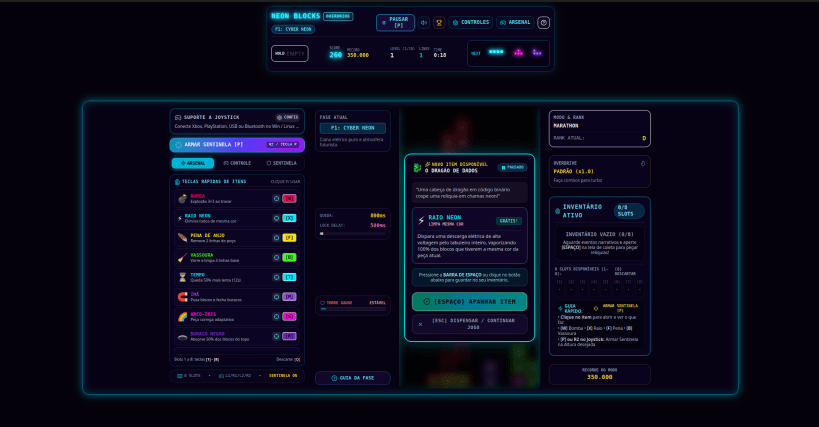
- Tactical Height Sentinel System: freeze time and position emergency items at any altitude line in the matrix. When tower blocks rise and cross your sentinel line, items detonate automatically to save you from a Game Over.
- 8-Slot Active Emergency Inventory: collect rare relics from narrative encounters (Wandering Merchant, Cosmic Slots, Data Dragon, Retro Ghost) and deploy 9 tactical artifacts: 3x3 Bomb, Neon Lightning, Angel Feather, Base Broom, Time Slow-Mo, Gravity Magnet, Rainbow Wildcard, Black Hole Vortex, and 50% Point Nuclear Reset.
- 4 Distinct Game Modes: Marathon Mode (20 progressive levels across 5 visual neon phases), Sprint 40L (speedrun 40-line sprint against the clock), Ultra 2MIN (frenetic 120-second score attack), and Chaos 30S (unpredictable Matrix gravity anomalies).
- Authentic SRS Physics & Scoring: official Super Rotation System wall kicks, T-Spins (Mini, Double, Triple), Perfect Clear bonuses, Overdrive combos, and Back-to-Back 1.5x multipliers.
- Native Gamepad & Joystick Support: plug-and-play support for Xbox, PlayStation, Nintendo Switch, and generic USB controllers with configurable shoulder buttons (L1, R1, L2, R2) and rumble vibration feedback.
- Cinematic Neon Aesthetic: dark high-contrast matrix with Higgsfield-inspired bloom, chromatic aberration, ghost piece projection, and particle bursts.
⌨️ Quick Keyboard Controls
- ← / → / A / D: Move block left / right (with DAS & ARR auto-repeat)
- ↓ / S: Soft Drop (faster fall)
- Space / ↑: Hard Drop (instant lock)
- Z / KeyPad 7: Rotate Counter-Clockwise
- X / Up / W: Rotate Clockwise
- C / Shift: Hold block (swap piece)
- P: Arm Tactical Sentinel (pause & set height trigger)
- 1 to 8: Use items in inventory slots 1 through 8
- W / X / F / B / T / M / G / H / K: Direct item activation hotkeys
- Q: Discard first inventory item
- ESC: Pause game
🎮 Gamepad / Joystick Controls
- D-Pad / Left Stick: Move & Soft Drop
- Button A (Cross): Rotate Clockwise
- Button B (Circle): Rotate Counter-Clockwise
- Button Y (Triangle): Hard Drop (Instant drop)
- Button X (Square): Quick Bomb 💣
- Bumper L1 (LB): Hold piece
- Bumper R1 (RB): Use next inventory item
- Trigger L2 (LT): Angel Feather 🪶
- Trigger R2 (RT): Arm Tactical Sentinel 🚨
- Start / Options: Pause game
💻 Built for Linux
- Wide compatibility: fully compatible with Wayland and X11 desktop environments (Ubuntu, Fedora, Debian, Pop!_OS, Manjaro, Arch, Linux Mint, and others).
- 100% offline & self-contained: zero network requirements; audio, visuals, and game engine run locally.
📦 Install via Snap
sudo snap install neon-blocks
Developed by Luiz Brandão.