


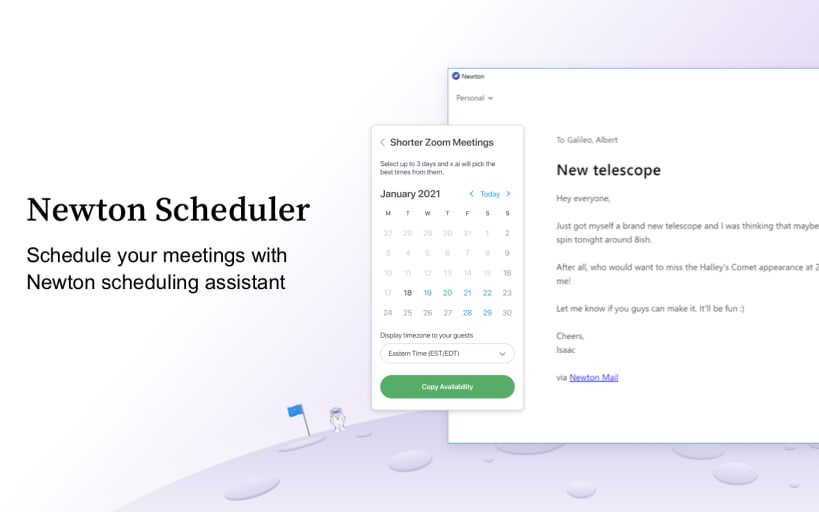
Newton mail supercharges your email at less than the price of a cup of coffee.
Two Times Webby Winner For the Best Designed App & Numerous other awards.
Loved by critics, press, and thousands of subscribers from across the globe.
"I've replaced my iPhone and Android apps with Newton. It's the best overall option with its reminders, improved search, cross-app cooperation and support for many email providers" - Joanna Stern, WSJ "With Newton, you’ll be amazed how much more productive your emailing on the go gets" - Allison Stadd, TIME “Excellent option if you use multiple platforms, particularly if you value minimalism” - Nathan Ingram, Engadget “Newton is the email app that you will still be using five years from now.” - Jack Busch, Groovy Post “There’s Still Hope For Email” - Jared Newman, Fast Company “My favorite email app for Mac and the iPhone” - Lory Gil, iMore
Declutter your busy-inbox. Unleash Speed. Communicate Better.
Newton helps busy professionals and teams go through their email twice as fast. Cutting down complexity with a minimal interface helps professionals manage emails with a smile.
Works with Gmail, Exchange, Yahoo Mail, Hotmail/Outlook, iCloud, Google Apps, Office 365 and all IMAP accounts.
Sign Up Once, Use Everywhere
Use your Newton account to instantly access your email anytime, across ALL your devices - be it iPhone, iPad, PC or Mac. Email preferences & settings are synced magically on every device, without having to set up your account all over again.
Why Newton is the only email app you need
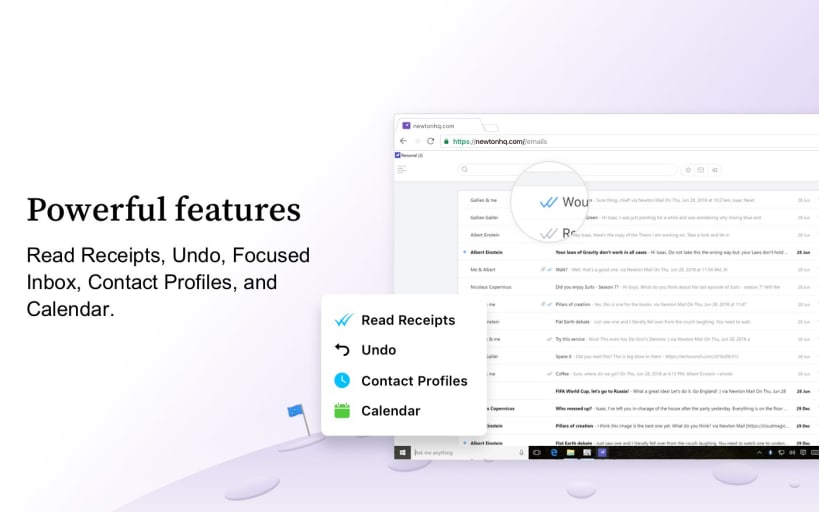
Send Later Schedule emails to be sent later and have them delivered to the recipient’s inbox at just the right moment.
Tidy Inbox Focus on emails that matter. Weed out newsletters and social media emails to another folder and make your inbox distraction-free. Think Gmail tabs for all email accounts.
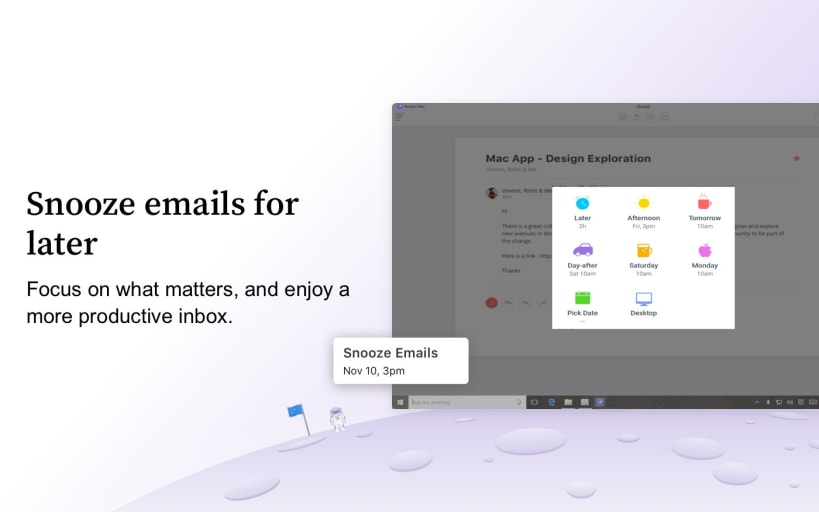
Snooze Set your emails to come back to Inbox at a more convenient time. Snooze emails, not productivity.
Connected Apps Finish your workflow without leaving your email. Add important emails to your favorite productivity apps like Todoist, Evernote, OneNote, Pocket, Trello, Wunderlist, Instapaper & more.
Undo Send Pull back that email blunder you just sent. Especially useful when you’re on mobile and need to reply in a hurry.
Recap Recap automatically brings back conversations that are waiting for your reply or that need following up. It also covers other mails with due dates, reminders etc., so that nothing slips through the cracks. (Available only in English)
Instant push notifications for ALL types of email Gmail, Hotmail/Outlook, Exchange, Yahoo Mail, iCloud, Google Apps, Office 365 and any IMAP account.
Introducing Email Templates - You can now use canned messages for quick replies or creating new emails. Templates help you reuse common workflows like sending links, attachments, images, or text. We also support sharing of your templates with fellow Newton users.
Snippets - Snippets are a super simple way to add your templated emails to your existing emails.
Publicly share emails with a link - Ever tried forwarding emails with groups of people? Or wished you could just share emails or attachments over Slack? Now you can share an email by copying a link from the email options menu.
Link Receipts (LR) and Feed - You can now enable notifications for when links you email someone get clicked. We are also adding a feed to centralize all your RR and LR notifications.
And much more…
Privacy, Promised! Newton does NOT track your location. NO in-app targeted Ads PRIVACY GUARANTEE— Newton is ad-free and does not rent, sell, distribute or monetize on your data. To anyone. Ever.
You are about to open
Do you wish to proceed?
Thank you for your report. Information you provided will help us investigate further.
There was an error while sending your report. Please try again later.
Snaps are applications packaged with all their dependencies to run on all popular Linux distributions from a single build. They update automatically and roll back gracefully.
Snaps are discoverable and installable from the Snap Store, an app store with an audience of millions.
Snap can be installed from the command line. Open the Konsole terminal and enter the following:
sudo apt update
sudo apt install snapd
To install Newton Mail, simply use the following command:
sudo snap install newton
Browse and find snaps from the convenience of your desktop using the snap store snap.

Interested to find out more about snaps? Want to publish your own application? Visit snapcraft.io now.