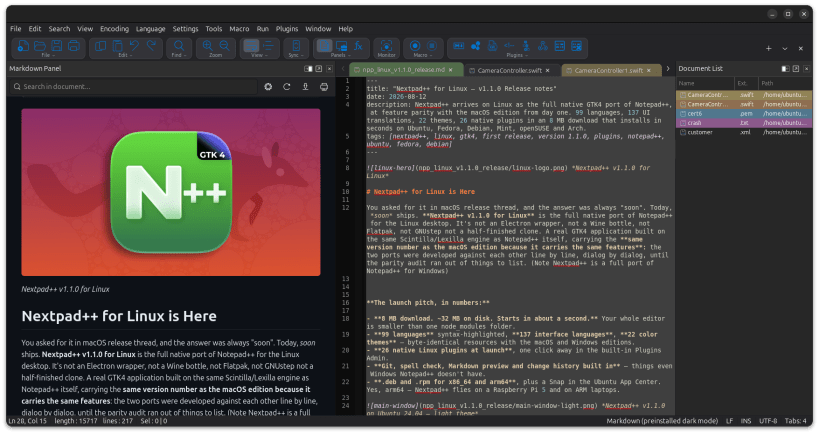
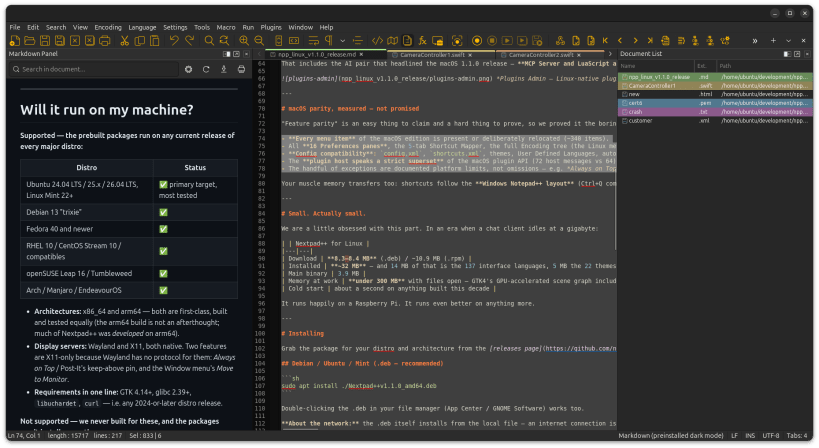
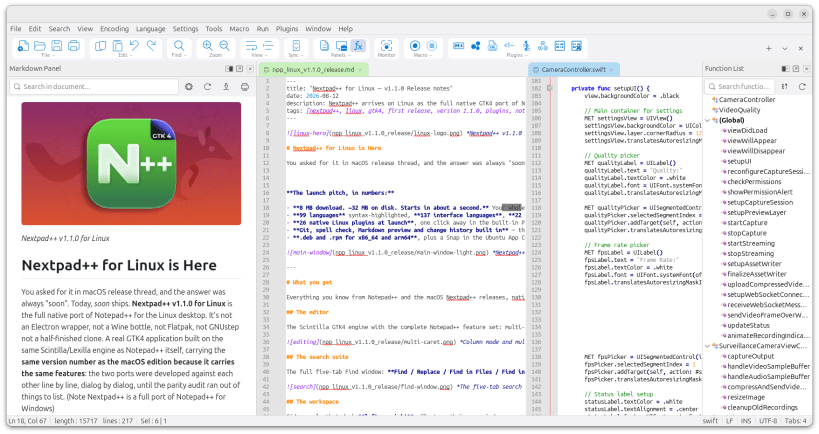
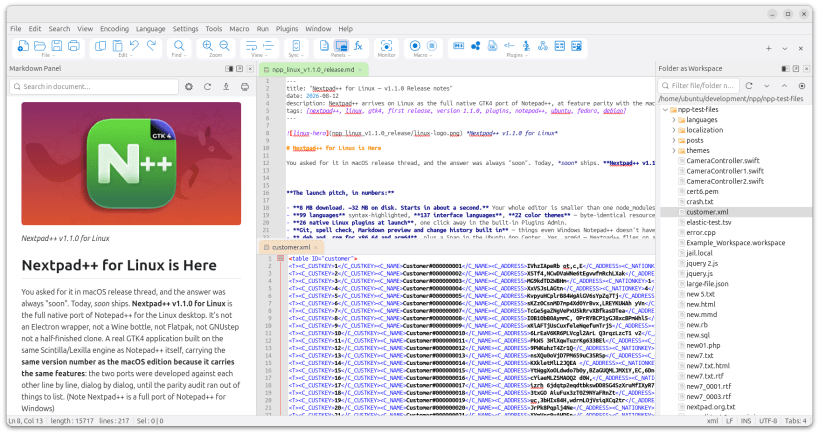

Nextpad++ is a full native Linux port of the Notepad++ text editor, built with GTK4 and the Scintilla editing component that was fully ported to GTK4.
Multi-tab editing, full find/replace with regular expressions, split views, side panels (Document List, Function List, Document Map, Workspace, Git), macros, per-language syntax highlighting, User Defined Languages and UDL Admin with the ability to import Notepad++ and Sublime UDLs , session persistence, automatic backups, a plugin SDK with a Plugins Admin catalog , a command palette, batch processing to run macros on folders and files.
Nextpad++ also available for macOS with both having full parity with Notepad++ for Windows
You are about to open
Do you wish to proceed?
Thank you for your report. Information you provided will help us investigate further.
There was an error while sending your report. Please try again later.
Snaps are applications packaged with all their dependencies to run on all popular Linux distributions from a single build. They update automatically and roll back gracefully.
Snaps are discoverable and installable from the Snap Store, an app store with an audience of millions.
Snap can be installed from the command line. Open the Konsole terminal and enter the following:
sudo apt update
sudo apt install snapd
To install Nextpad++, simply use the following command:
sudo snap install nextpad
Browse and find snaps from the convenience of your desktop using the snap store snap.

Interested to find out more about snaps? Want to publish your own application? Visit snapcraft.io now.