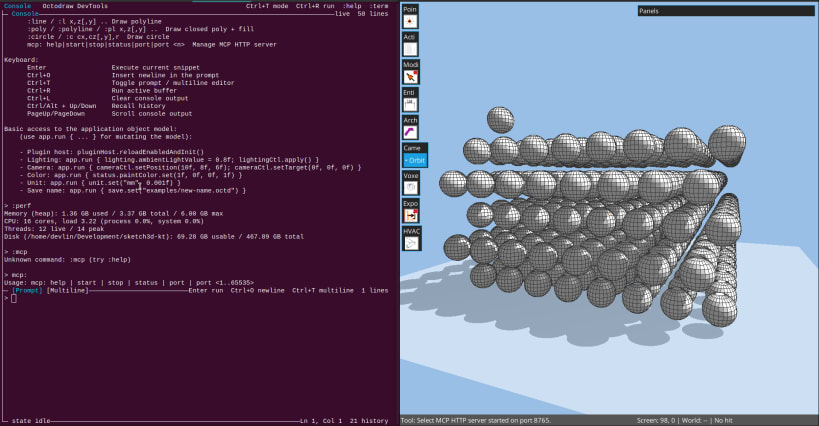
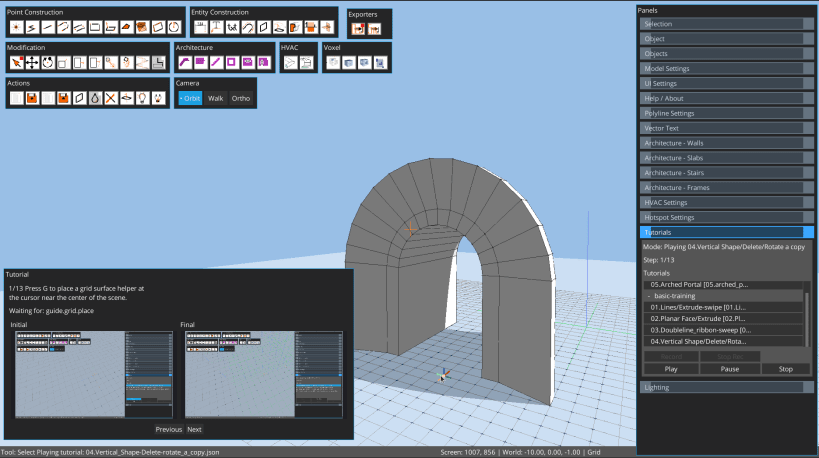
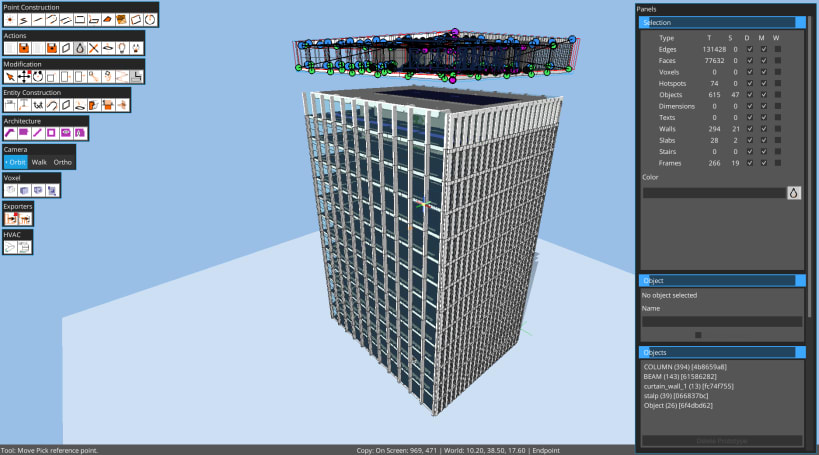
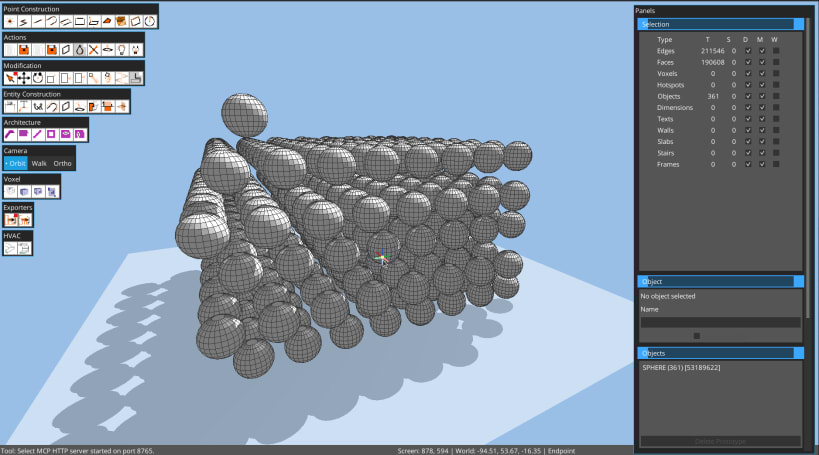
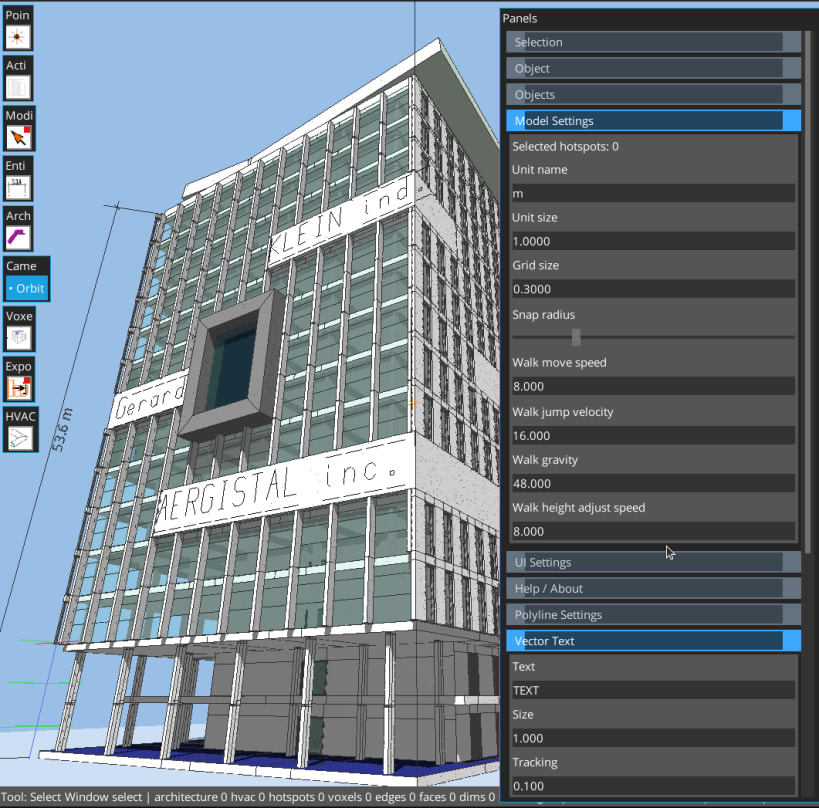
Octodraw is a desktop class multiplatform modeler for fast, direct 3D sketching. It focuses on edges, planar faces, and tool-driven workflows with precise snapping, dynamic groups (objects).
Octodraw is 100% privacy oriented and puts your privacy, data sovereignty, application sovereignty and ultimately your freedom at the top of the priorities list.
Octodraw supports multiple platforms (linux, windows, mac and android ) with the same file format. you own your files and own your work, your work is portable across all these platforms.
Octodraw is extensible by plugins written in the groovy language (for now we can propose you only one plugin that exports to stl and obj formats )
The Android experience is currently optimized for external mouse + keyboard.
Octodraw focuses on geometry and modeling
Highlights Direct modeling: draw edges, create faces, and push/pull solids. Precision: snapping to grid, endpoints, midpoints, lines, faces, and guides. Object workflow: group geometry into reusable object prototypes and instances. Hotspot-driven visual programming for dynamic per-instance geometry behaviors. Measurements: linear dimensions, numeric input, and unit-aware modeling. Custom lighting and shadows with real-time controls. Groovy-powered dev console(not available yet on Android builds) and a plugin system.
Core tools
Select, Line, Rectangle, Surface Rectangle, Quad, Circle Push/Pull, Move, Rotate, Scale, Stretch Linear Dimension, Text, Paint, Object placement Eraser tool (placeholder in this build)
Selection and snapping
Click, window (left-to-right), crossing (right-to-left), and volume selection. Double-click groups to enter edit mode; double-click faces for coplanar selection; triple-click for connected geometry. Snap to grid intersections/lines, endpoints, midpoints, line segments, faces, and guides. Guides: G for grid guides, T for axis guides (Esc clears guides in Select mode). Undo/redo: Ctrl+Z / Ctrl+Y (or Ctrl+Shift+Z).
Objects (groups and prototypes) Create object prototypes from selection (Ctrl+G or Ctrl+O). Place instances via the Objects panel or Object tool. Edit an object by double-clicking an instance. Object definitions support hotspots - dynamic spots that allow you to manipulate each instance of a class of objects.
Panels and UI Selection, Object Info, Objects, Model Settings, Lighting, Plugin Manager. Action buttons: Cleanup, Delete, Flip Faces, Color, Lighting, Plugin Manager. Command Palette (Ctrl+Shift+P) for tools and panel actions. Architecture entities: Wall, Slab, Stair, holes ( in slabs and walls ), window frames. Minecraft/Roblox-like block-geometry: voxel, volume(fill of voxels), frame ( frame made of voxels) and voxelization function ( take a mesh and generate the voxelised equivalent ) Advanced Modification palette
You are about to open
Do you wish to proceed?
Thank you for your report. Information you provided will help us investigate further.
There was an error while sending your report. Please try again later.
Snaps are applications packaged with all their dependencies to run on all popular Linux distributions from a single build. They update automatically and roll back gracefully.
Snaps are discoverable and installable from the Snap Store, an app store with an audience of millions.
Snap can be installed on Pop!_OS from the command line. Open Terminal from the Applications launcher and type the following:
sudo apt update
sudo apt install snapd
Either log out and back in again, or restart your system, to ensure snap’s paths are updated correctly.
To install Octodraw, simply use the following command:
sudo snap install octodraw
Browse and find snaps from the convenience of your desktop using the snap store snap.

Interested to find out more about snaps? Want to publish your own application? Visit snapcraft.io now.