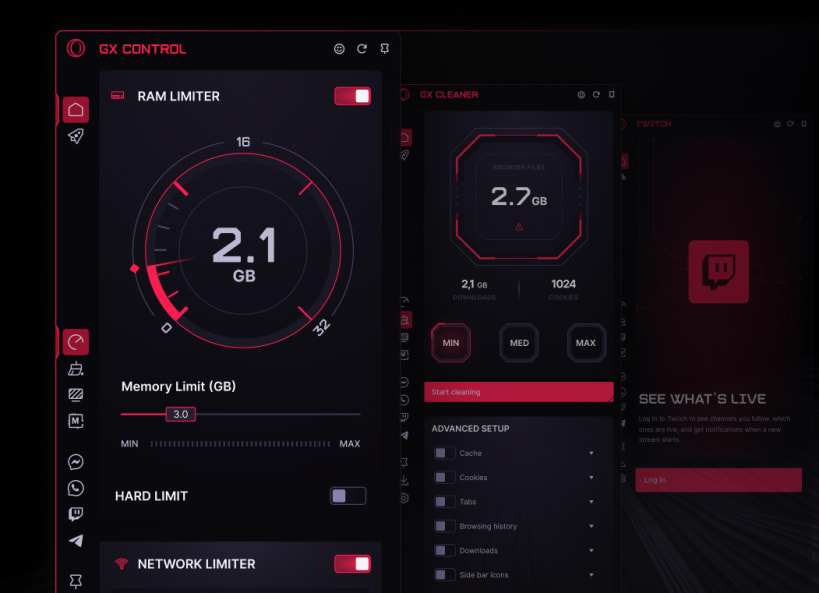
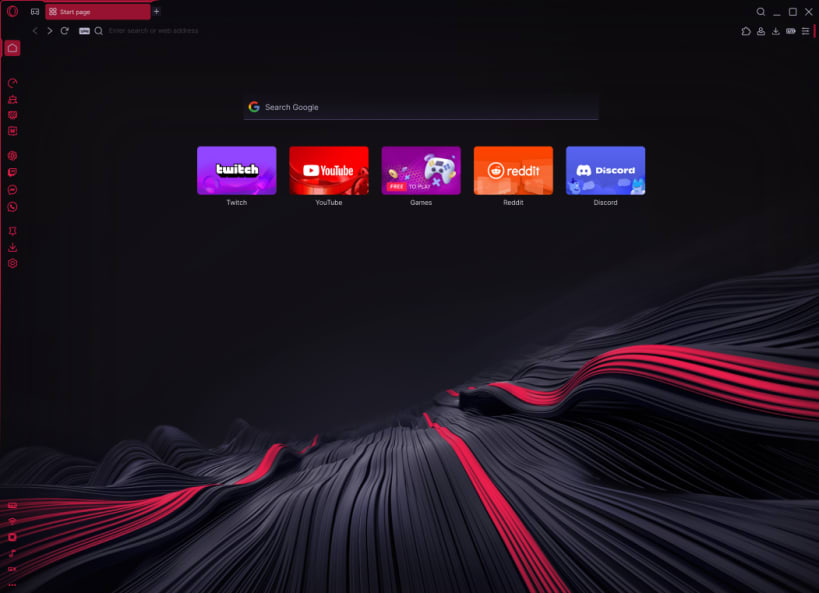
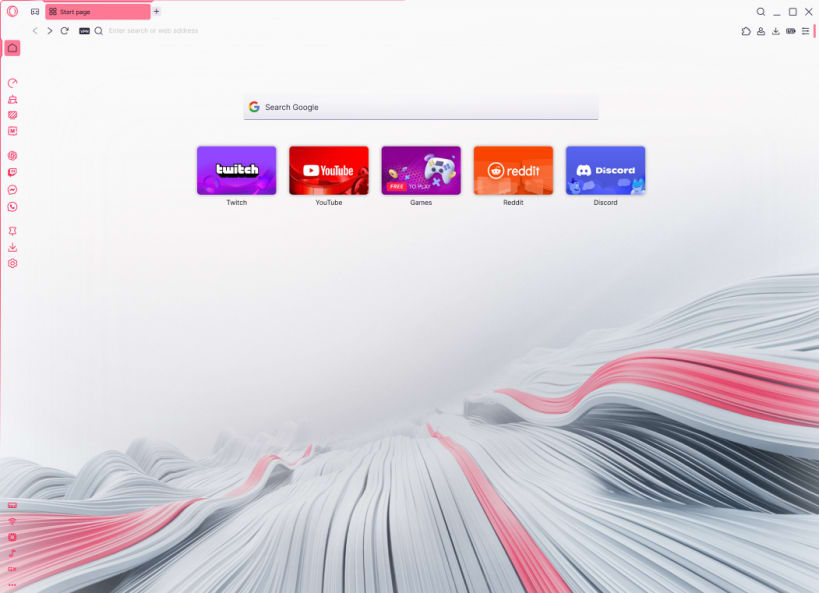
Opera GX doesn't play by regular browser rules. It isn't here to blend in. It's here to take over. Designed from the ground up for gamers, streamers, modders, and anyone who wants more say in how their browser looks, sounds, and performs. GX puts you in the driver's seat with unique performance features:
Personalize every pixel of GX with GX Mods. Customize your themes, sounds, wallpapers, shaders, splash screens, icons and more. Build your own mod or browse thousands of community creations in the GX Store.
Stay connected with your crew directly in the sidebar. Built-in Discord, Twitch, TikTok, WhatsApp, Instagram, Bluesky, Facebook Messenger, Telegram, or Slack — all fully integrated so you chat, stream and scroll without losing focus. Forget any tab overload.
GX Corner keeps you ahead of the game with free games, release calendars, gaming news and the hottest deals — all in one spot, updated daily.
Tune your audio with the built-in Music Player supporting Spotify, Apple Music, YouTube Music and more — no extra apps, no switching tabs. Protect your privacy with built-in Free VPN, Ad Blocker, Tracker Blocker, and Cryptomining Protection. And when things get awkward, hit Panic Button (F12) to instantly hide your session.
Your data stays yours — Opera GX follows strict security standards, with no-log VPN independently audited by Deloitte. Opera GX also includes:
With 30+ million users worldwide and a global Discord community shaping GX every day, Opera GX is way more than a browser. It becomes your personalized control room for gaming, creating, streaming… and getting things done. Download Opera GX and enjoy the Internet from your own POV.
You are about to open
Do you wish to proceed?
Thank you for your report. Information you provided will help us investigate further.
There was an error while sending your report. Please try again later.
Snaps are applications packaged with all their dependencies to run on all popular Linux distributions from a single build. They update automatically and roll back gracefully.
Snaps are discoverable and installable from the Snap Store, an app store with an audience of millions.
Snapd can be installed from Manjaro’s Add/Remove Software application (Pamac), found in the launch menu. From the application, search for snapd, select the result, and click Apply.
Alternatively, snapd can be installed from the command line:
sudo pacman -S snapd
Once installed, the systemd unit that manages the main snap communication socket needs to be enabled:
sudo systemctl enable --now snapd.socket
To enable classic snap support, enter the following to create a symbolic link between /var/lib/snapd/snap and /snap:
sudo ln -s /var/lib/snapd/snap /snap
Either log out and back in again, or restart your system, to ensure snap’s paths are updated correctly.
To install Opera GX, simply use the following command:
sudo snap install opera-gx
Browse and find snaps from the convenience of your desktop using the snap store snap.

Interested to find out more about snaps? Want to publish your own application? Visit snapcraft.io now.