
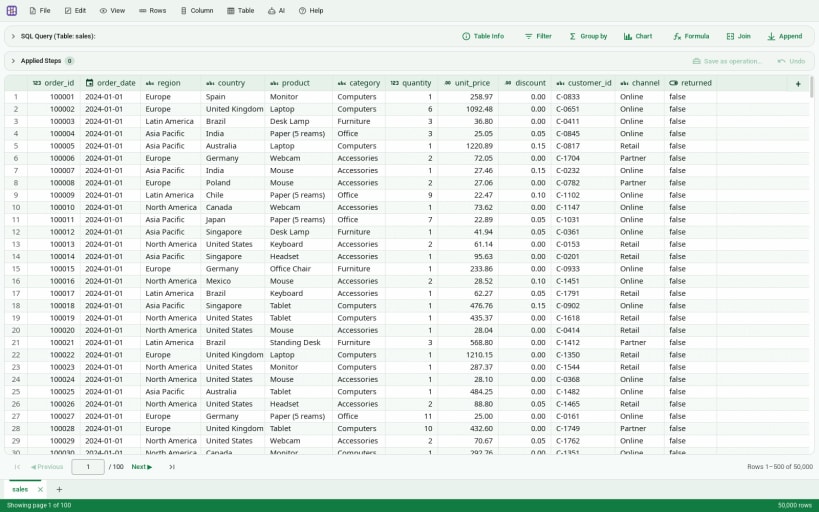
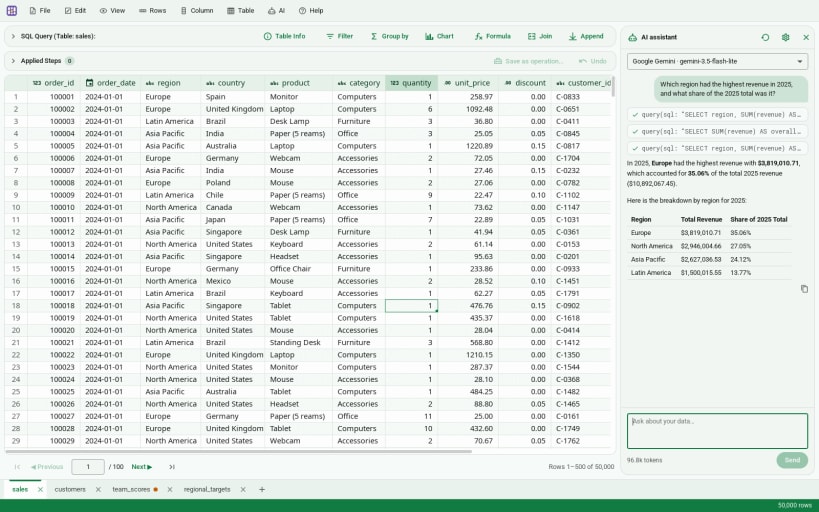
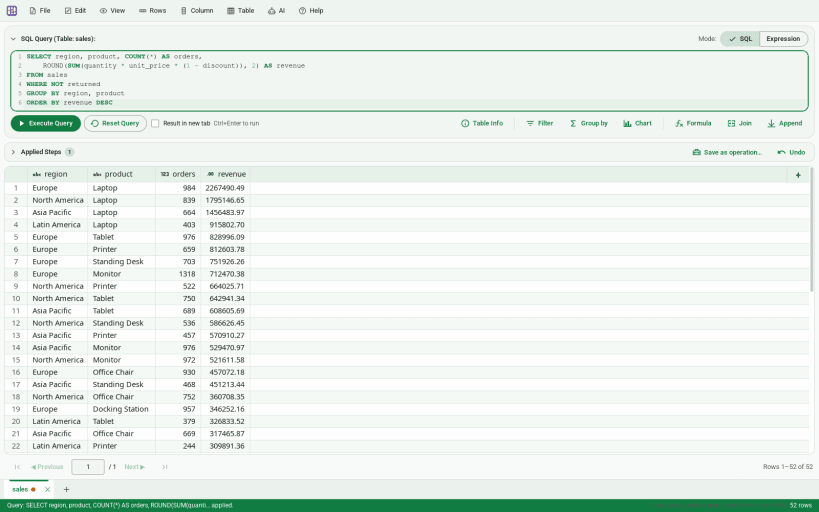
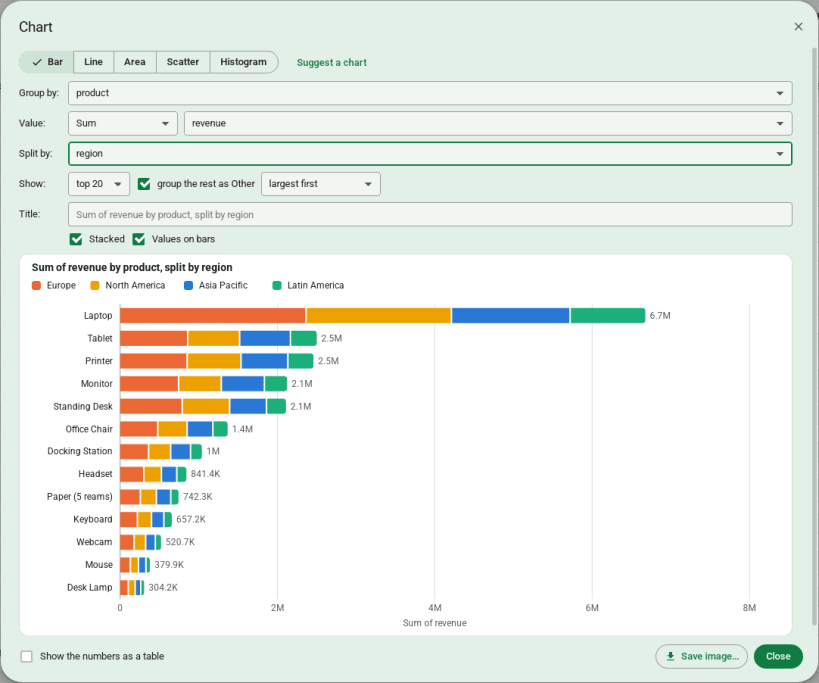
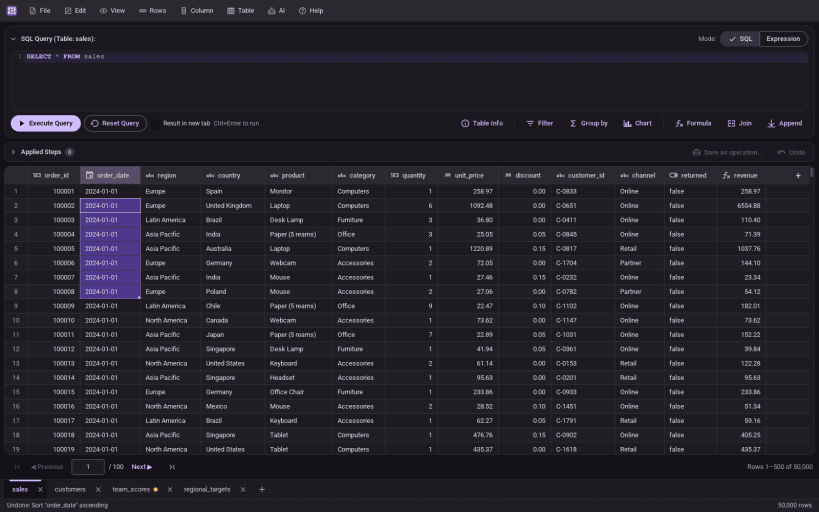
ParVu views and queries large Parquet, CSV, JSON and Excel files with DuckDB, without loading them into memory. Filter, sort, clean, reshape and edit tables without SQL, or use full DuckDB SQL; add formula columns, charts and conditional formatting, and save to Parquet, CSV, JSON, Excel or Markdown.
An MCP server (parvu mcp) lets Claude and other AI clients work on the
tables open in ParVu; every change they make is approved in ParVu first.
ParVu can open files in your home folder and, with the removable-media interface, in /media and /mnt. To keep AI API keys in the system keychain, run: snap connect parvu:password-manager-service
You are about to open
Do you wish to proceed?
Thank you for your report. Information you provided will help us investigate further.
There was an error while sending your report. Please try again later.
Snaps are applications packaged with all their dependencies to run on all popular Linux distributions from a single build. They update automatically and roll back gracefully.
Snaps are discoverable and installable from the Snap Store, an app store with an audience of millions.
Snap can be installed from the command line. Open the Konsole terminal and enter the following:
sudo apt update
sudo apt install snapd
To install ParVu - Large Table Viewer, simply use the following command:
sudo snap install parvu

Browse and find snaps from the convenience of your desktop using the snap store snap.

Interested to find out more about snaps? Want to publish your own application? Visit snapcraft.io now.