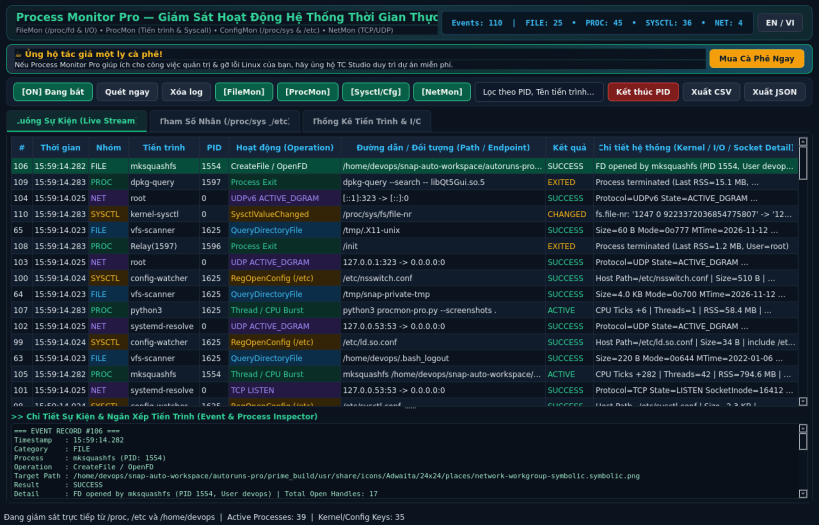
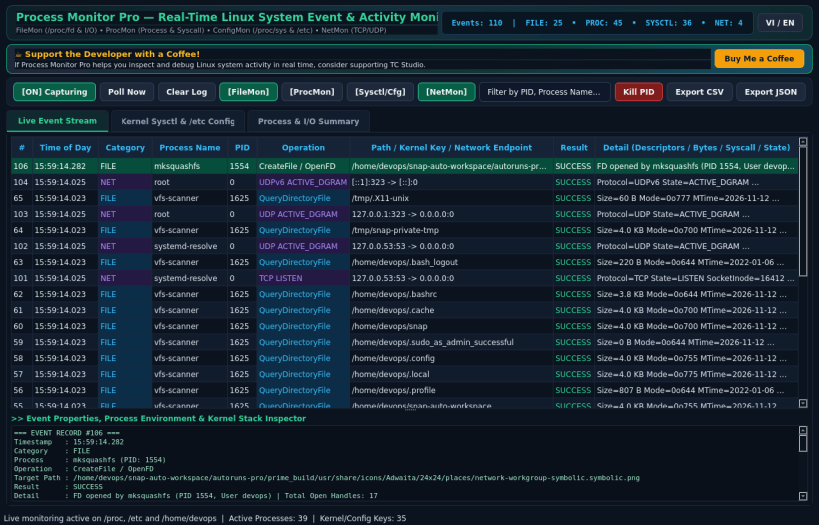
Process Monitor Pro - Real-time System Event & Activity Monitor
Process Monitor Pro (ProcMon Pro) is an advanced real-time monitoring tool for Linux
that captures live File System, Process/Thread, Kernel Sysctl & Config, and Network
activity directly from /proc and the Linux filesystem.
Key Features:
FileMon: Real-time file descriptor tracking (/proc/[pid]/fd), I/O byte deltas (/proc/[pid]/io), and recent file modifications in Home & /tmp.
ProcMon: Real-time process creation/termination, CPU & RSS memory tracking, active kernel wait channel (/proc/[pid]/wchan), and syscall inspection.
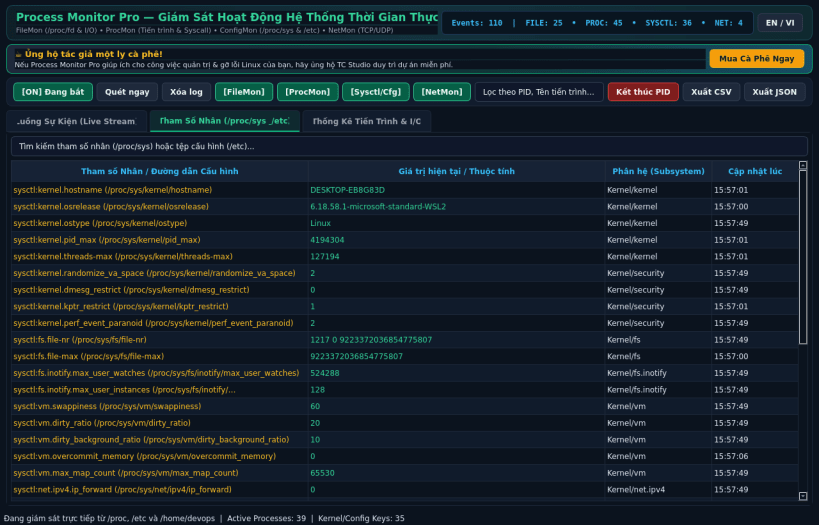
Config & Sysctl Inspector (RegMon equivalent): Live inspection of Linux kernel parameters (/proc/sys), /etc system configuration changes, and process environment variables.
NetMon: Active and new TCP/UDP/TCP6/UDP6 socket endpoints (/proc/net/tcp, /proc/net/udp) mapped to owning PIDs.
Instant category filtering, live search, detailed stack & property drawer, process management (SIGTERM/SIGKILL/SIGSTOP/SIGCONT), and CSV/JSON export.
Enable snaps on Pop!_OS and install Process Monitor Pro
Snaps are applications packaged with all their dependencies to run on all popular Linux distributions from a single build. They update automatically and roll back gracefully.
Snaps are discoverable and installable from the Snap Store, an app store with an audience of millions.
Enable snapd
Snap can be installed on Pop!_OS from the command line. Open Terminal from the Applications launcher and type the following:
sudo apt update
sudo apt install snapd
Either log out and back in again, or restart your system, to ensure snap’s paths are updated correctly.
Install Process Monitor Pro
To install Process Monitor Pro, simply use the following command: