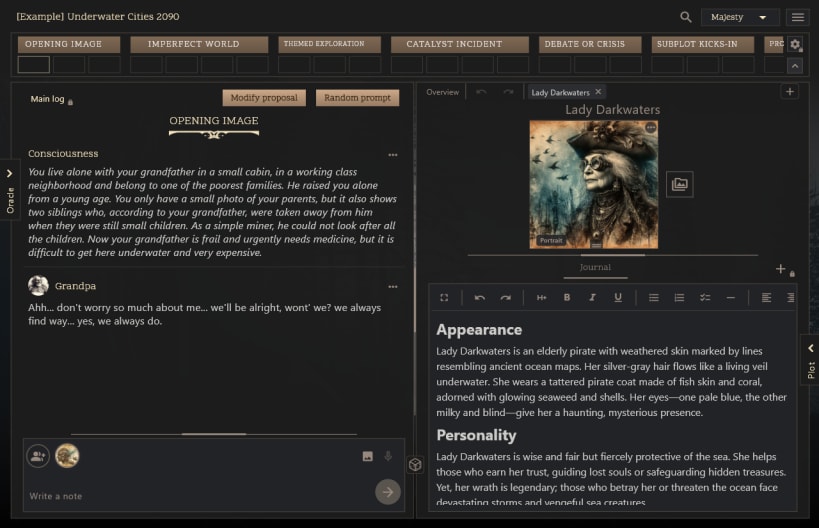
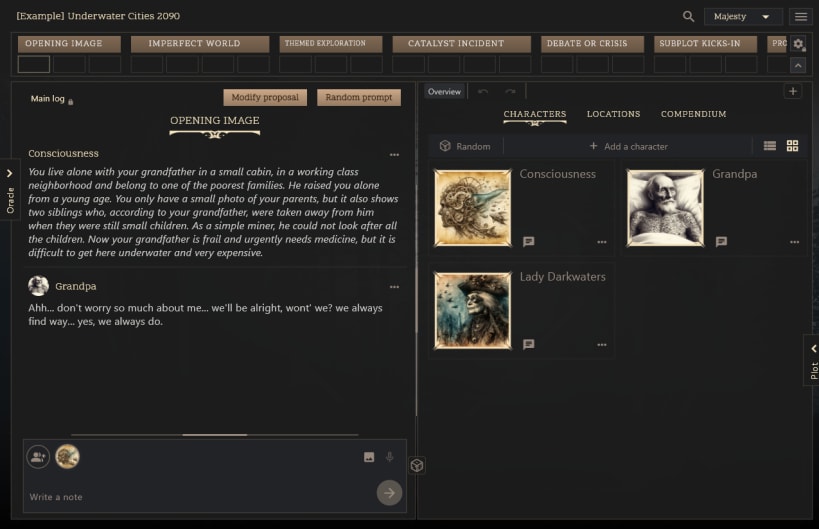
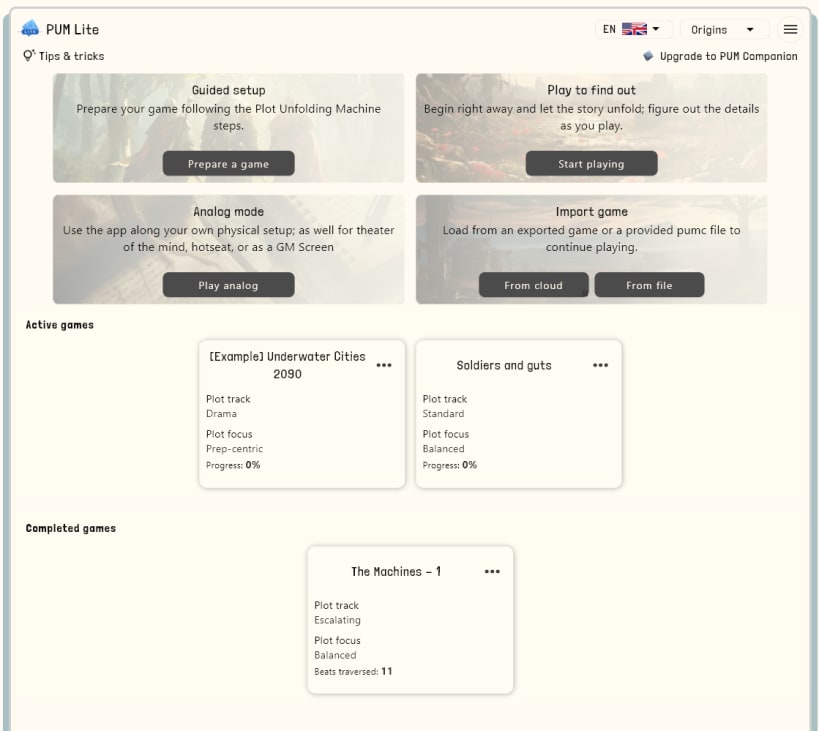
PUM Lite is a multi-platform journaling app designed for solo tabletop roleplaying and creative storytelling. Whether you are journaling a dark fantasy hex-crawl, playing D&D by yourself, exploring a sci-fi space opera, or using the built-in Plot Unfolding Machine ruleset, PUM Lite is your perfect, distraction-free digital companion.
The Plot Unfolding Machine is a game to play Role Playing Games by yourself, for storytelling and creative writing, and world building. Create stories on the fly using your own imagination, a plot structure to guide you, and a set of random prompts (oracles) that are going to give you an infinite source of ideas.
The rulebook of the Plot Unfolded Machine is recommended to enjoy the most of this app, particularly If you never did this hobby before. The app is however self-explanatory and has some basic instructions inside to get you going.
Supported languages: English, Spanish, French, German, Italian, Brazilian Portuguese, Chinese.
You are about to open
Do you wish to proceed?
Thank you for your report. Information you provided will help us investigate further.
There was an error while sending your report. Please try again later.
Snaps are applications packaged with all their dependencies to run on all popular Linux distributions from a single build. They update automatically and roll back gracefully.
Snaps are discoverable and installable from the Snap Store, an app store with an audience of millions.
Snap is available for CentOS 7.6+, and Red Hat Enterprise Linux 7.6+, from the Extra Packages for Enterprise Linux (EPEL) repository. The EPEL repository can be added to your system with the following command:
sudo yum install epel-release
Snap can now be installed as follows:
sudo yum install snapd
Once installed, the systemd unit that manages the main snap communication socket needs to be enabled:
sudo systemctl enable --now snapd.socket
To enable classic snap support, enter the following to create a symbolic link between /var/lib/snapd/snap and /snap:
sudo ln -s /var/lib/snapd/snap /snap
Either log out and back in again, or restart your system, to ensure snap’s paths are updated correctly.
To install PUM Lite, simply use the following command:
sudo snap install pum-lite
Browse and find snaps from the convenience of your desktop using the snap store snap.

Interested to find out more about snaps? Want to publish your own application? Visit snapcraft.io now.